




Blog overview
Start using SimpledCard immediately?
Check out our packages or contact one of our experts directly!
At Simpled Card, we are constantly improving our product. After an intensive process of testing and development, we offer you several new functionalities within our Card Management System (CMS).
Upcoming transactions Currently, you can see all spending made on a specific Simpled Card debit card in the transaction overview. With the new functionality, it is now also possible to see all upcoming transactions. As a result, these upcoming transactions will never again be debited unexpectedly and you will keep full control over the scheduled and recurring transactions of this debit card. You will find this functionality under the ‘Cards’ tab. In the card details of the specific debit card, you can see upcoming transactions in addition to the transaction overview.
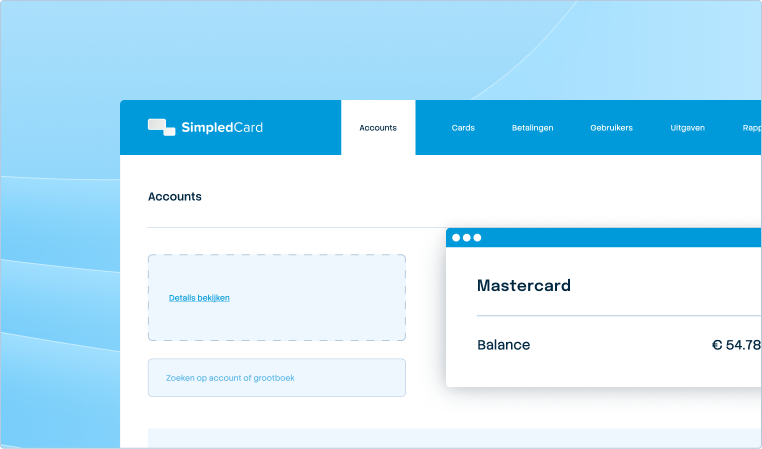
Periodic payment at account level Does your employee need the same spending limit on the Simpled Card debit card every period? With the new functionality within CMS, you can easily make an account-level recurring payment that tops up the card balance to a specified amount. To use account-level recurring payment, go to the ‘Accounts’ tab > ‘Transfers’ and select recurring transfer. Here you can then select the type: ‘Credit amount’ or ‘Top up to’. To make a recurring payment at account level, select ‘Top up to’.
Filter blocked payment cards It is now possible to filter blocked payment cards from the Card overview. This makes it easy to keep track of activated and blocked Simpled Card payment cards. This is possible by navigating to the ‘Cards’ tab and ticking ‘Show blocked cards’ next to the search function.
Want to know more about Simpled Card?