

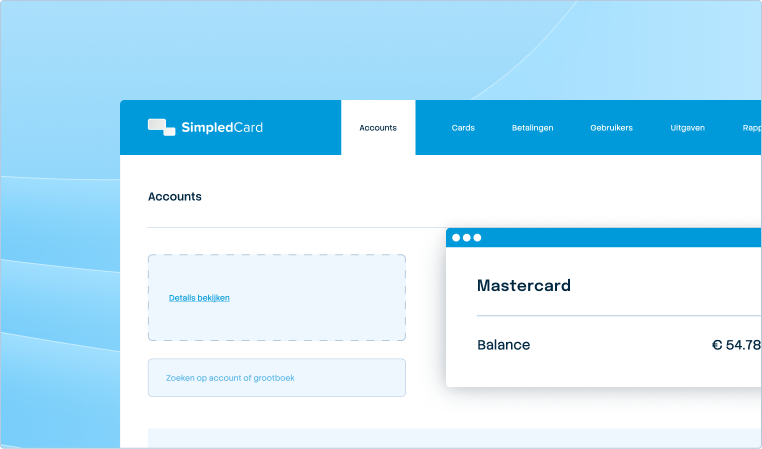




Pay suppliers without hassle, with full control.
Upload the invoice, approve it according to your rules and initiate payment directly from the platform. All in one flow with automatic integration to your accounting package.
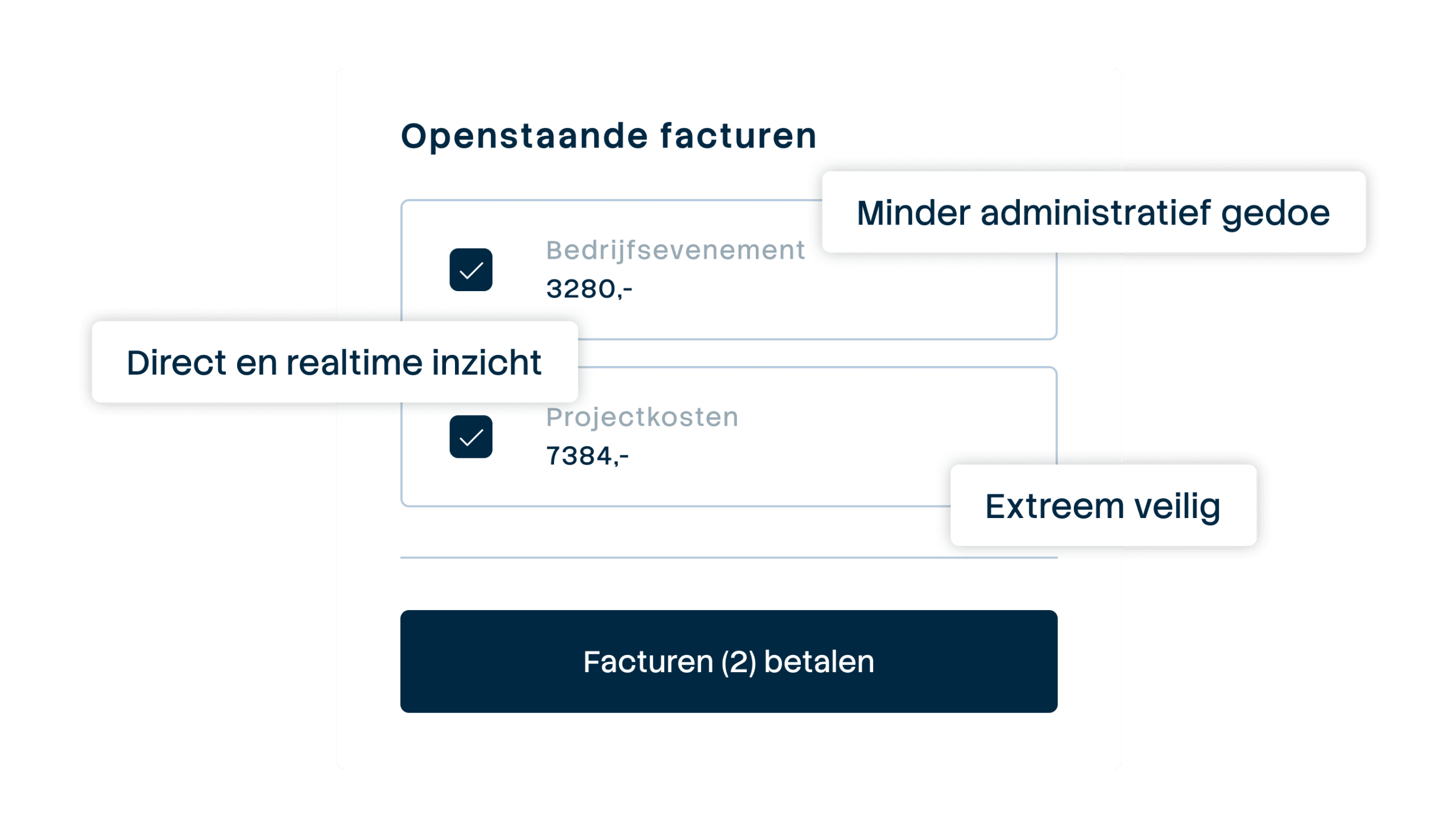







Pay one-time invoices in one integrated flow
Processing one-off invoices now takes you too much time: finding out who made the order, creating a PO or purchase order, waiting for a correct invoice, getting approval, booking manually and then organizing the payment. With SimpledCard, your employee uploads the invoice, initiates approval according to your workflow and initiates payment directly from the team budget. All steps run automatically in your administration and you see in real time where each invoice stands.

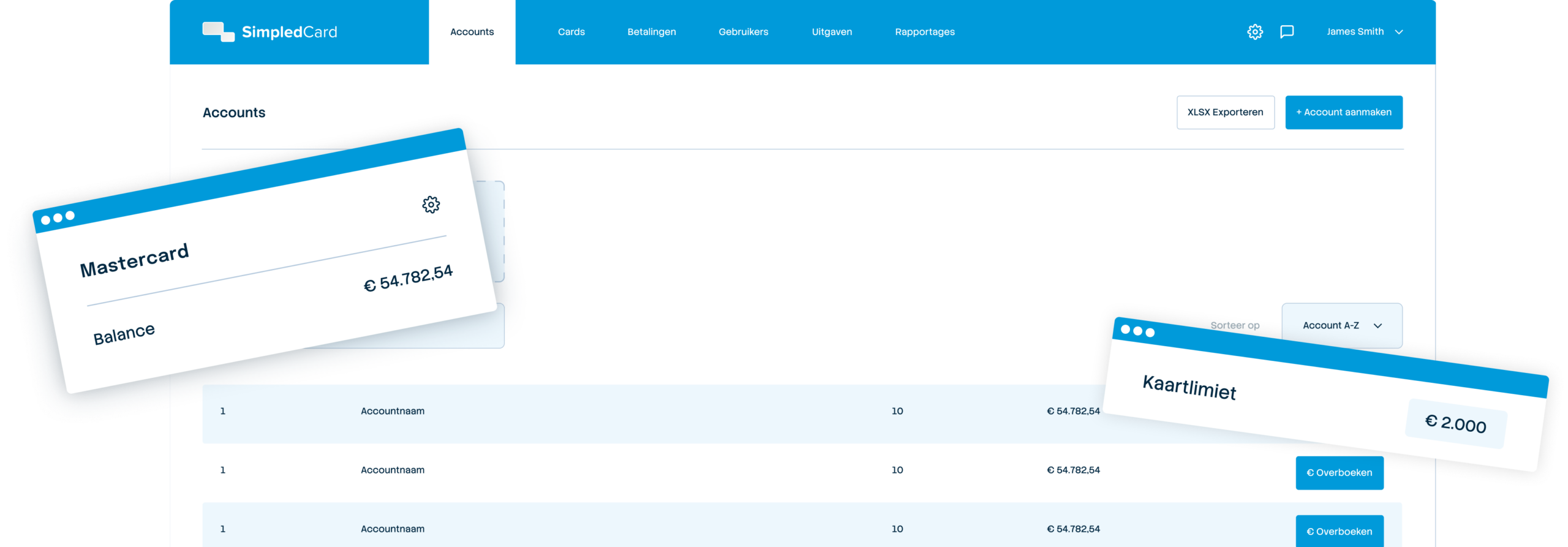
Weekly budget
€ 2000,-

From invoice to payment in one flow
Upload the invoice, approve it according to your rules and initiate payment directly from the platform. All steps are automatically linked to your records.

Full control with your approval rules
Control who approves invoices, set amount limits and configure multi-step approval for larger expenses. Everyone knows where they stand.

Automatic processing in your accounting system
Every paid invoice goes automatically to your accounting package with the correct general ledger account, cost centre and VAT split. No duplicate work.
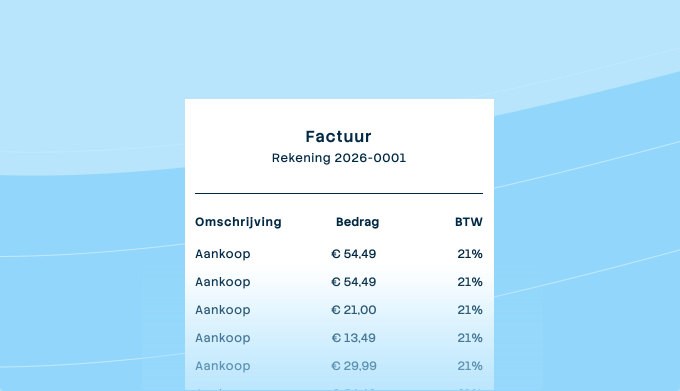
Upload invoices and send to the appropriate approver
Upload the invoice in the web app. Enter the amount, supplier and invoice date, and choose the cost type and cost centre or project. According to your approval rules, the invoice automatically goes to the right person, who can approve directly via the app. With multi-step approval, everyone knows exactly where the invoice is and what is still outstanding.

Pay with one click and maintain full control
If you choose a business bank account via Adyen, you can initiate the payout immediately from the appropriate balance in SimpledCard after approval and IBAN verification. No more hassle with SEPA files or extra work in your accounts payable department. In your dashboard, you can see which invoices are open, pending or paid, with full audit trail of all actions and people involved.
What our customers say
Thanks to SimpledCard, we have taken full control of our expenditure management. The real-time insights and automatic approvals save us a lot of time every day and ensure transparency within our team.
All teams now have payment cards to incur expenses. Budgets can be adjusted if required. All cash has now disappeared from the floor. Self-managed teams can effortlessly manage with SimpledCard.
The care teams account for expenses through the app, eliminating the need for us to manually enter hundreds of excel sheets. We can monitor expenditure in real time and intervene if necessary.
Claims are now always made digitally. We are up to date with processing expenses at project level a day later. The reservoir of advances and receipts has dried up thanks to SimpledCard.
How it works.
- 1. Upload the invoice in the web app
You receive an invoice from a supplier and upload it into SimpledCard. The system automatically reads out the amount, supplier, invoice number and invoice date, after which you can add the cost centre or project if necessary. If the invoice is unclear or data is missing, you will be notified to complete it manually before the invoice proceeds.
- 2. Approval automatically follows your rules
Based on the amount and cost centre, SimpledCard sends the invoice to the correct approver, who receives a notification via e-mail or in the mobile app. The approver sees the invoice with all relevant information and can directly approve or reject it, possibly with a comment why. For multi-step approvals, the invoice automatically moves on to the next person after the first signature until all required agreements are in.
- 3. Payment is made and recorded
If you choose a business bank account through Adyen, you can initiate the payment immediately from the appropriate balance in SimpledCard after approval and IBAN verification. Once the invoice has been approved, you initiate the payment in the web app, after which Adyen transfers the funds to the supplier. You receive a confirmation once the money has been transferred, and the payment is automatically sent to your accounting package with the correct general ledger account and cost centre. In your dashboard, you see the status of each invoice, from receipt to payment, with a full audit trail of all actions and people involved.
- 4. Monitor outstanding liabilities and cash flow
In the dashboard, you can see at a glance which invoices are due and when they expire, so you can plan your cash flow and never miss a due date. You can filter by supplier, period or cost centre, and export overviews to Excel or your BI tool with a single click. For the finance team, this means never again wasting time looking up invoices or manually tracking outstanding items.
Want to see how easy paying bills can be?
Schedule a demo and discover how to upload, approve and initiate payment of invoices in one integrated flow. Without manual retyping, without searching through mailboxes, and with full control over who approves what.
Finance teams about SimpledCard
Frequently asked questions
- How do I upload an invoice in SimpledCard?
You upload the invoice via the web app by clicking the upload button. The system automatically reads out. You check the amount, supplier, invoice number and date and add the cost centre or project if necessary. Then you send the invoice for approval.
- How exactly does the invoice approval workflow work?
You set once which invoices have to be approved by whom. You determine this based on cost centre or department. When an invoice is uploaded, the system automatically sends it to the correct approver. The latter receives a notification via e-mail or app and can approve or reject immediately. In case of multi-step approval, the invoice automatically goes to the next person.
- Can I set different approvers?
Yes, you configure this completely to your own requirements. For example, invoices go first to the department manager, then to the controller and then to the CFO. You also decide which departments have their own approvers. The system ensures that invoices always go to the right person.
- Are invoices automatically synced to my accounting package?
Yes, once an invoice is approved and paid, it automatically synchronizes with your accounting package such as AFAS or Exact Online. The correct general ledger account, cost centre and VAT split are included. You do not have to type anything in manually. Everything is immediately correct in your accounts.
- What happens if an invoice is rejected?
The person who uploaded the invoice immediately receives a notification with the reason for rejection. The person can amend and resubmit the invoice or permanently cancel the invoice. The full history is kept in the system. This makes it clear to everyone why an invoice has or has not been approved.
- Do I need to have a business account to pay invoices?
Of course, you can process them in the traditional way through your accounts payable and have them paid out through your accounting programme. If you want to initiate invoice payments directly from the SimpledCard platform, choose the business account via Adyen. After approval and IBAN verification, you initiate payment directly from the budget within the platform. This way, you avoid hassle with SEPA files and working in different systems and save a lot of time.
- How can I see which invoices are still outstanding?
In the dashboard, you can see all open invoices with their due dates in one overview. Filter by supplier, period or cost centre to find specific invoices. You also see invoices that are pending and invoices that have already been paid. Export these overviews with one click to Excel for cash flow planning.
Your platform for
simple spend management
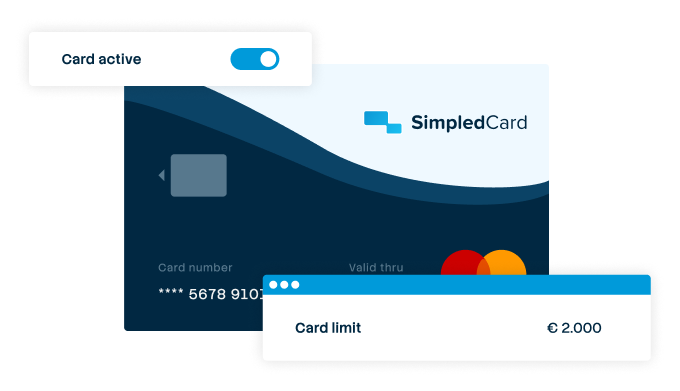

Give your team payment cards you manage yourself
Physical and virtual cards that you issue directly to employees or teams. Replace advances, petty cash and credit cards with one integrated solution.
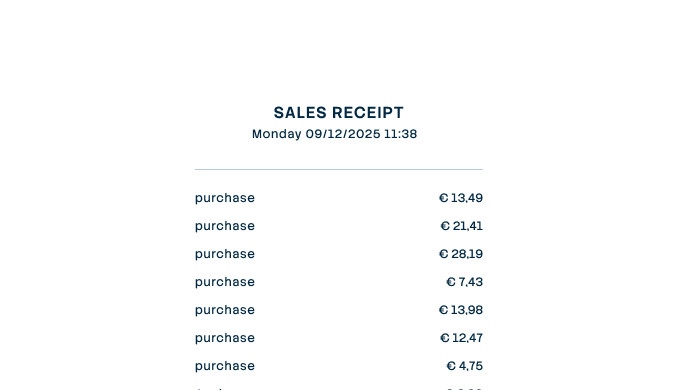

Settling expense claims in minutes
Employees photograph the receipt and add a short explanation. Process claims in one minute, without paperwork or red tape.
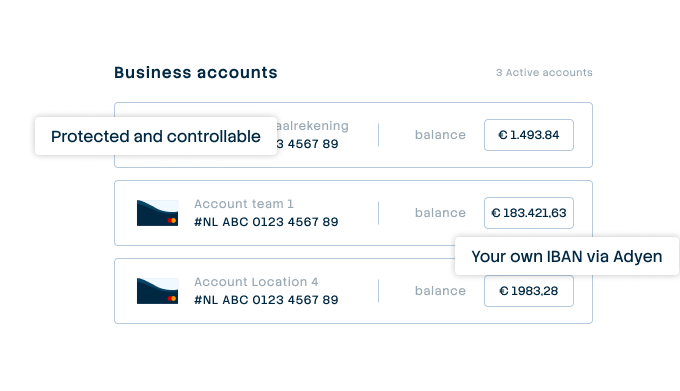

A business account that just works
Choose one or more Dutch IBANs provided by Adyen, linked to all your cards and payment flows. Simple management without complex multi-account structures that cause confusion.
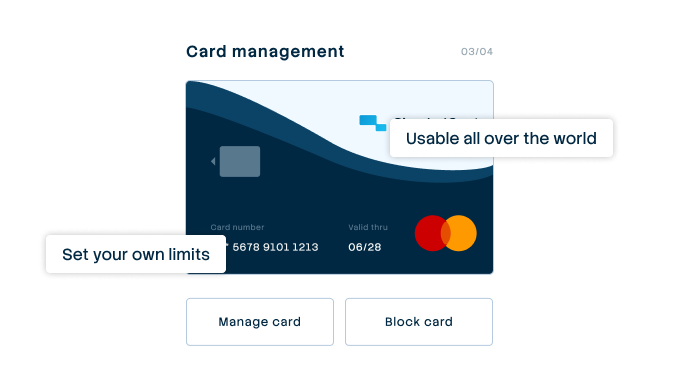

Your central platform for card and expense management
Full control over limits, allowed categories and budgets per employee, team or project. Set rules and let the system enforce them.
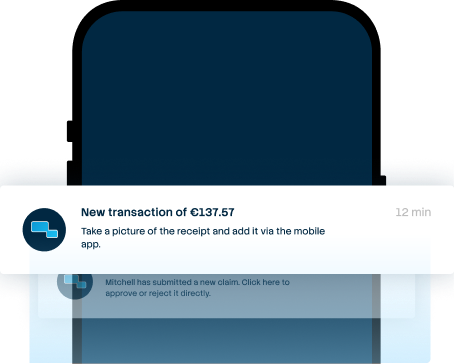

From receipt to claim. Wherever you are
Employees arrange their expenses on the go, while the finance team manages everything centrally. For iOS and Android.
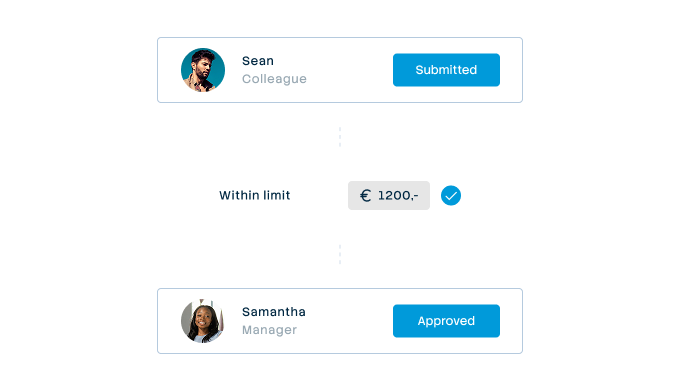

Approval rules that suit your organization
From simple one-step approval to multi-step approval with as many controllers as your organization needs. Configure it once and let the system do the rest.
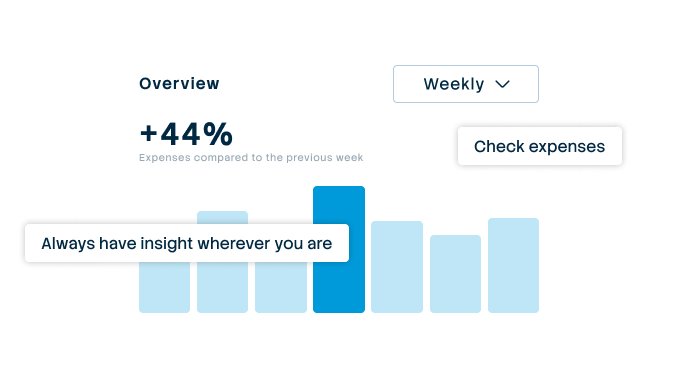

Always up-to-date insight into your business spend
See immediately where budgets are and which expenses are still outstanding. No more surprises at the month-end, but complete transparency.
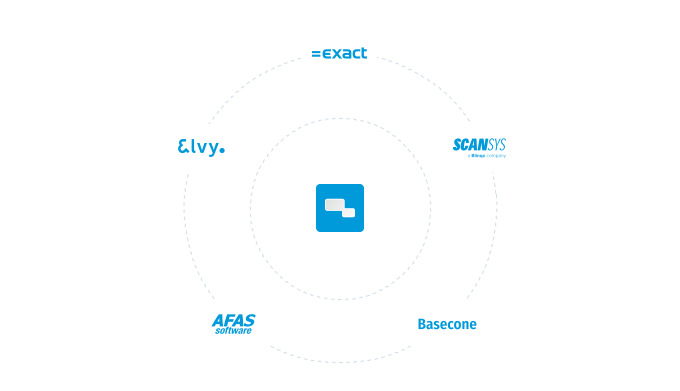

Integrate with your systems and automate your administration
Works seamlessly with accounting packages such as AFAS, DATEV and SAP. Transactions automatically synchronize with the correct general ledger accounts.