




Scan Sys integration with SimpledCard.
The Scan Sys integration with SimpledCard and ImageCapture streamlines business expenditure from payment through to booking. Staff do not need to pay anything out of their own pocket, transactions and receipts are processed more quickly, and the existing approval workflow remains unchanged.
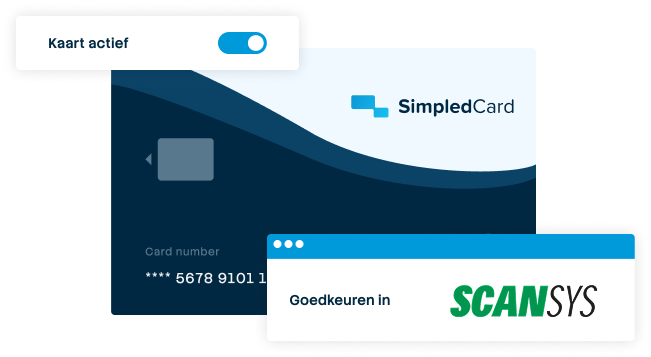







Why choose a Scan Sys integration with SimpledCard?
Employees pay for business expenses directly using their SimpledCard and upload the receipt straight away via the app. Transactions and receipts are then imported into ImageCapture, where they follow your existing approval workflow.
This means that staff no longer have to pay out of their own pockets, and the Finance department does not have to wait for monthly credit card statements. Expenses are processed more quickly and, once approved, entered into the accounts.

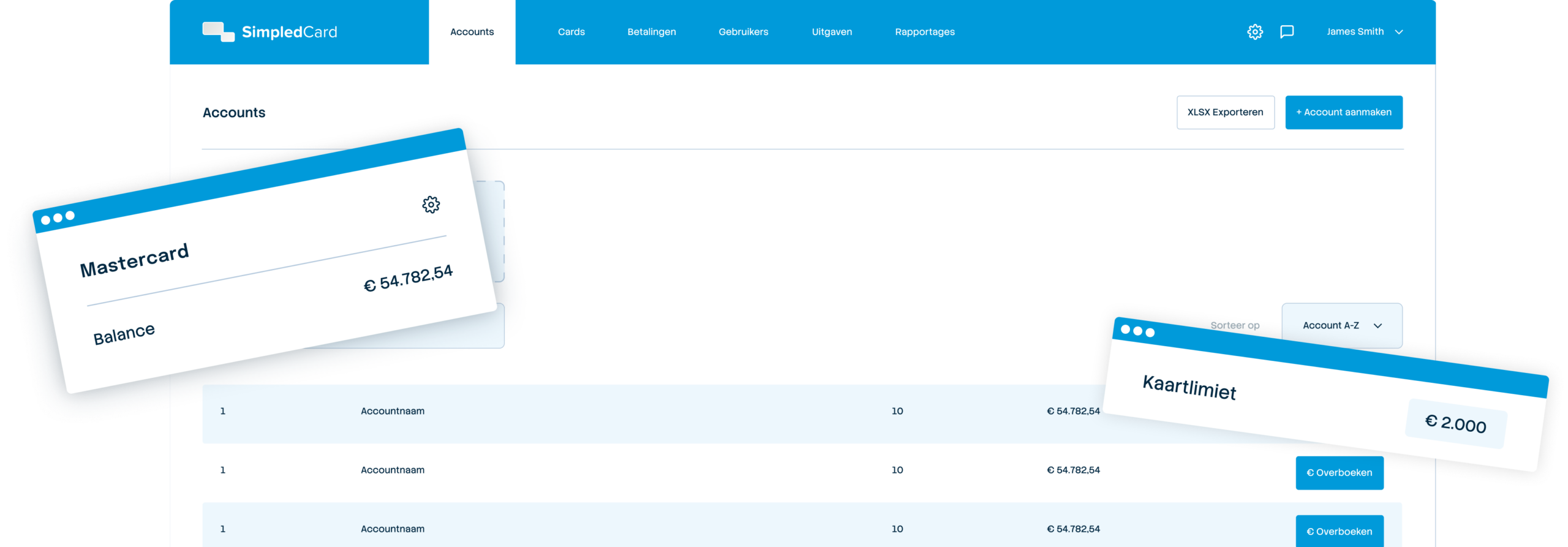
Weekly budget
€ 2000,-

No more advance payments
Employees can pay for business expenses directly using their SimpledCard, without having to pay out of their own pocket.

Faster processing
Transactions are imported into ImageCapture without having to wait for monthly credit card statements.

Retain the existing approval workflow
Expenditure will continue to be processed via ImageCapture, so that Finance can continue to use the existing approval workflow.

Keep track of your spending from the moment you pay
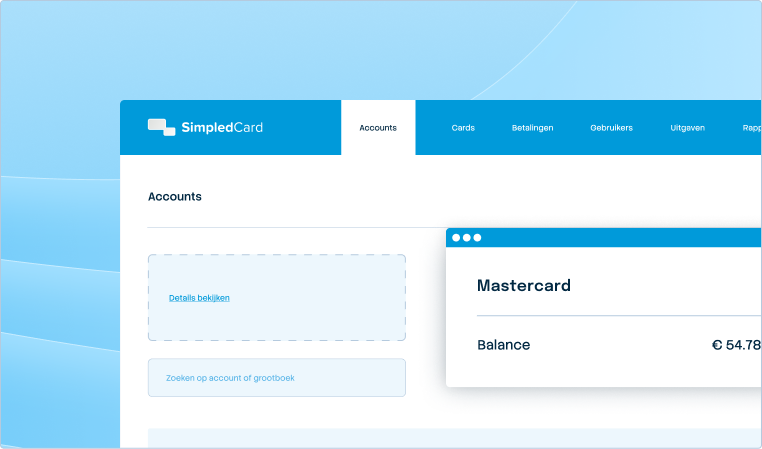
With SimpledCard, you can set spending limits for your staff in advance and keep a closer eye on business expenditure. Staff can enter their receipts directly into the app, ensuring that the Finance department has the correct information right from the start.
- Set budgets and limits per card, team or project;
- Determine which expenses and cost categories are permitted;
- View transactions and available budgets in real time;
- Let budgets be topped up automatically or adjust them straight away;
- Enable staff to record receipts immediately after payment and add the necessary details.
How the Scan Sys integration with SimpledCard works
SimpledCard and ImageCapture integrate seamlessly. From payment and receipt to approval and posting: the data flows smoothly into your accounts.
From SimpledCard to ImageCapture:
- Staff pay using their SimpledCard and add the receipt straight away in the app;
- Transactions and receipts are imported into ImageCapture;
- Transactions are automatically linked to the correct expense claim.
In ImageCapture:
- Expense claims and card expenditure follow the existing approval process;
- Once approved, the expenditure is recorded in the financial accounts;
- Transactions and associated data are archived digitally.

About Scan Sys
Scan Sys uses ImageCapture to automate the processing of invoices and expense claims – from data extraction and matching to review and posting. With integrations with over 60 financial and ERP systems, your existing accounting system remains in control.
It is precisely with business expenses that this otherwise creates extra work: staff have to pay out of their own pockets, or the Finance department has to wait for credit card statements and then process the transactions and receipts retrospectively.
SimpledCard complements ImageCapture at the very moment a business expense is incurred. This allows you to combine controlled payments with the existing processing and approval workflow in Scan Sys.
What our customers say
Claims are now always made digitally. We are up to date with processing expenses at project level a day later. The reservoir of advances and receipts has dried up thanks to SimpledCard.
How to connect Scan Sys to SimpledCard
- 1. Book a demo
We’ll show you how SimpledCard works with Scan Sys and ImageCapture, using your current financial processes and approval workflow as a starting point.
- 2. Become a customer
Once the contract has been signed and the statutory KYC check has been completed, we will set up your SimpledCard account and you can order cards for your staff.
- 3. Activate the Scan Sys link
We are activating the integration so that transactions and receipts from SimpledCard can be imported into ImageCapture in real time.
- 4. Set up the connection together
During the onboarding process, we’ll fine-tune the setup and check that transactions and receipts are imported correctly into ImageCapture and that transactions are linked to the correct expense claims. After that, the expenses can go through your existing approval workflow and financial processing.
Get started with Scan Sys and SimpledCard today
And enjoy the convenience of faster processing of your expenses.
Frequently asked questions
- Which Scan Sys customers might find this of interest?
The Scan Sys integration This is of interest to organisations where staff currently pay expenses out of their own pockets, and to organisations that use credit cards and settle accounts manually each month.
- Will there be any changes to our approval process?
No. Expense claims will continue to go through the familiar ImageCapture approval process. This means that only the advance payments made by staff and the manual reconciliation of credit card transactions will be discontinued.
- How are expense claims allocated to the correct cost centre?
You set up cost categories for each team within SimpledCard. You then transfer this information when posting entries in your accounting software.
- How much does the Scan Sys integration cost?
The accounting integrations are a paid add-on to your SimpledCard package. This keeps the basic package simple, and you only pay for the connection you use.
- How do I automate the processing of business card transactions?
SimpledCard’s transaction reports are automatically imported into Scan Sys and linked to expense claims. This speeds up processing and makes it easier to reconcile the figures in your accounts.
- Does this also apply to temporary or external staff?
Yes. You activate SimpledCard payment cards on a per-user basis, with individual limits and authorised expense categories, without linking them to HR.