

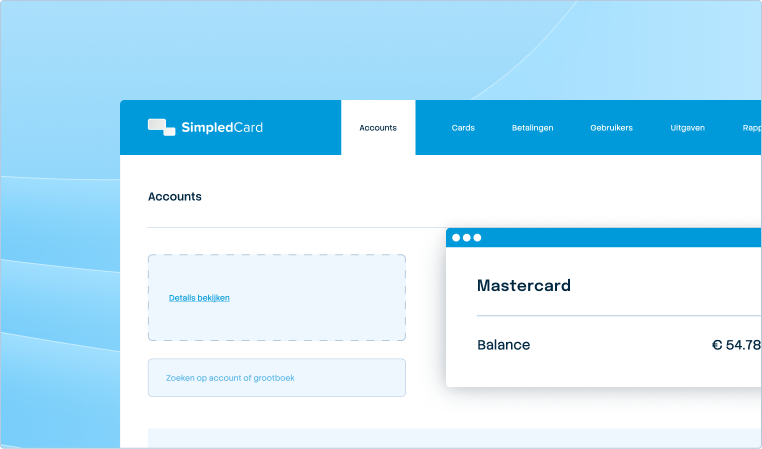




Approval rules that suit your organization.
Decide who gets to approve what, from simple one-step approval to multi-eye principle with as many steps as you want. So you get the control you need, without slowing down your teams.
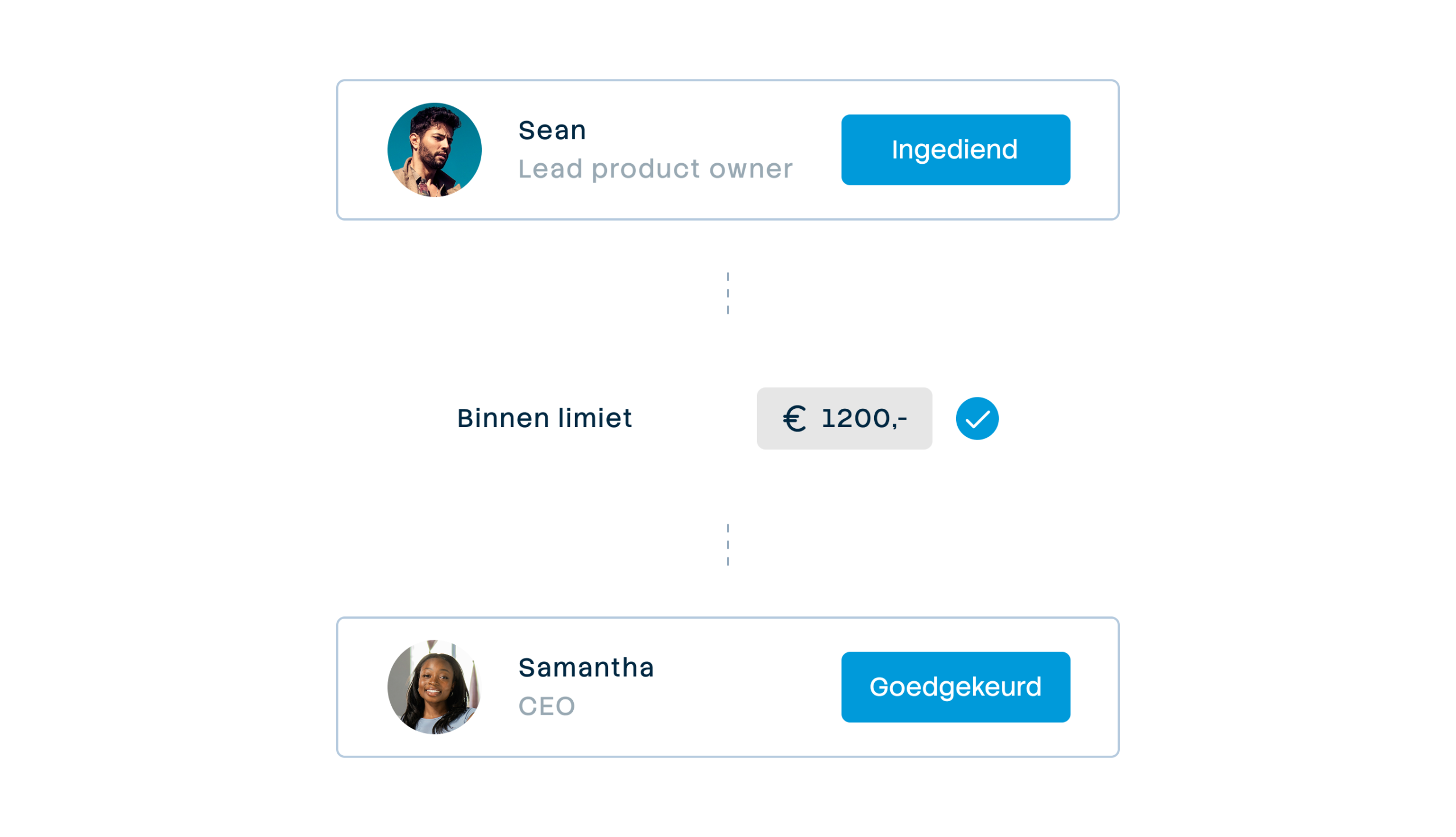







Automatic approval flows by department, project or entity
Managers who delay approvals block your month-end closing: you can see transactions but can't yet book the expenses. Set who approves expenses per department or team and keep speed in the process. Everything is automatically recorded for audits.

Weekly budget
€ 2000,-

Your rules, your control
Set who can approve expenses, from automatic approval to multi-step control with multiple approvers.

Approve from a single view
Managers see all the details and approve with one click, post a comment or send it back for additional information.

Complete audit trail
Each approval is recorded with who, what, when and why. Show auditors the full approval history with a single click.

Adapt the approval process to your organization
Decide who can approve expenses and in what order. Set different approval steps per team or location: from direct supervisor to department manager and CFO. Managers see all the details and approve from one view, post a comment or send back for additions. Employees know immediately where they stand, without waiting for emails.

Complete audit trail, always available
Every approval is automatically recorded with who, what, when and why. All approvals and notes in one timeline. For audits, filter by period, employee or department and show the full approval history with one click. No more hours searching through emails or spreadsheets. Verifiable control that makes accountants happy.
What our customers say
Thanks to SimpledCard, we have taken full control of our expenditure management. The real-time insights and automatic approvals save us a lot of time every day and ensure transparency within our team.
All teams now have payment cards to incur expenses. Budgets can be adjusted if required. All cash has now disappeared from the floor. Self-managed teams can effortlessly manage with SimpledCard.
The care teams account for expenses through the app, eliminating the need for us to manually enter hundreds of excel sheets. We can monitor expenditure in real time and intervene if necessary.
Claims are now always made digitally. We are up to date with processing expenses at project level a day later. The reservoir of advances and receipts has dried up thanks to SimpledCard.
How it works.
- 1. Define your own approval steps
Set the steps that suit your organisation: a team leader, then a department manager, and for large amounts, the CFO. Give each step a recognizable name that matches your internal process, such as “Direct manager”, “Budget owner” or “Finance approval”. You decide how many steps there are and in what order they are completed.
- 2. Link approvers to teams
Decide for each team or location who gets to approve at which stage. For example, the marketing team has different approvers than the sales team. For each approval stage, add one or more people who are allowed to approve the expenses. Also add a backup for when someone is sick or on holiday: then this person automatically takes over the approval. You change these links with a few clicks when someone changes position or switches to another team.
- 3. Employees see status instantly
After a payment or claim, the employee immediately sees the status: already approved or who still needs to look at it. In case of rejection, a notification with the reason appears. Upon approval, the administration automatically moves to your accounting system with the correct cost centre and general ledger account.
- 4. Have full approval history
In audits, you have easy access to all approvals with filters by period, employee or department. Who approved what in which step? Which expenses were rejected? What adjustments were made? Everything is in an overview with date, amount, approvers and notes.
Stop waiting for approvals
In a demo, see how to set up your own approval rules and bring speed back into the approval process of business spend.
Finance teams about SimpledCard
Frequently asked questions
- Can I set up backup approvers?
Yes, you add a backup approver at each approval step. When the primary approver is on holiday or sick, the backup automatically takes over the approval. You set this up once and the system makes sure requests don't get stuck. This keeps the process running without delay.
- How many approval steps can I add?
You decide how many approval steps you need. From simple one-step approval to multi-step workflows with multiple checkers. Add as many steps as needed for your organization. Each step is given a recognizable name that matches your internal process.
- How do I see which expenses have been rejected?
In the dashboard, you filter by rejected expenses. You can see per expense who rejected it, when it happened and what the reason was. Employees receive a notification with the reason for rejection and can adjust and resubmit the expense. The full history is retained.
- Is everything automatically recorded for audits?
Yes, every approval is automatically recorded with who, what, when and why. All approvals and notes are in one timeline. For audits, filter by period, employee or department and show the full approval history with one click. No more searching through emails or spreadsheets.
- What happens if an approver is absent?
The backup approver you set up automatically takes over the approval. In addition, any colleague in the finance team with the appropriate master rights can also pick up the approval. This prevents requests from getting stuck and delaying your month-end closing. You don't have to adjust anything manually. The system ensures that the process continues.
- Can employees see the status of their claims?
Yes, employees immediately see the status of their expense or claim. They see whether it has already been approved or who still needs to look at it. If rejected, they receive a notification with the reason. When approved, they see that the expense is being processed. No more uncertainty about where something is stuck.
- What happens after the last approval?
After the final approval, the expense automatically moves to your accounting system with the correct cost centre and general ledger account. The employee receives a confirmation. For expense claims and invoices, you can then initiate payment. Everything is complete with receipts and all the information you need.
Your platform for
simple spend management
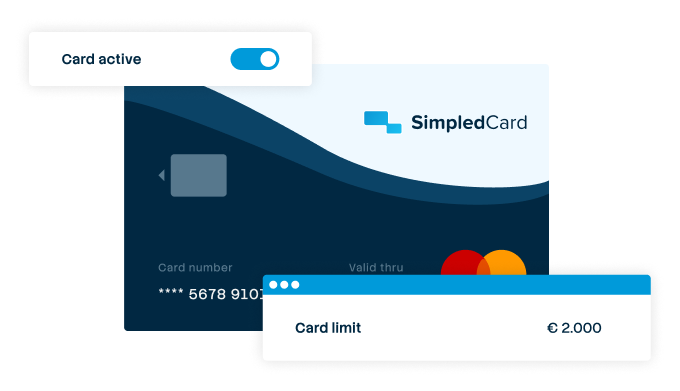

Give your team payment cards you manage yourself
Physical and virtual cards that you issue directly to employees or teams. Replace advances, petty cash and credit cards with one integrated solution.
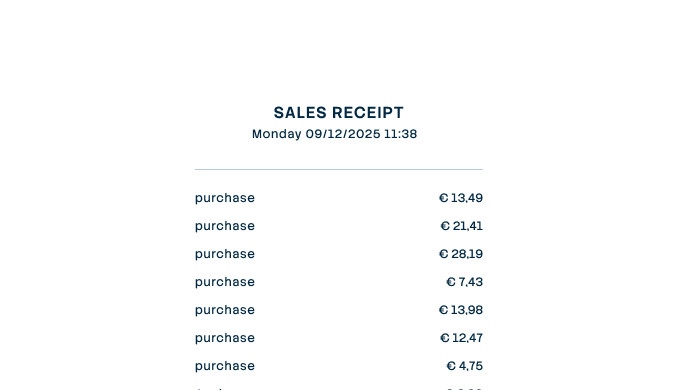

Settling expense claims in minutes
Employees photograph the receipt and add a short explanation. Process claims in one minute, without paperwork or red tape.
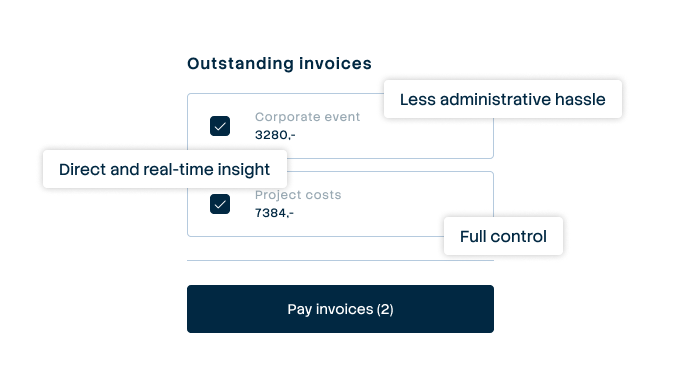

Pay suppliers without hassle, with full control
Upload the invoice, approve it according to your workflow and initiate payment through one transparent flow.
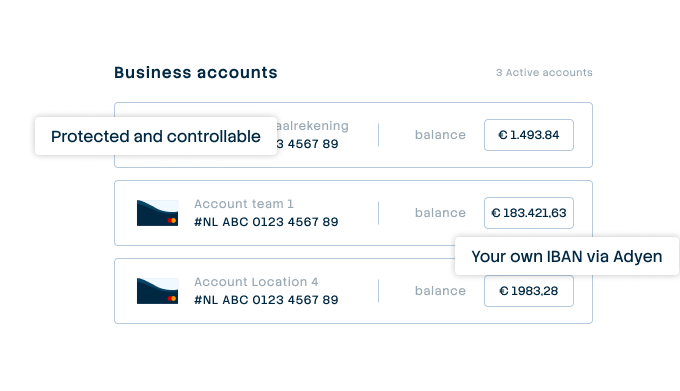

A business account that just works
Choose one or more Dutch IBANs provided by Adyen, linked to all your cards and payment flows. Simple management without complex multi-account structures that cause confusion.
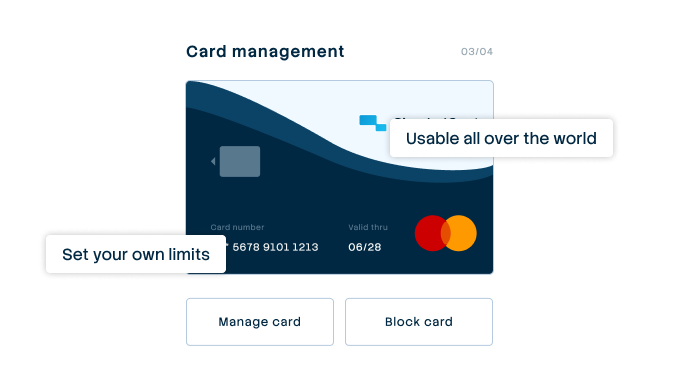

Your central platform for card and expense management
Full control over limits, allowed categories and budgets per employee, team or project. Set rules and let the system enforce them.
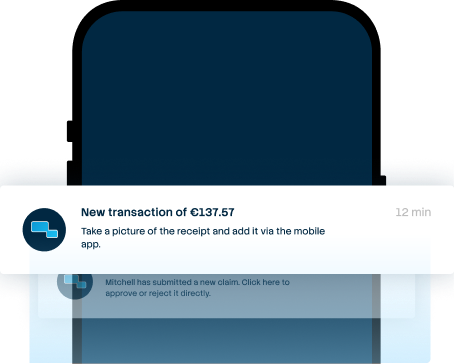

From receipt to claim. Wherever you are
Employees arrange their expenses on the go, while the finance team manages everything centrally. For iOS and Android.


Always up-to-date insight into your business spend
See immediately where budgets are and which expenses are still outstanding. No more surprises at the month-end, but complete transparency.
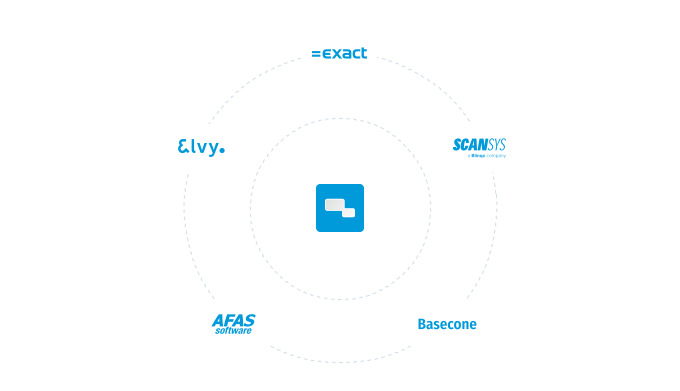

Integrate with your systems and automate your administration
Works seamlessly with accounting packages such as AFAS, DATEV and SAP. Transactions automatically synchronize with the correct general ledger accounts.