




iDEAL | Wero payments with SimpledCard.
Pay with iDEAL | Wero directly from your card balance, within the limits and accountability framework you already use for card payments.
Employees can simply use their SimpledCard to pay council charges, invoices, payment requests and online shop purchases where no card payment option is available. The Finance department processes these payments in exactly the same way as a card payment.






Why use iDEAL | Wero payments with SimpledCard?
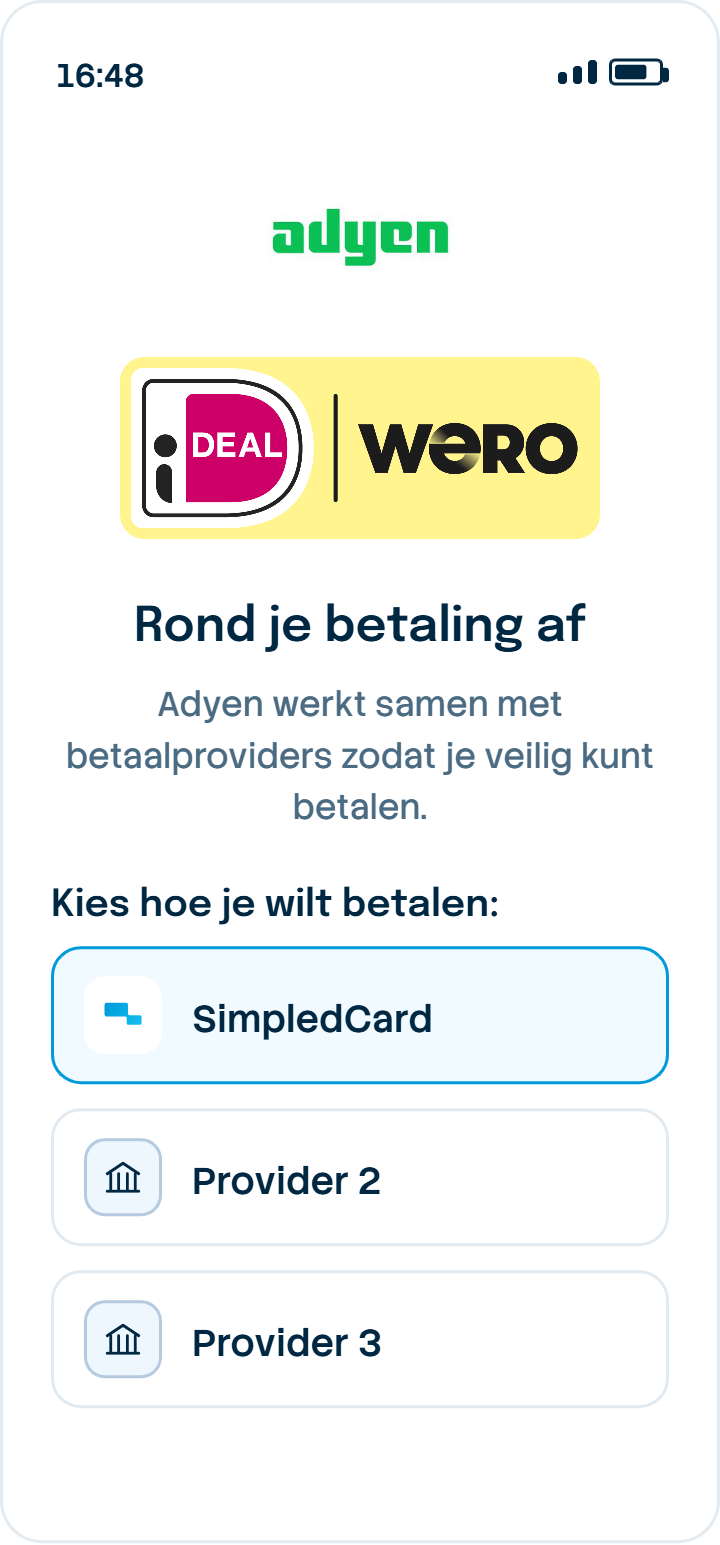
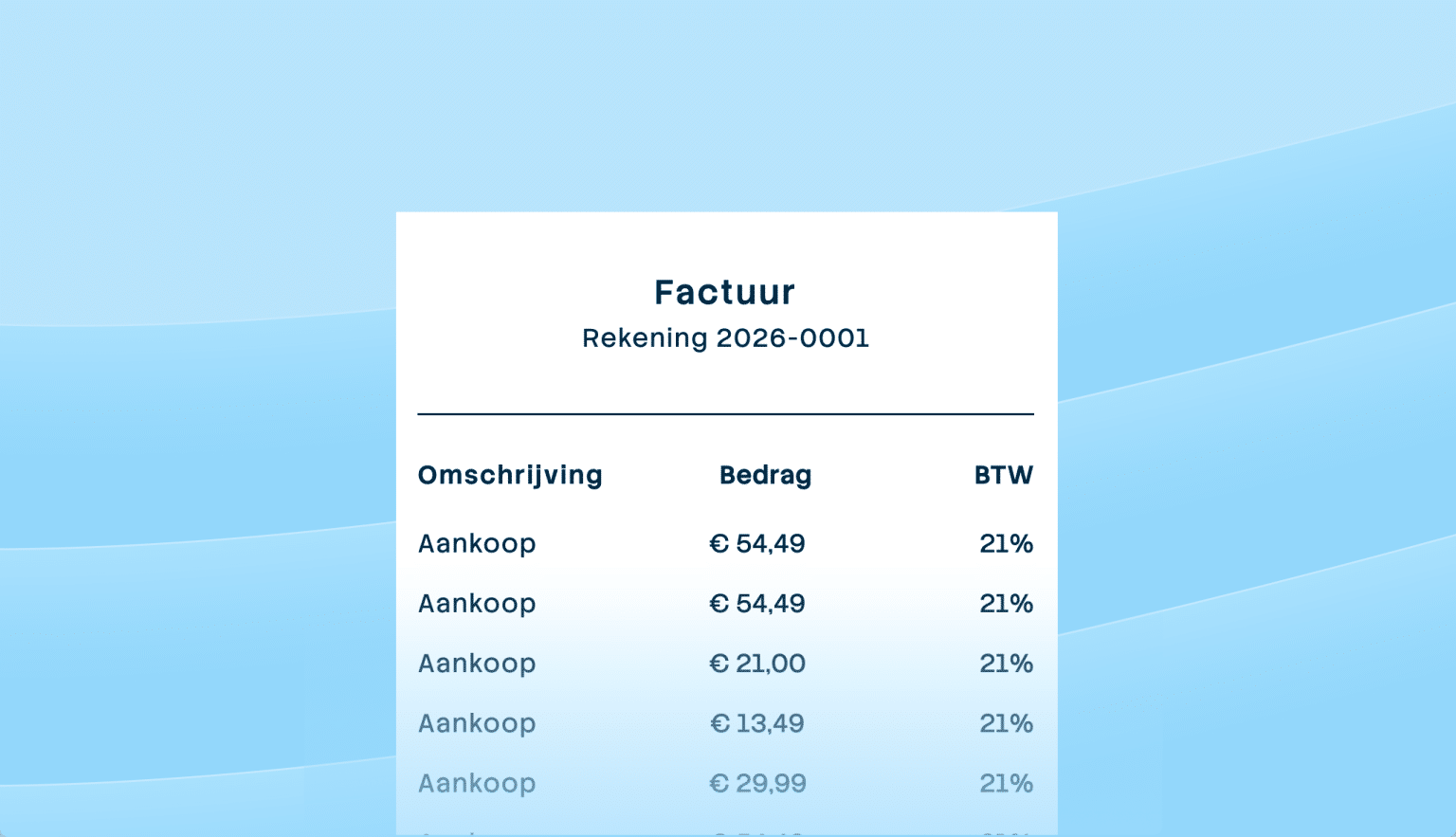
The healthcare, education, childcare and public sector sectors often encounter this issue, for example when dealing with a local authority levy, an invoice featuring only an iDEAL button, or a payment request from a supplier. Until now, staff members would pay for this out of their own pockets and then submit an expense claim. Now, staff simply scan the QR code, select their SimpledCard and confirm with their fingerprint.
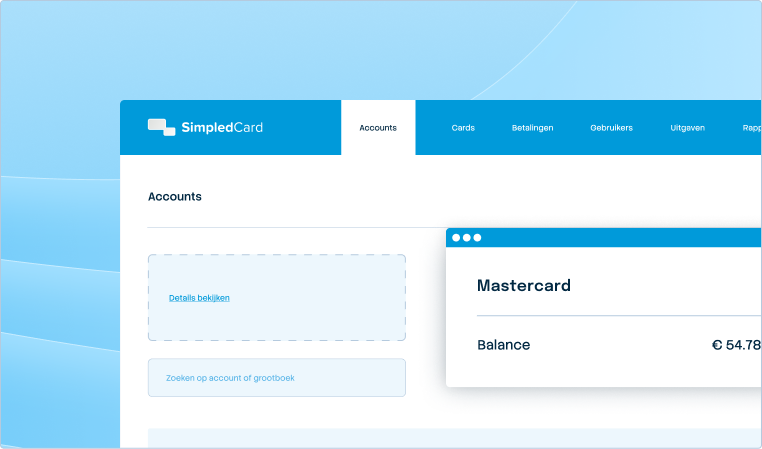
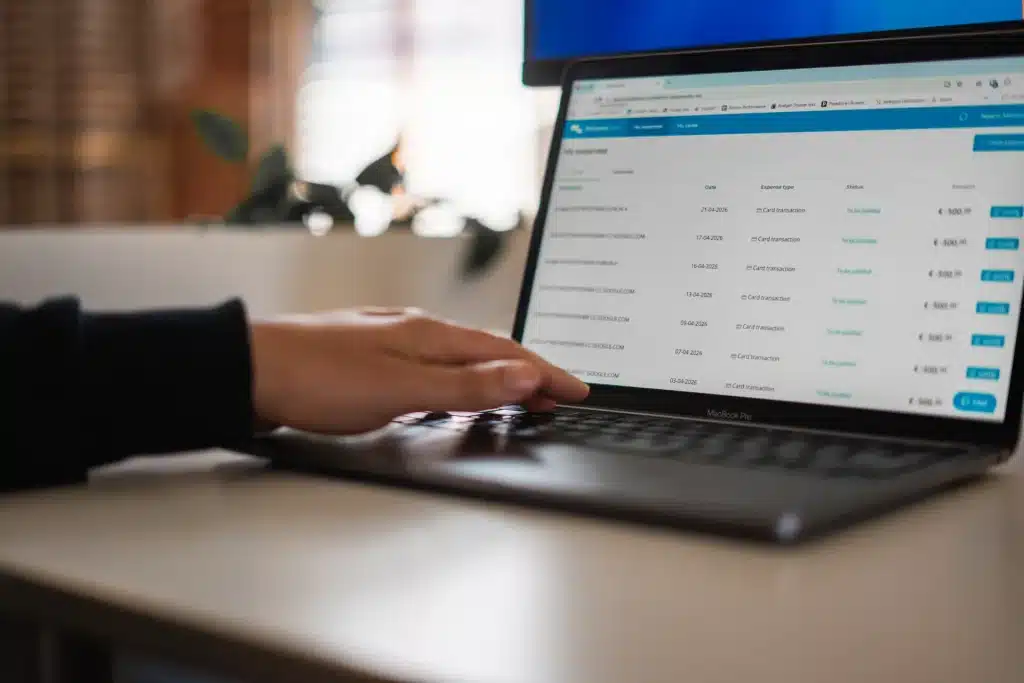
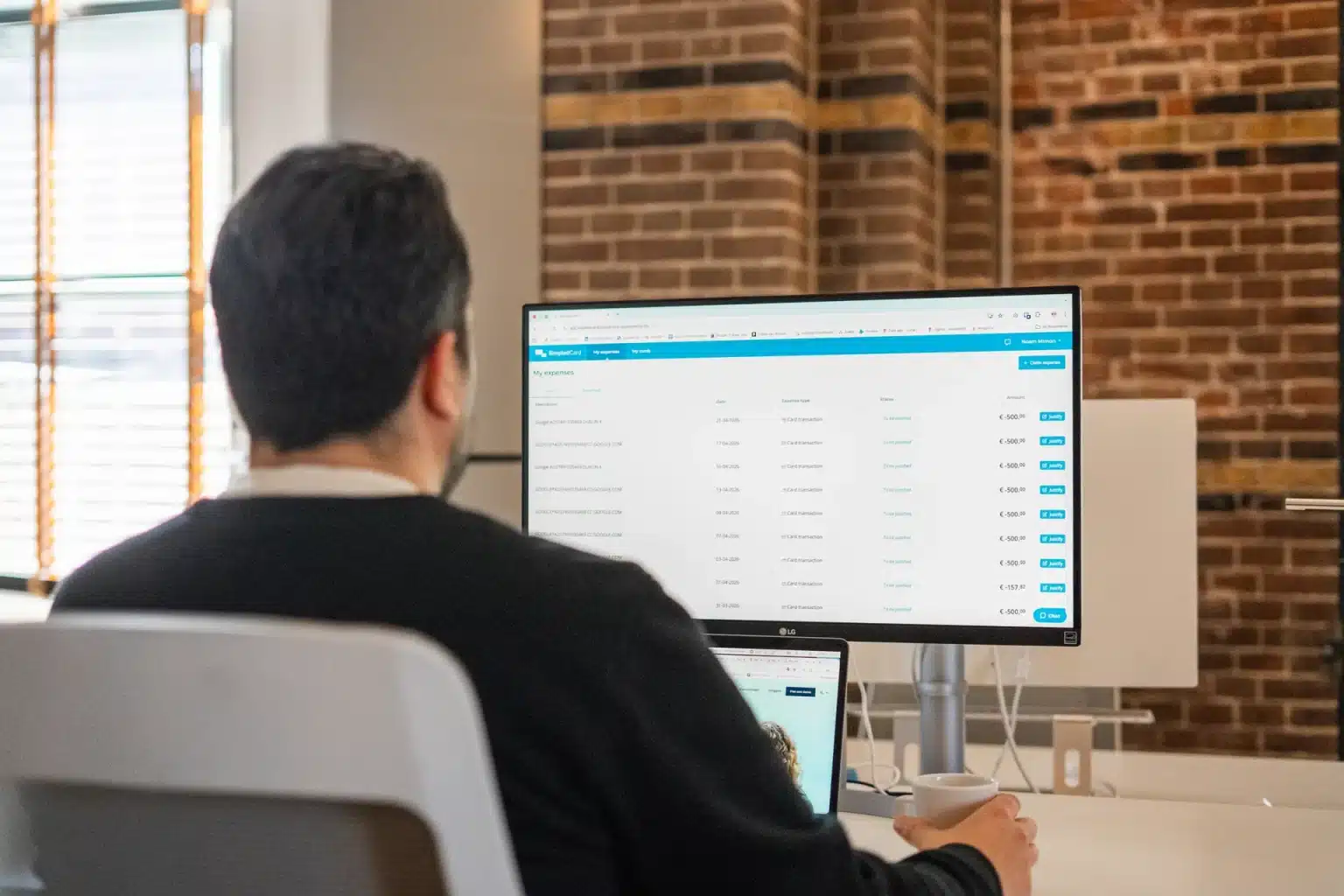
For Finance, nothing changes in terms of the checks. The payment is deducted from the card balance, within the limits that already apply, and goes through the same accounting process as a card payment. The transaction appears straight away in the same place where you can already see all your other expenses.
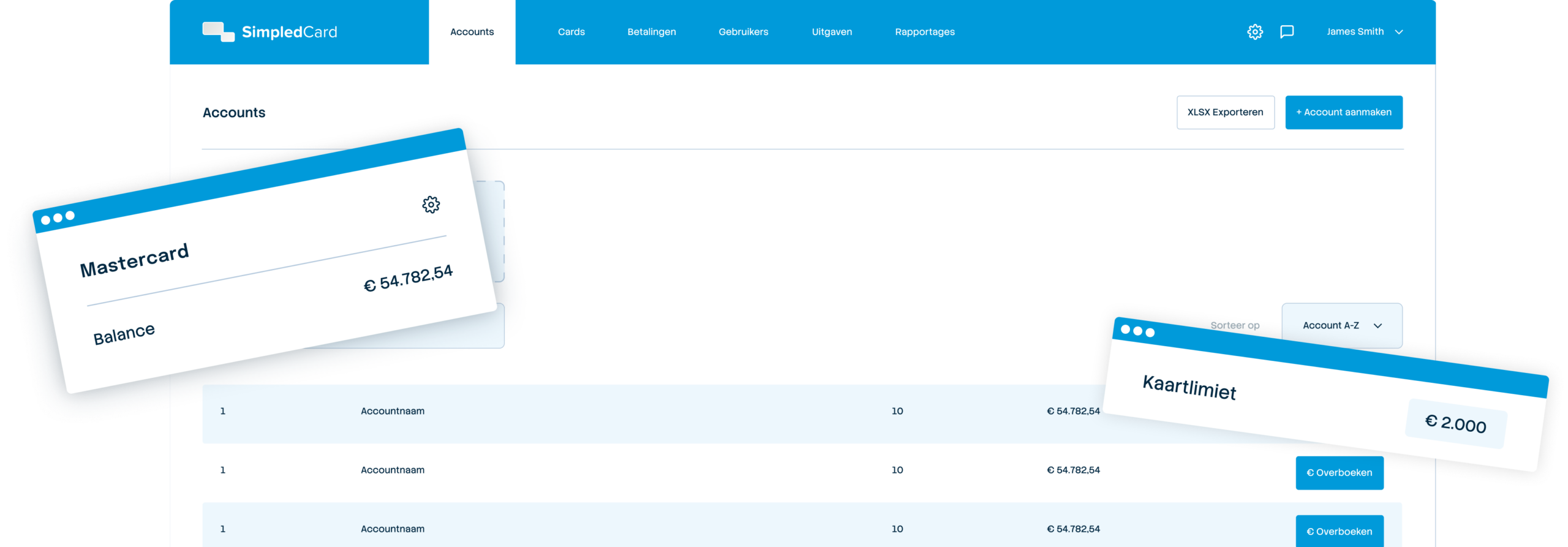
Weekly budget
€ 2000,-

Within your existing limits
Pay directly from your card balance, within the limits you have already set on the SimpledCard platform.

No separate transfer
No separate IBAN and no additional balance transfer per payment. You top up your card balance as usual.

Payment requests and invoices too
You can also pay for a Tikkie or an invoice that only has an iDEAL button using your card.
The same level of security as with any card payment
With iDEAL | Wero payments, you set spending limits for staff in advance and can track every payment.
- Budgets and limits per card, team or project;
- Permitted expenditure and cost categories per card;
- Real-time transactions and budgets, marked as iDEAL | Wero;
- The same level of security as a card payment.
How it works
How to pay with iDEAL | Wero.
- At checkout, select “iDEAL | Wero” as your payment method.
- Scan the QR code using your camera app or the SimpledCard app.
- Select your SimpledCard in the app.
- Confirm with your fingerprint.
The payment is deducted directly from your card balance, within your existing limits. The first time, you’ll need to register your phone. After that, your fingerprint will suffice.

About iDEAL | Wero
iDEAL has been the standard for online payments in the Netherlands for many years, and is by far the most widely used online payment method.
Dutch and other European banks are transferring iDEAL to Wero, the European successor to iDEAL. Wero was developed by the European Payments Initiative, a collaboration between major European banks. Whilst this transition is underway, it will be known as iDEAL | Wero. In Belgium, a similar transition is taking place via Payconiq, the Belgian equivalent of iDEAL.
Essentially, the way you pay remains the same. You scan the QR code, select your card and confirm with your fingerprint.
What our customers say
Thanks to SimpledCard, we have taken full control of our expenditure management. The real-time insights and automatic approvals save us a lot of time every day and ensure transparency within our team.
How to get started
- 1. Book a demo
We’ll show you how iDEAL | Wero payments work, based on your current approval process and limits.
- 2. Become a customer
Once the contract has been signed and the statutory KYC check has been completed, we will set up your business account and dashboard, and you can order cards for your staff.
- 3. iDEAL | Wero will be set up for you
As soon as iDEAL | Wero becomes available for your organisation, we’ll set it up for you.
- 4. Pay directly from your card balance
From now on, it’s just as easy for staff to pay with iDEAL | Wero as it is by card.
Get started with SimpledCard today
See how iDEAL | Wero payments via SimpledCard fit into your existing payment and accounting processes.
Frequently asked questions
- Who can use iDEAL | Wero?
For customers with a business account with SimpledCard, which is processed via Adyen. Are you already a customer and would you like to know if your organisation is eligible? Please contact support. Not yet a customer? Book a demo.
- What is the difference between iDEAL and Wero?
Wero is the European successor to iDEAL. Whilst the transition is underway, we will be using the name “iDEAL | Wero”.
- Will there be any changes to my card balance or how I top it up?
No. You top up your card balance as usual, and there is no separate transfer for each payment made via iDEAL | Wero.
- Does this also work for recurring payments or direct debits?
No. iDEAL | Wero is intended for one-off payments: invoices, charges, payment requests and online shops that do not accept card payments.
- I can’t find SimpledCard in the list of banks at checkout – what should I do?
It’s best to scan the QR code straight away using the SimpledCard app, as this means you won’t need to enter the bank list. If you do choose to select a bank manually, select “Adyen” and then “SimpledCard”. SimpledCard cards are processed via Adyen as the underlying bank.
- Can a payment made via iDEAL | Wero be reversed (chargeback)?
No. This is a bank transfer, not a card transaction. There is no such thing as a chargeback here, as there is with a credit card. If you have a dispute with the online shop, you’ll need to resolve it with the seller, just as you would with a standard bank transfer.