

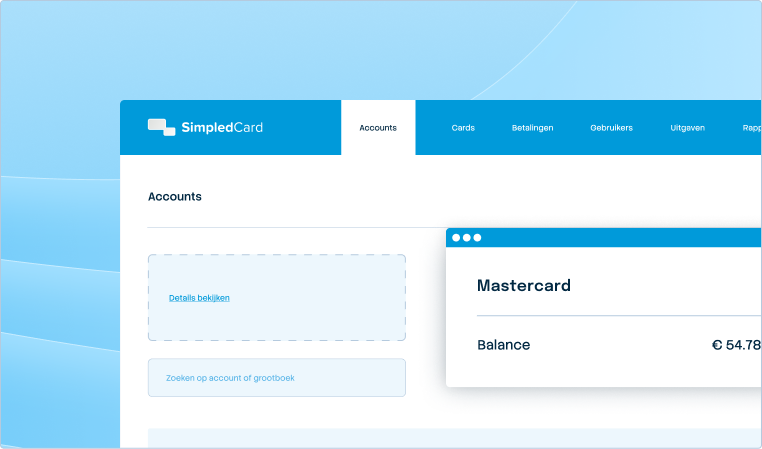



Google Pay with SimpledCard.
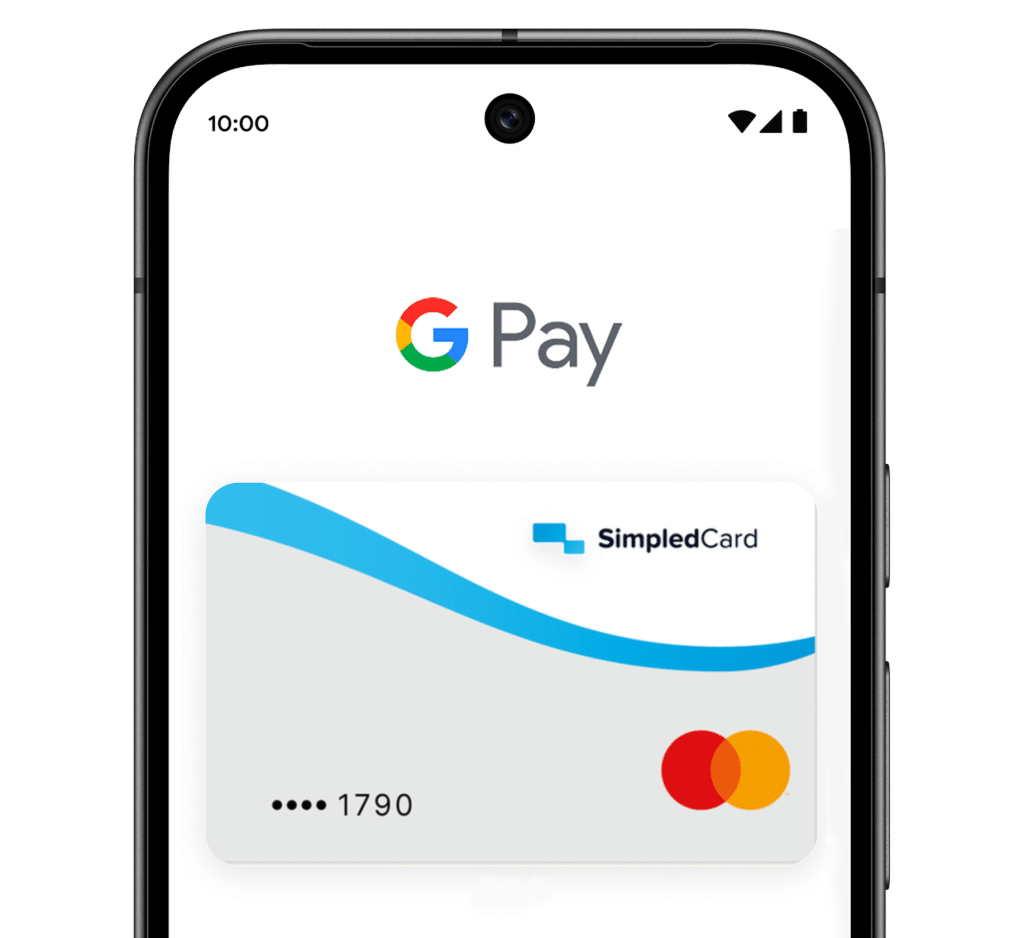
You can easily add your SimpledCard payment card to Google Wallet.
Employees can use Google Pay on their Android phones and Wear OS smartwatches, whilst finance teams continue to benefit from the controls, insights and governance provided by SimpledCard.







Why use Google Pay with SimpledCard?
Google Pay gives employees another way to pay using their SimpledCard payment card – in shops, online and in apps – whilst finance teams retain the same spending controls and insights.
Business spending stays simple for employees and manageable for finance teams.
Weekly budget
€ 2000,-

Pay wherever you like
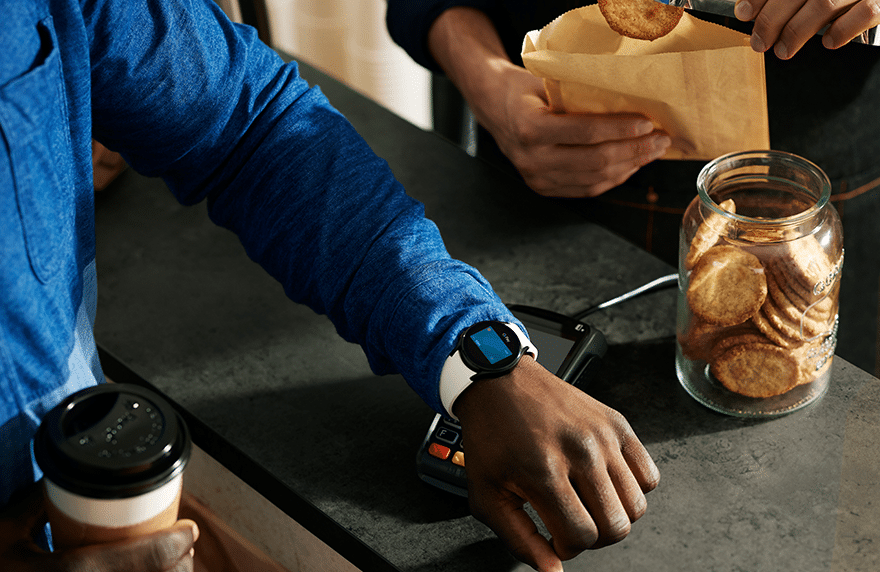
Employees can pay with Google Pay in shops, online and in apps. Simply using their SimpledCard payment card – and now via Google Wallet too.

The same level of control and insight
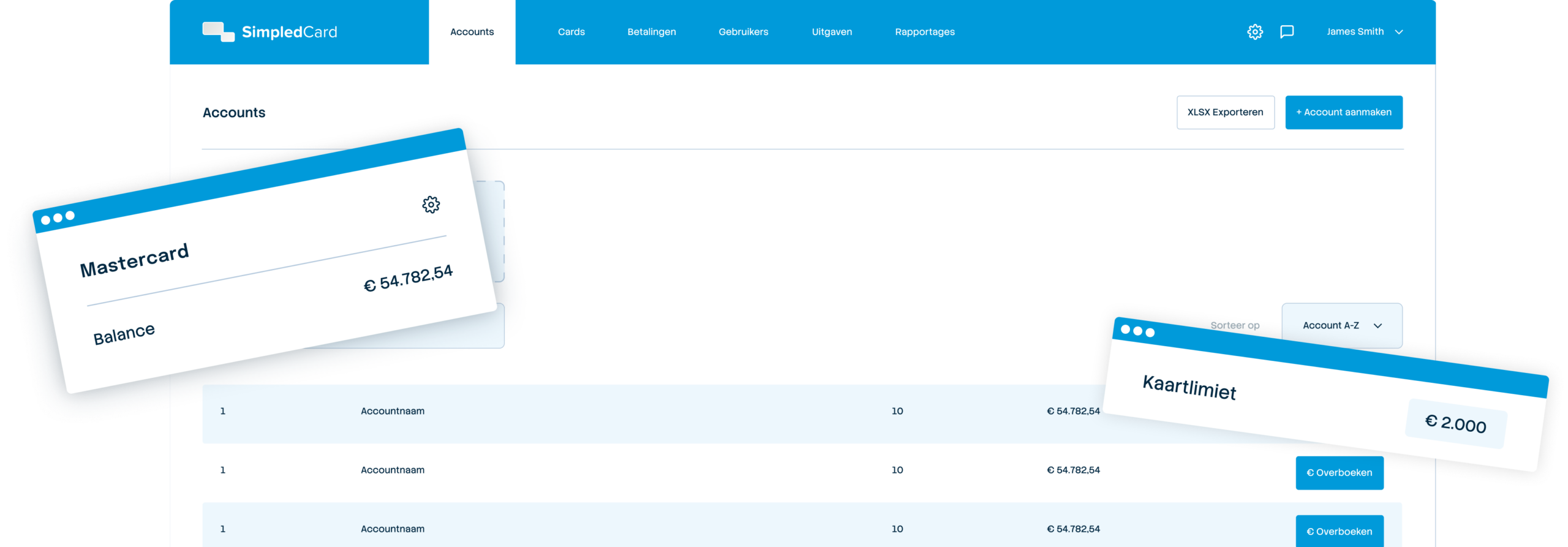
Nothing will change for finance teams. Limits, card settings and approval workflows will remain in place, and every payment will be visible in real time.

On your Android phone and smartwatch
Add your SimpledCard payment card to Google Wallet once, and pay using your Android phone or Wear OS smartwatch.
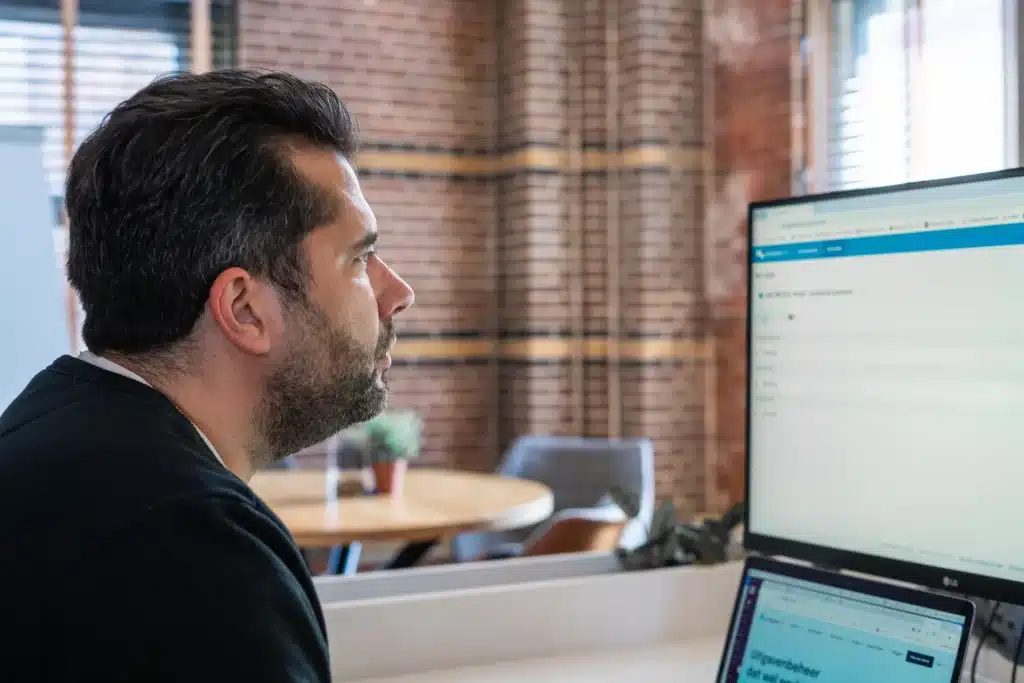
Spend control and visibility with SimpledCard
Whether staff use their physical card or Google Pay, you’ll continue to benefit from:
- Real-time transaction visibility;
- Card controls and settings;
- Approval workflows;
- Expense management and bookkeeping integrations.
Another way to pay with your SimpledCard card
SimpledCard adapts to the way your organisation makes payments. Physical cards for staff making payments on the go, virtual cards that you can use straight away online, and now your card is also available in the wallet on your phone, smartwatch or computer. This makes paying in-store or online a breeze, all from the same card budget, whilst keeping you fully in the loop.


Weekly budget
€ 2000,-
About Google Pay
Google Pay is a quick and secure way to pay.
Paying with a card in Google Wallet is only possible on a device with a screen lock, so payments are protected by your Android device’s security features.
For compatible cards, Google Wallet automatically generates a virtual card number when you add your card.
When you pay in-store, Google Wallet shares a virtual card with the retailer, not your actual card number.
What our customers say
The care teams account for expenses through the app, eliminating the need for us to manually enter hundreds of excel sheets. We can monitor expenditure in real time and intervene if necessary.
How to add your SimpledCard card to Apple Wallet
- From the SimpledCard app
- Open the SimpledCard app;
- Select your card;
- Tap ‘Add to Google Wallet’;
- Follow the instructions.
- From Google Wallet
- Open Google Wallet;
- Tap ‘Add to Wallet’;
- Select ‘Payment card’ and then ‘New credit card or debit card’;
- Follow the instructions to add your card.
Get started with SimpledCard today
Book a demo and discover how payment cards from SimpledCard simplify your spend management.
Frequently asked questions
- Will Google Pay replace my physical card?
No. Your physical SimpledCard card continues to work as normal.
- Are my spending controls and settings still applied?
Yes. All existing SimpledCard checks, settings and approval workflows will remain unchanged.
- Where can I use Google Pay?
You can use Google Pay in shops, online and in apps, wherever Google Pay is accepted.
- Is Google Pay secure?
Google Pay uses your screen lock to authorise payments, and for eligible cards, Google Wallet uses a virtual card number to help protect your payment details.
- Can I view payments made via Google Pay in SimpledCard?
Yes. Payments made via Google Pay appear in SimpledCard just like any other card transaction, providing the same insight into business expenditure.
- Do my spending limits still apply when I pay with Google Pay?
Yes. For payments made via Google Pay, the same card checks, spending limits and settings apply as those you have set up in SimpledCard.
- Can I use Google Pay abroad?
Yes. Google Pay works abroad wherever it is accepted, and the same SimpledCard spending limits still apply.