




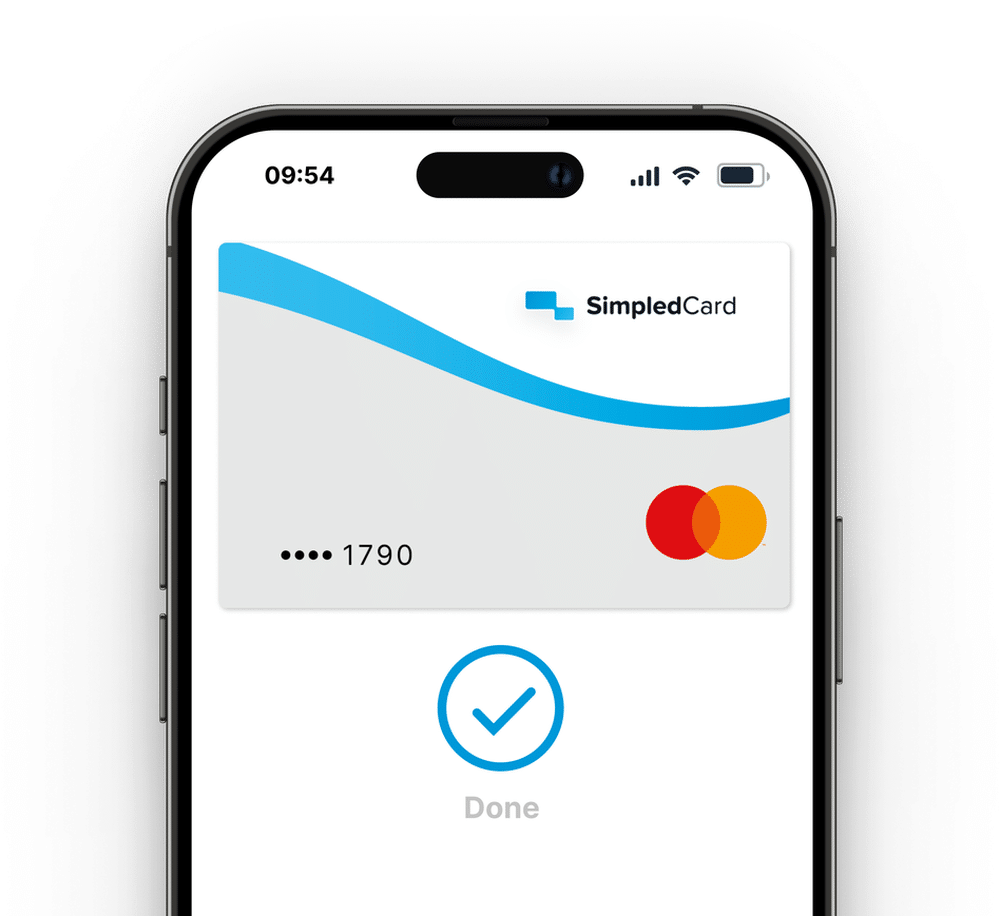
Your SimpledCard card with Apple Pay.
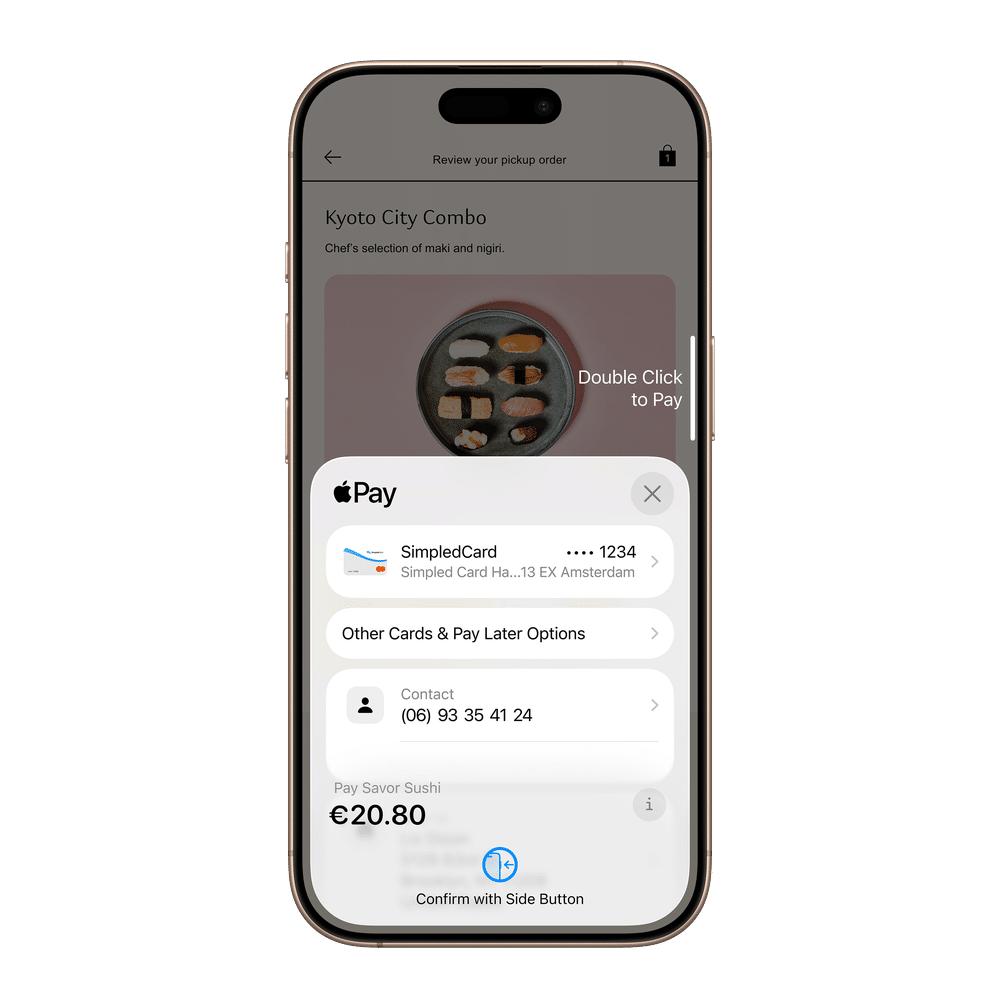
Use your SimpledCard payment card with Apple Pay. More ways to pay. The same control. Simply add your SimpledCard payment card to Apple Wallet.
Employees can use their SimpledCard card with Apple Pay on iPhone, Apple Watch, iPad and Mac, while finance teams continue to benefit from the controls, visibility and governance provided by SimpledCard.







Why use your SimpledCard card with Apple Pay?
Your SimpledCard payment card gives employees another way to pay with Apple Pay, in stores, online and in apps, while finance teams retain the same spending controls and visibility.
Business spending stays simple for employees and manageable for finance teams.
Weekly budget
€ 2000,-

Pay wherever you like
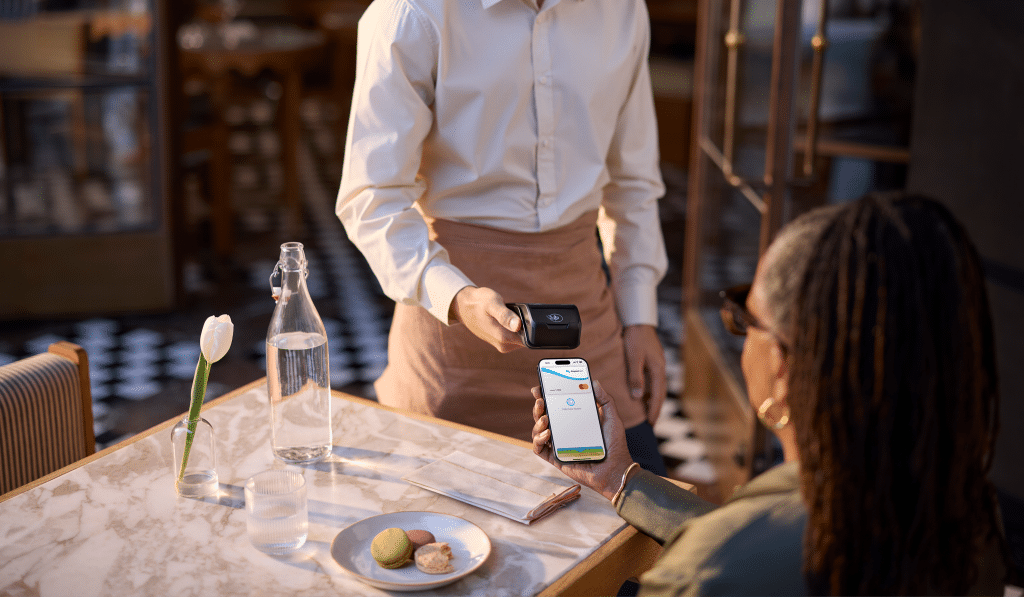
Employees can pay with Apple Pay in stores, online and in apps. Simply using their SimpledCard payment card. Now available via Apple Wallet.

The same level of control and insight
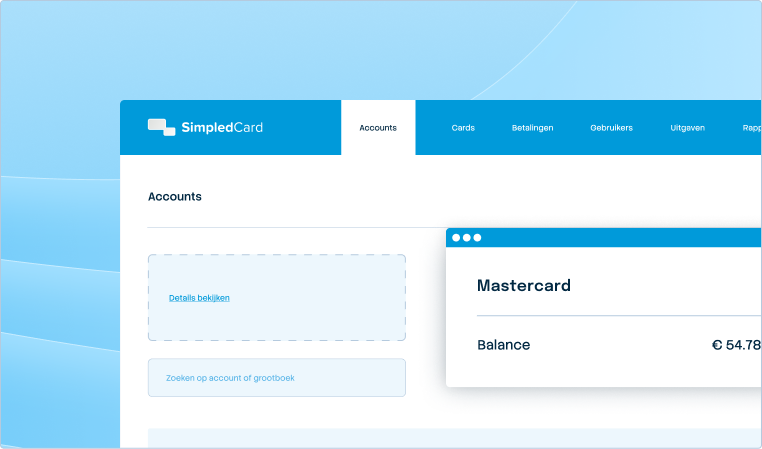
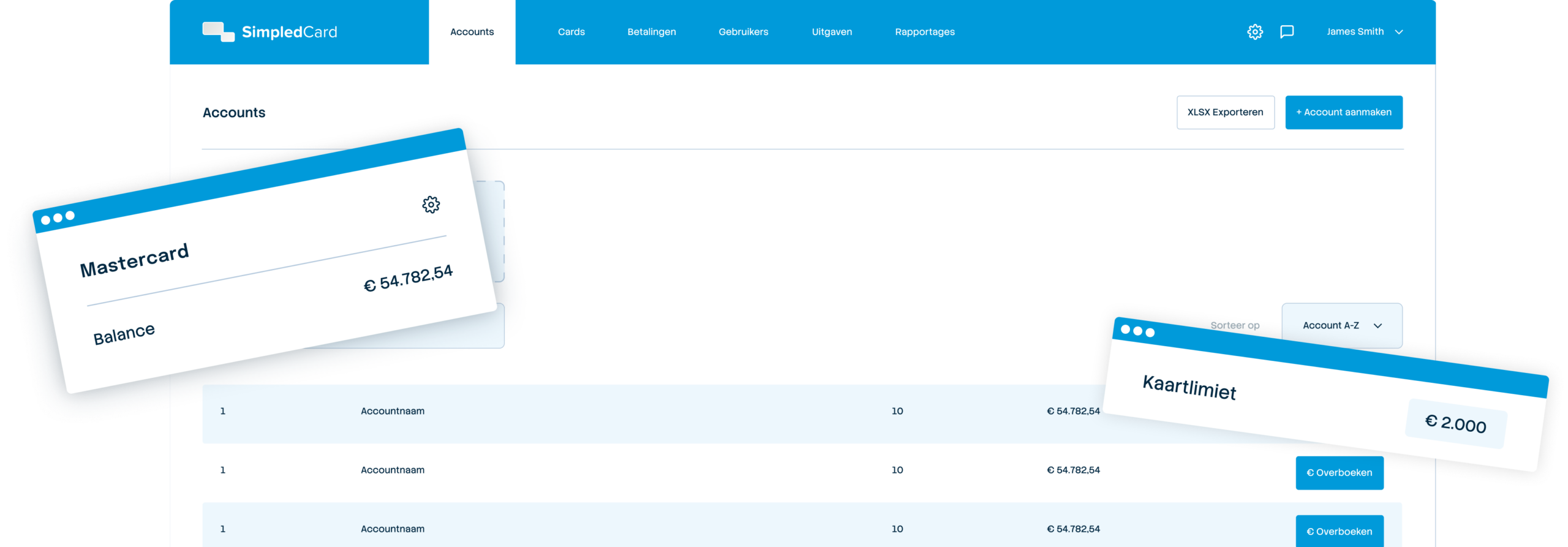
Nothing will change for finance teams. Limits, card settings and approval workflows will remain in place, and every payment will be visible in real time.

On all your Apple devices
Add your SimpledCard payment card to Apple Wallet once and pay using your iPhone, Apple Watch, iPad and Mac.

Spend control and visibility with SimpledCard
Whether employees use their physical SimpledCard card or their SimpledCard card with Apple Pay, you continue to benefit from:
- Real-time transaction visibility;
- Card controls and settings;
- Approval workflows;
- Expense management and bookkeeping integrations.
Another way to pay with your SimpledCard card
Employees can use their SimpledCard card with Apple Pay:
- In stores;
- Online;
- In apps.
Using:
- iPhone;
- Apple Watch;
- iPad;
- Mac.
Weekly budget
€ 2000,-
About Apple Pay
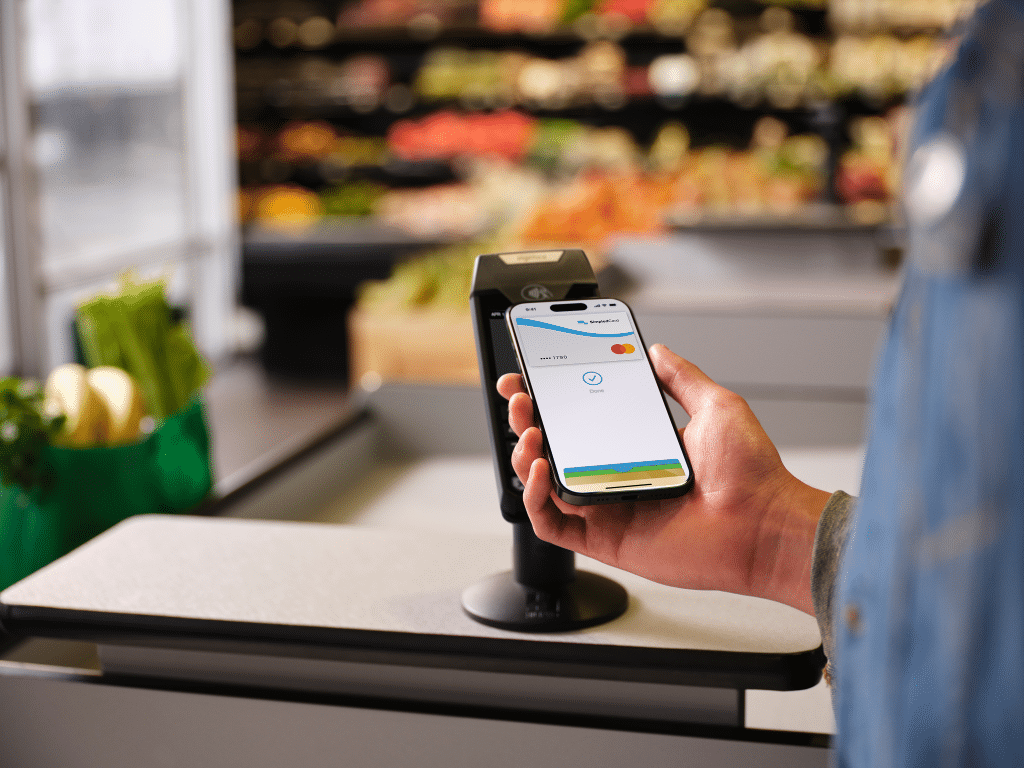
Apple Pay is an easy, secure and private way to pay.
Apple Pay uses the security features built into your Apple device, including Face ID, Touch ID and passcode authentication.
Your actual card number is never stored on your device.
When you pay, your card number is not shared with merchants.
What our customers say
Thanks to SimpledCard, we have taken full control of our expenditure management. The real-time insights and automatic approvals save us a lot of time every day and ensure transparency within our team.
How to add your SimpledCard card to Apple Wallet
- From the SimpledCard app
- Open the SimpledCard app;
- Select your card;
- Tap Add to Apple Wallet;
- Follow the instructions.
- From Apple Wallet
- Open Apple Wallet;
- Tap the “+” button;
- Follow the instructions to add your card.
Add your SimpledCard card to Apple Wallet today.
Book a demo and discover how payment cards from SimpledCard simplify your spend management.
Frequently asked questions
- Does Apple Pay replace my physical card?
No. Your physical SimpledCard card continues to work as normal.
- Are my spending controls and settings still applied?
Yes. All existing SimpledCard controls, settings and approval workflows remain unchanged.
- Where can I use Apple Pay?
You can use Apple Pay in stores, online and in apps wherever Apple Pay is accepted.
- Is Apple Pay secure?
Apple Pay uses Face ID, Touch ID or your passcode to authorize payments and is designed to help protect your payment information.
- Can I see Apple Pay transactions in my SimpledCard app?
Yes. Apple Pay transactions appear in your SimpledCard app just like any other card transaction, giving you the same visibility over business spending.
- Do my spending limits still apply when paying with Apple Pay?
Yes. Apple Pay transactions are subject to the same card controls, spending limits and settings you've configured in SimpledCard.
- Can I use Apple Pay abroad?
Yes. Apple Pay works abroad wherever it's accepted, and the same SimpledCard spending controls apply.