

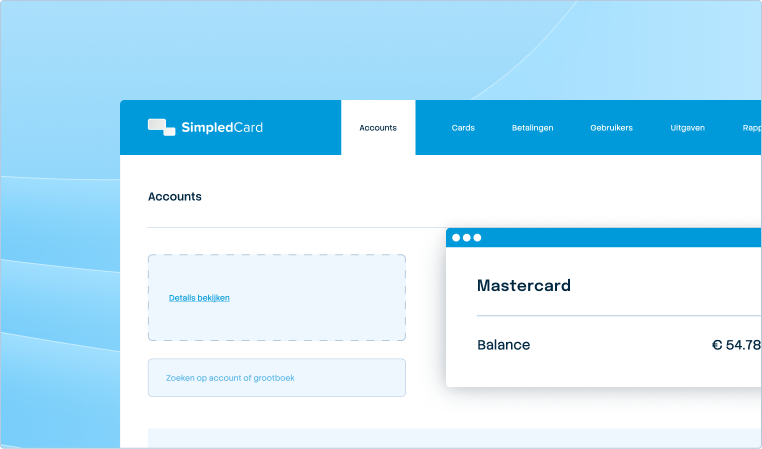




From receipt to claim. Wherever you are.
Receipts that get lost, expense reports that arrive late, approvals that get stuck. With SimpledCard's mobile app, your employee handles everything instantly: making card payments, submitting receipts and claims.







Work flexibly, maintain full control
Your team works a lot on the road. Receipts are only handed in later or get lost. With SimpledCard's mobile app, employees photograph their receipts immediately after a purchase and submit their justification or claim with the correct cost type. This way, they work more flexibly and the administration no longer has to wait.

Weekly budget
€ 2000,-

Secure card payments
Always have your personal card PIN at hand via the mobile app. Two-factor authentication with 3D secure for online orders.

Photograph receipts directly
Take a photo after each purchase and the system automatically recognises the data. No lost receipts, no administrative backlog.

Always up-to-date insight
As an employee, see instantly how high your limit is and what tasks you still have to do. At any time, from any device.

Capturing receipts before they get lost
Waiting for everyone to get back to the office means outdated receipts, missed VAT and endless reviewing. With SimpledCard, your team photographs receipts immediately after purchase and adds amount, VAT and cost type on the spot. Online payments are released with 3D Secure and employees immediately see if the payment was successful. Everything syncs automatically with your accounting system. Faster turnaround times and a better work-life balance for everyone.
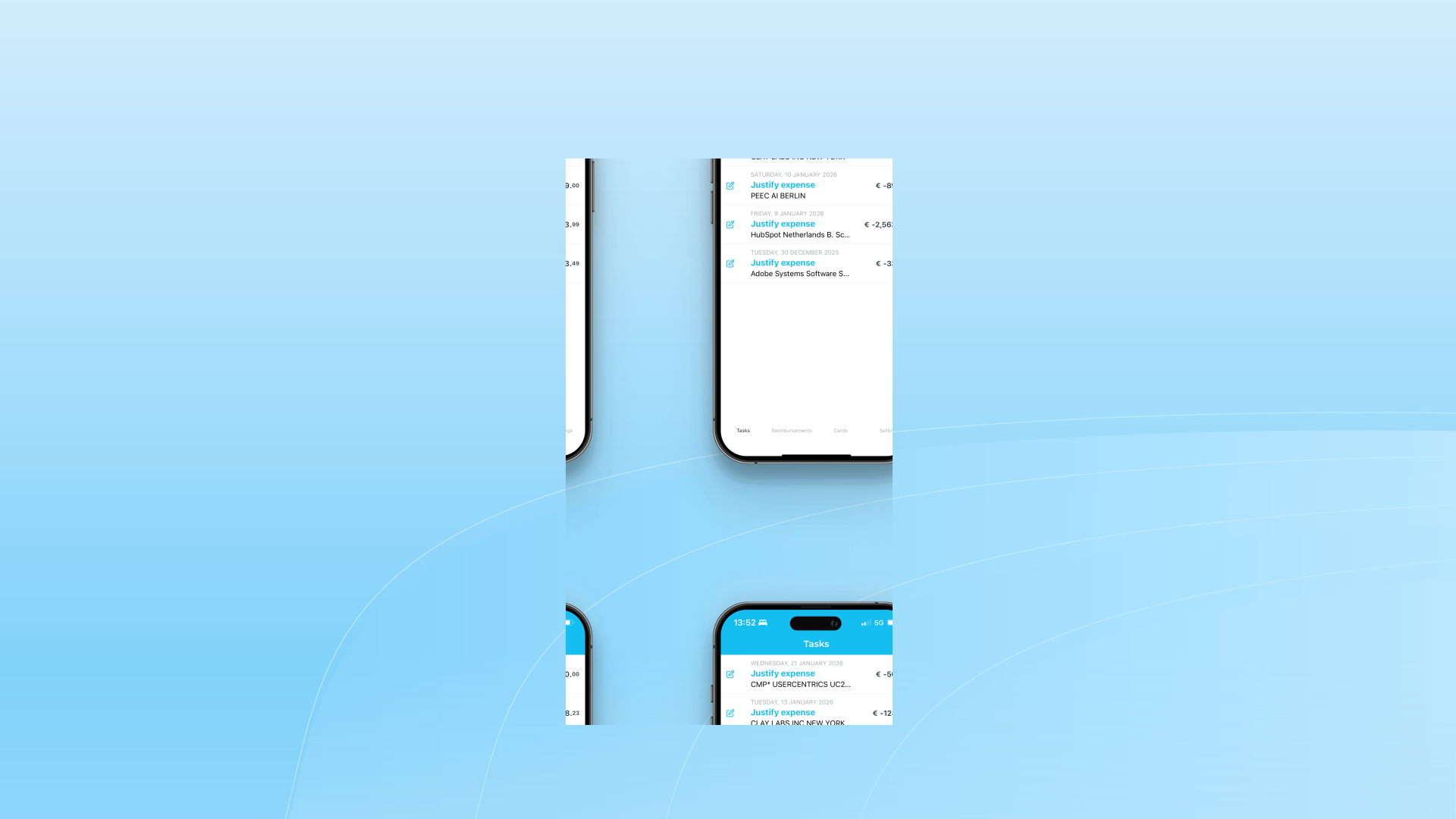
Real-time grip on your expenses
Discovering budget overruns in the month-end closing is too late. Thanks to the SimpledCard app, you can see in real time where teams stand, get notifications on major expenses and approve between meetings. No more outdated Excel sheets, but up-to-date figures that help you make adjustments before projects run out of steam. Steer proactively instead of cleaning up after the fact.
What our customers say
Thanks to SimpledCard, we have taken full control of our expenditure management. The real-time insights and automatic approvals save us a lot of time every day and ensure transparency within our team.
All teams now have payment cards to incur expenses. Budgets can be adjusted if required. All cash has now disappeared from the floor. Self-managed teams can effortlessly manage with SimpledCard.
The care teams account for expenses through the app, eliminating the need for us to manually enter hundreds of excel sheets. We can monitor expenditure in real time and intervene if necessary.
Claims are now always made digitally. We are up to date with processing expenses at project level a day later. The reservoir of advances and receipts has dried up thanks to SimpledCard.
How it works.
- 1. Download the app and log in
Download the SimpledCard app for iOS or Android and log in with your login details. Then set up FaceID or your fingerprint for quick and secure access. That way, from now on, you log in with a glance or the press of a button.
- 2. Manage your cards and make secure payments
See all your cards with their budgets in one overview. See your PIN when you need it, confirm online payments with 3D Secure and see instantly if a transaction was successful. Lost card? Block it immediately from within the app to prevent misuse.
- 3. Capture receipts and process claims
Photograph receipts immediately after purchase; the app automatically recognises the amount, VAT and vendor. Assign the expense to the right project or cost centre, add a note and done. See the status of all your expense claims in one overview and get notified as soon as they are approved.
- 4. Approve spending and keep an eye on budgets
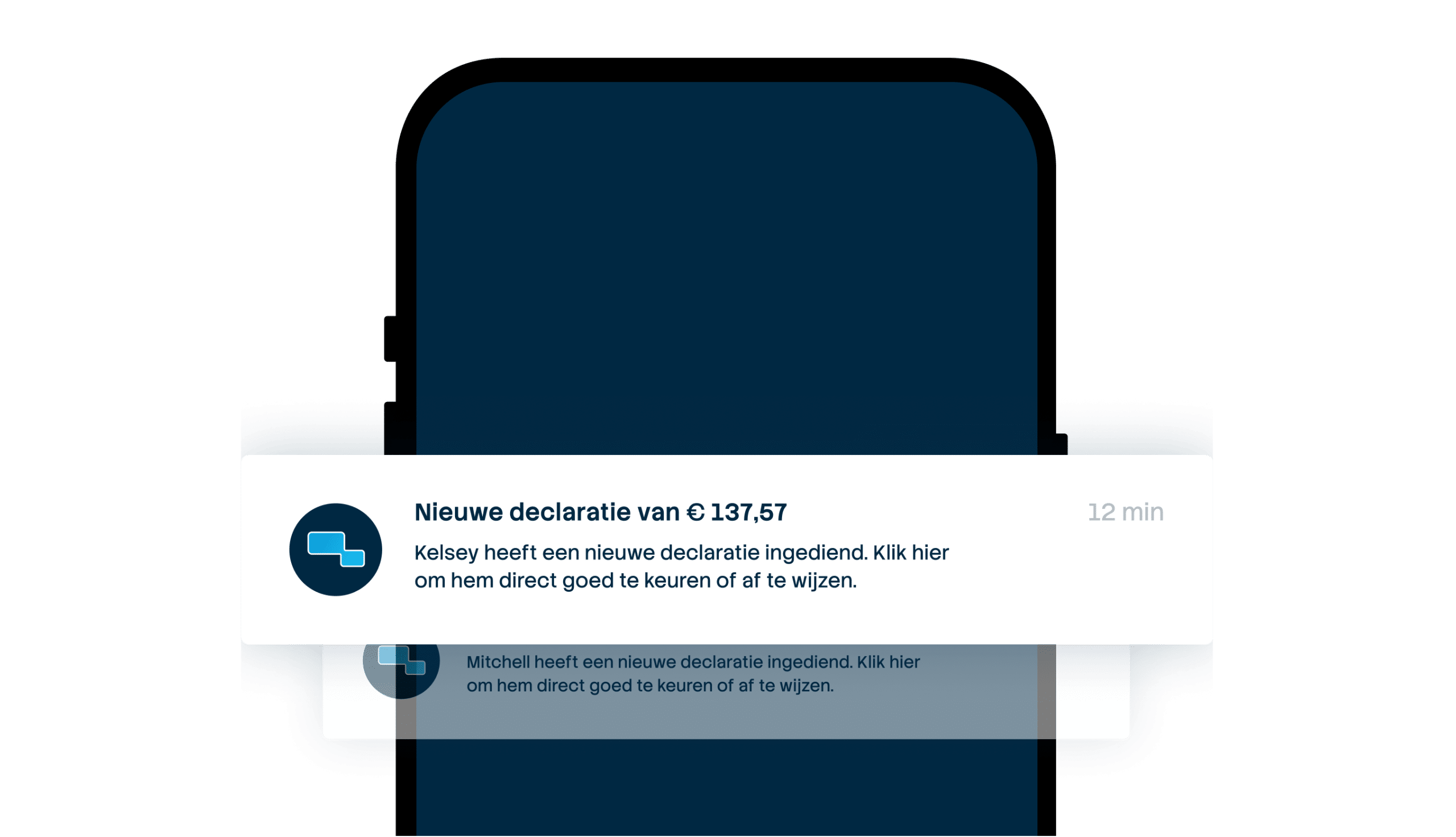
Get push notifications when new expenses require approval. See your task summary in the Card Management System, view receipts and check justifications. Monitor budgets per team, project or cost centre in real time and get notifications when budgets are exceeded. So you always stay in control.
Let administration move with your team
Schedule a demo and discover how the SimpledCard mobile app saves your finance team hours and lets your employees work flexibly.
Finance teams about SimpledCard
Frequently asked questions
- Is the app available for both iOS and Android?
Yes, the SimpledCard app is available for both iOS and Android. Download the app from the App Store or Google Play Store. Log in with your login details and set up FaceID or fingerprint for quick access. The app works the same on both platforms.
- Can I also view my budgets in the mobile app?
As a user, you see all your cards and budgets in real time in the app. Adjusting budgets and limits is done by your cash manager via the web app. The app is mainly for making your payments and submitting claims on the go.
- Does the app automatically sync with the web platform?
Yes, everything syncs automatically and in real time. Receipts that employees photograph in the app appear immediately in the web app. Approvals you make in the platform are immediately visible to your team. You always work with up-to-date data, no matter which device you use.
- Can employees block their cards directly through the app?
Yes, employees block their cards directly themselves via the app. This prevents misuse in case of loss or theft. You as the administrator also see this in the web app and can permanently deactivate the card. Employees can also unlock a temporarily blocked card themselves if it is found again.
- How does 3D Secure work for online payments via the app?
For online payments, you receive a notification in the app to approve the payment. You identify yourself via FaceID, fingerprint or PIN. Once you approve the payment, it is processed immediately. This is the standard security method for online payments and prevents fraud.
- Can employees see their PIN in the app?
Yes, employees see their PIN in the app when they need it. This prevents PINs from being written on notes. The PIN is secure and only visible after logging in with FaceID, fingerprint or app password. This keeps the card secure.
- Can I log in with FaceID or fingerprint?
Yes, you set up FaceID or fingerprint after the first login. Then you log in with a glance or press. This is faster and more secure than typing in a password. Your login details remain protected and you have instant access to the app.
Your platform for
simple spend management
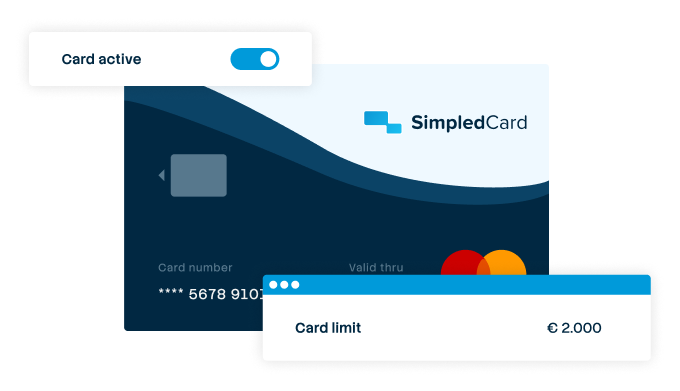

Give your team payment cards you manage yourself
Physical and virtual cards that you issue directly to employees or teams. Replace advances, petty cash and credit cards with one integrated solution.
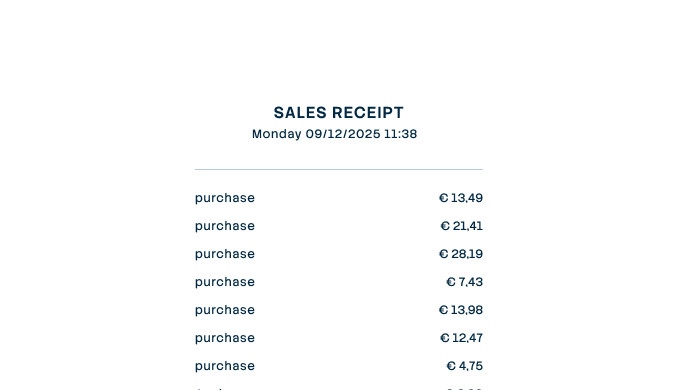

Settling expense claims in minutes
Employees photograph the receipt and add a short explanation. Process claims in one minute, without paperwork or red tape.
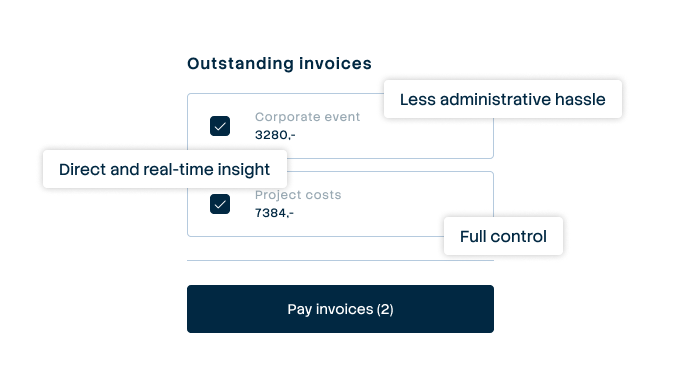

Pay suppliers without hassle, with full control
Upload the invoice, approve it according to your workflow and initiate payment through one transparent flow.
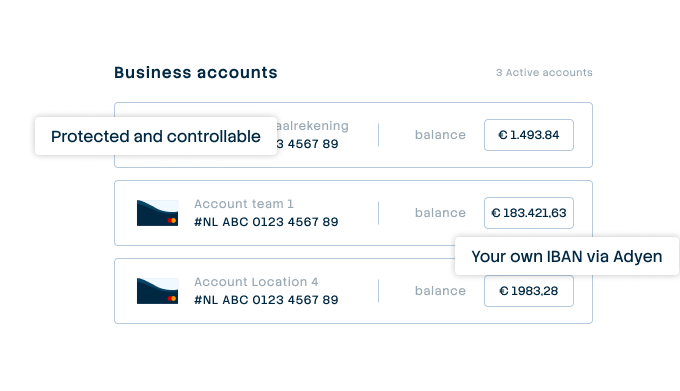

A business account that just works
Choose one or more Dutch IBANs provided by Adyen, linked to all your cards and payment flows. Simple management without complex multi-account structures that cause confusion.
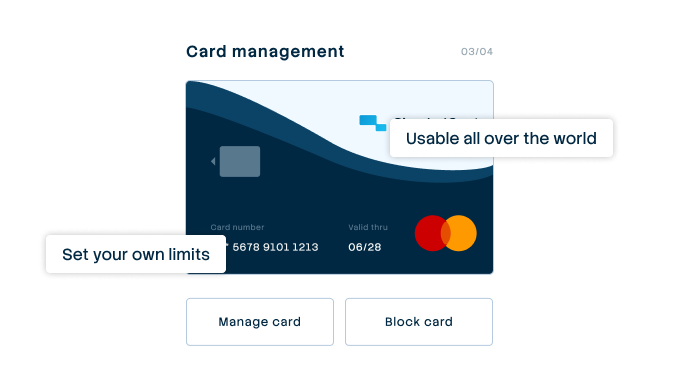

Your central platform for card and expense management
Full control over limits, allowed categories and budgets per employee, team or project. Set rules and let the system enforce them.
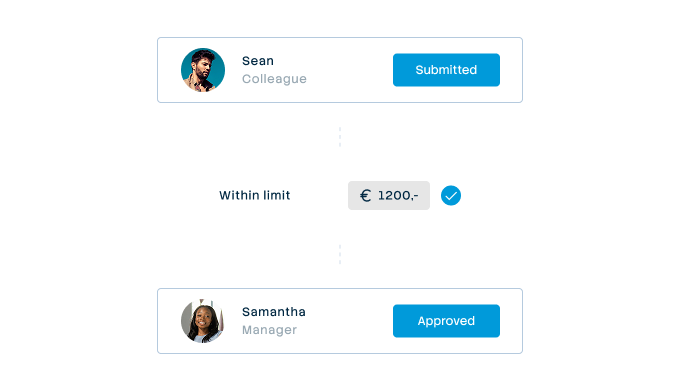

Approval rules that suit your organization
From simple one-step approval to multi-step approval with as many controllers as your organization needs. Configure it once and let the system do the rest.
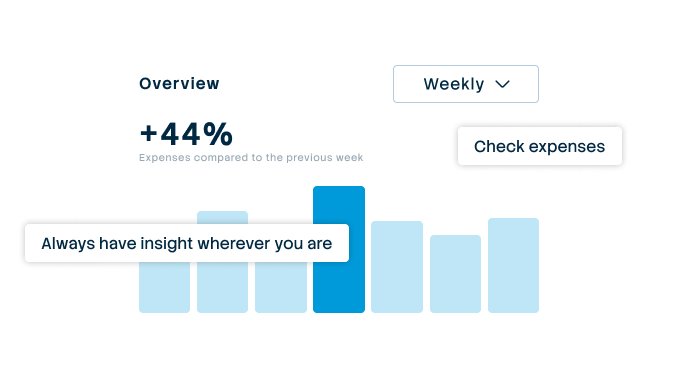

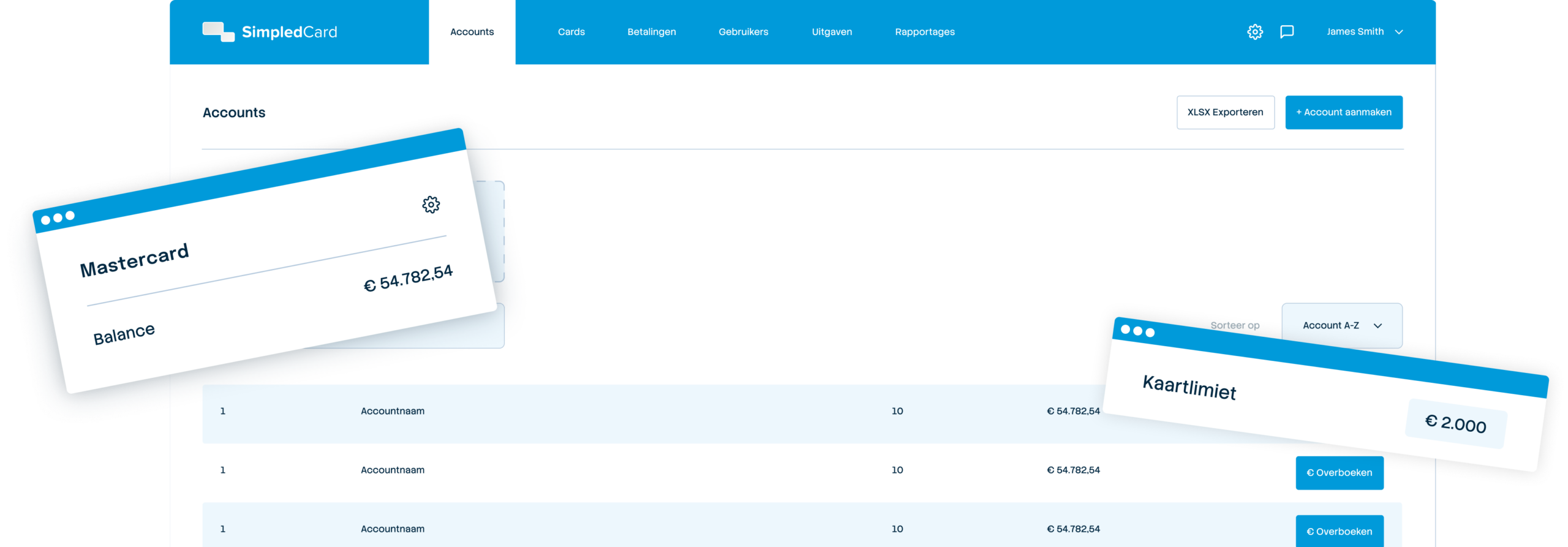
Always up-to-date insight into your business spend
See immediately where budgets are and which expenses are still outstanding. No more surprises at the month-end, but complete transparency.
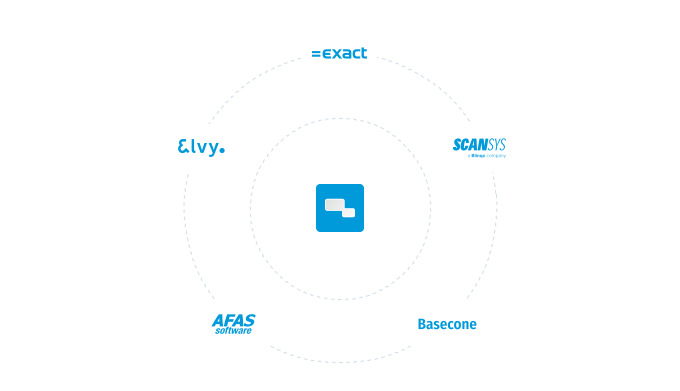

Integrate with your systems and automate your administration
Works seamlessly with accounting packages such as AFAS, DATEV and SAP. Transactions automatically synchronize with the correct general ledger accounts.