

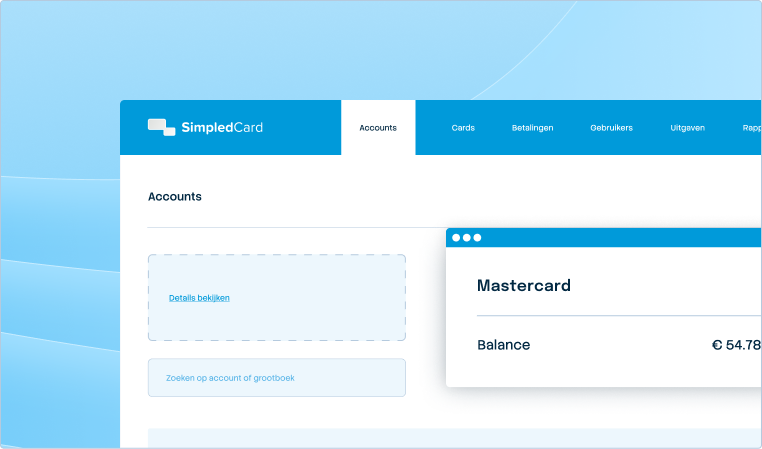



Always up-to-date insight into your business spend.
Budget overruns are often only discovered at the end of the month, when adjustments no longer help. SimpledCard gives real-time insight into all employee expenses and sends you immediate notifications in case of deviations.
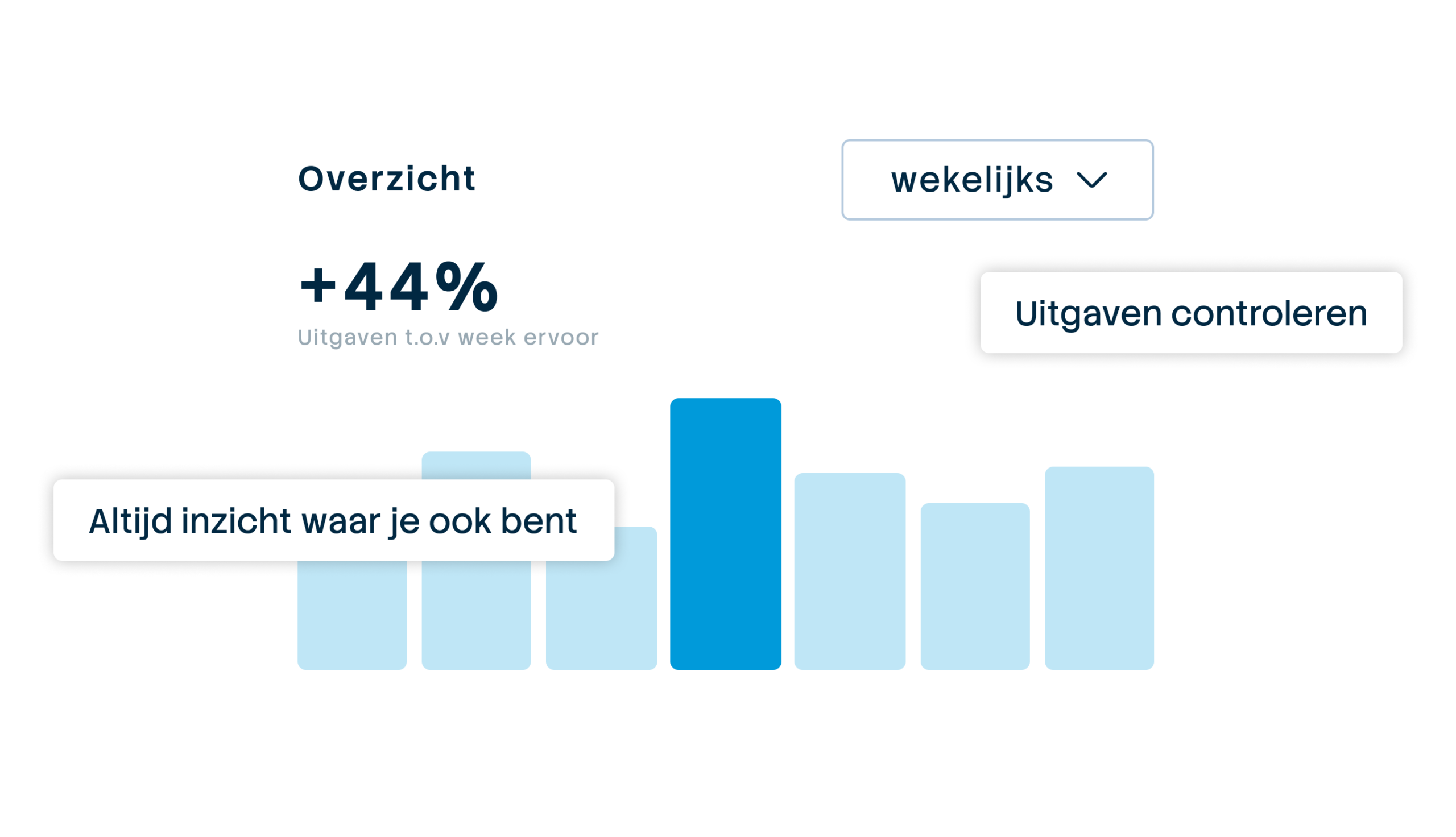







From retrospective reporting to proactive steering
Finance teams often work with separate systems, which means analyses come late and budgets can be exceeded. With SimpledCard, you instantly see who is spending what and where . So you keep a grip on budgets at every stage and for every location.

Weekly budget
€ 2000,-

Always up-to-date figures
Transactions arrive in real time. So you keep an overview by team, department or project.

Intervene before things go wrong
See immediately when a project reaches 80% of budget. Intervene while you can still make adjustments.

Speed up the process
Run instant reports on transactions, justifications and balances. Give everyone the numbers they need, when they need them.

No more waiting for credit card statements or declarations
With SimpledCard, your employees use smart payment cards and the mobile app to submit their expenses. Transactions and movements can be seen in real time in your dashboard. So you never have to wait for month-end statements again and always have the latest information.

From budget surprises to proactive control
SimpledCard shows every transaction instantly without synchronisation wait times. Get push notifications when large expenses are incurred or when budgets reach 80%. See budget status by team with one click and export up-to-date data to Excel or your accounting package. Standardise cost types per department and add automatic references for cost centres, projects or clients. So you have faster insight into spending patterns and make adjustments where necessary.
What our customers say
Thanks to SimpledCard, we have taken full control of our expenditure management. The real-time insights and automatic approvals save us a lot of time every day and ensure transparency within our team.
All teams now have payment cards to incur expenses. Budgets can be adjusted if required. All cash has now disappeared from the floor. Self-managed teams can effortlessly manage with SimpledCard.
The care teams account for expenses through the app, eliminating the need for us to manually enter hundreds of excel sheets. We can monitor expenditure in real time and intervene if necessary.
Claims are now always made digitally. We are up to date with processing expenses at project level a day later. The reservoir of advances and receipts has dried up thanks to SimpledCard.
How it works.
- 1. Every transaction immediately visible
As soon as an employee makes a payment using the SimpledCard debit card or submits a claim, it appears immediately in the dashboard. No delays, no waiting for synchronization or batch processing. The figures you see are always up-to-date, so you know exactly where you stand at any time.
- 2. Check budget status at any time
For each team, project or department, you immediately see how much budget is still available and what has already been spent. Click on a cost centre and you immediately know whether there is room for extra spending or whether you need to make adjustments. Budget adjustments can be made in seconds. Filter by period to see trends.
- 3. Get instant notifications in case of anomalies
Set which events you want to receive push notifications at. You will be notified instantly via the app or email and can take action before problems arise.
- 4. Export actual data whenever you want
Always download the latest figures to Excel, your BI tool or your accounting package. No more waiting for monthly exports, but data exactly when you need it. Perfect for ad hoc analyses, interim reports or management meetings.
Stop waiting. Start with real-time insight.
Book a demo and find out how you always keep up-to-date insight into budgets and expenses, without waiting for monthly exports or delayed synchronization.
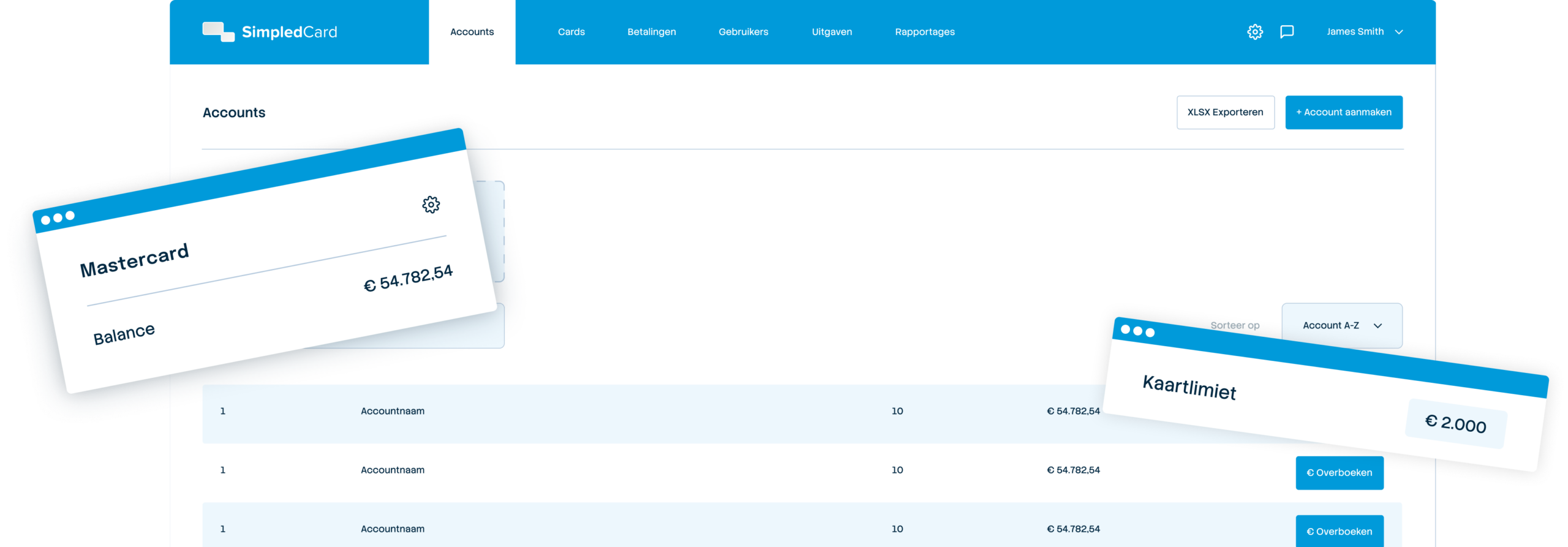
Finance teams about SimpledCard
Frequently asked questions
- How soon can I see transactions in the dashboard?
Transactions appear immediately as soon as an employee makes a payment or submits a claim. No waiting times due to synchronization or batch processing. The figures you see are always up-to-date. So you know exactly where your budgets stand at any time without having to wait.
- Can I set when I receive notifications?
Yes, you decide which events you want to receive push notifications or emails at. You set this once and receive notifications via the app or email.
- Which export formats are supported?
You export data to Excel through CSV or directly to your accounting package such as AFAS or Exact Online. You can also retrieve data for your BI tool via the exports. All export formats contain the same complete dataset with transactions, balances and allocations. Choose the format that best suits your workflow.
- Can I track budgets by project or cost centre?
Yes, you can see in real time how much budget is available and what has already been spent per project, cost centre or department. Click on a specific cost centre and you immediately see the details. Filter by period to see trends or compare several projects side by side. So you always have insight where it is needed.
- How can I tell if a budget is running low?
In the dashboard, you can see the available budget per team, project or cost centre. You can quickly identify budgets that reach 80% or more. You set up automatic recharges to periodically replenish your budget. This prevents a budget being exceeded or a team suddenly running out of resources.
- Can I compare historical data with the current period?
Yes, you filter by different periods and compare them side by side. See how spending in Q1 compares to Q2 or compare the same month last year to this year. This helps with budget planning and discovering seasonal patterns. Export the data for management reports.
- Do the real-time insights also work for claims and invoices?
Yes, claims and invoices appear directly in the dashboard as soon as they are submitted. You can see the status of each claim or invoice, whether it is pending, approved or paid. Filter by expense type to see only claims, invoices or card expenses. Everything in one place.
Your platform for
simple spend management
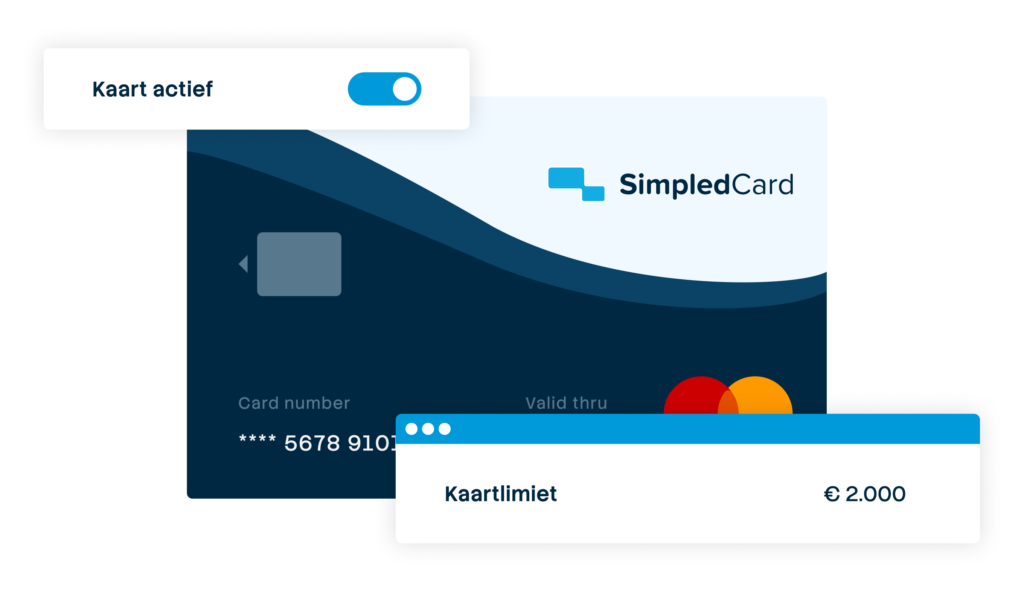

Give your team payment cards you manage yourself
Physical and virtual cards that you issue directly to employees or teams. Replace advances, cash and loose credit cards with one integrated solution.
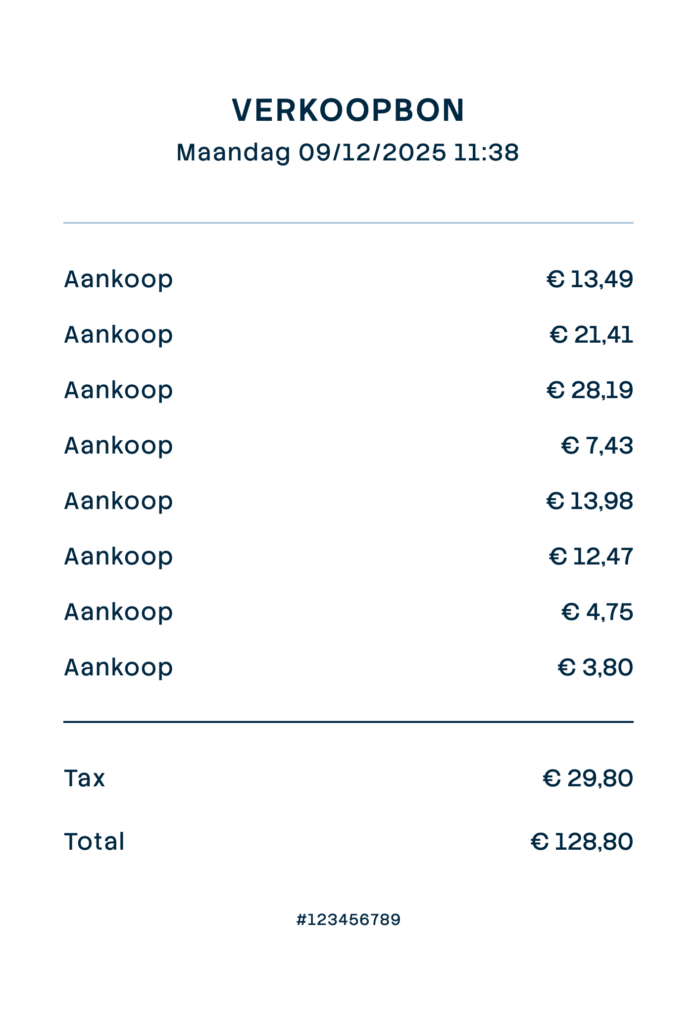

Settling expense claims in minutes
Employees photograph the receipt and add a short explanation. Process claims in one minute, without paperwork or red tape.
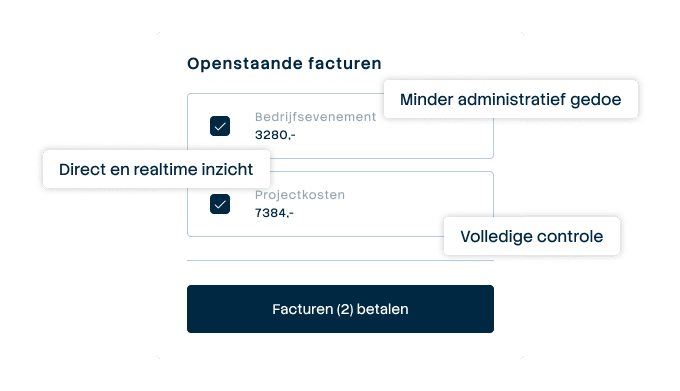

Pay suppliers without hassle, with full control
Upload the invoice, approve it according to your workflow and initiate payment through one transparent flow.
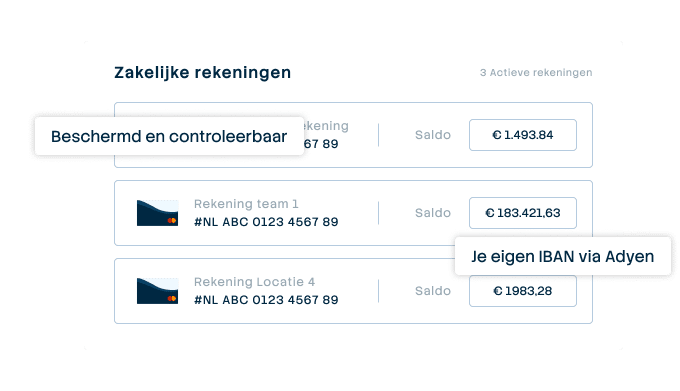

A business account that just works
Choose one or more Dutch IBANs provided by Adyen, linked to all your cards and payment flows. Easy to manage and Adyen's business account is covered by the deposit guarantee scheme.
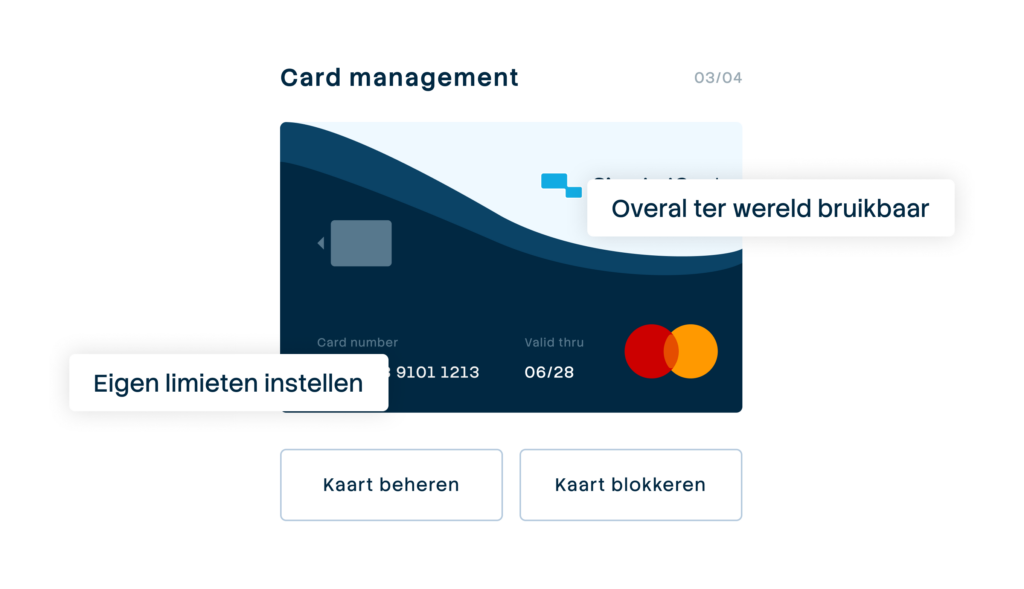

Your central platform for card and expense management
Full control over limits, allowed categories and budgets per employee, team or project. Set rules and let the system enforce them.
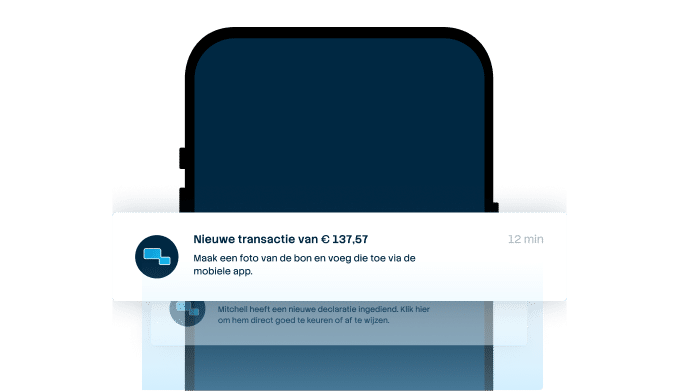

From receipt to claim. Wherever you are
Employees arrange their expenses on the go, while the finance team manages everything centrally. For iOS and Android.
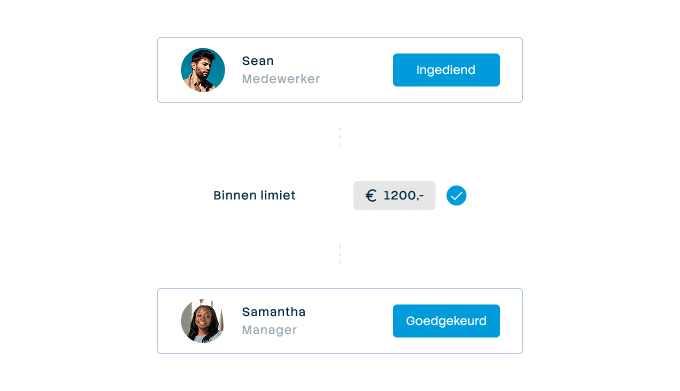

Approval rules that suit your organization
From simple one-step approval to multi-step approval with as many controllers as your organisation needs. Configure it once and let the system do the rest.
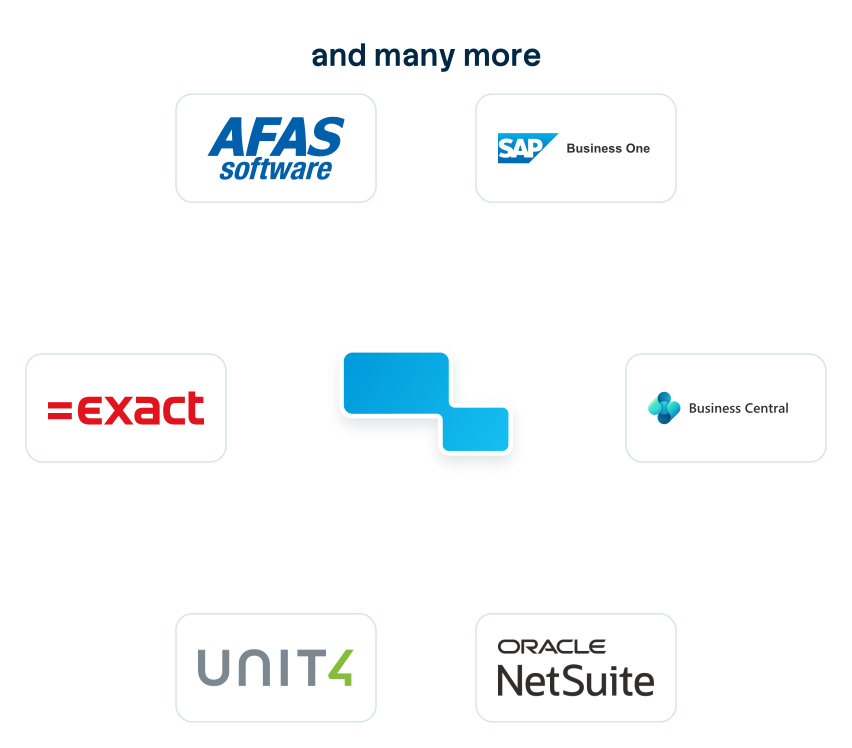

Connect to the systems you already use
Accounting, ERP or invoice processing: SimpledCard connects to virtually any system organizations here use. From the big names to the packages only we seem to know.