

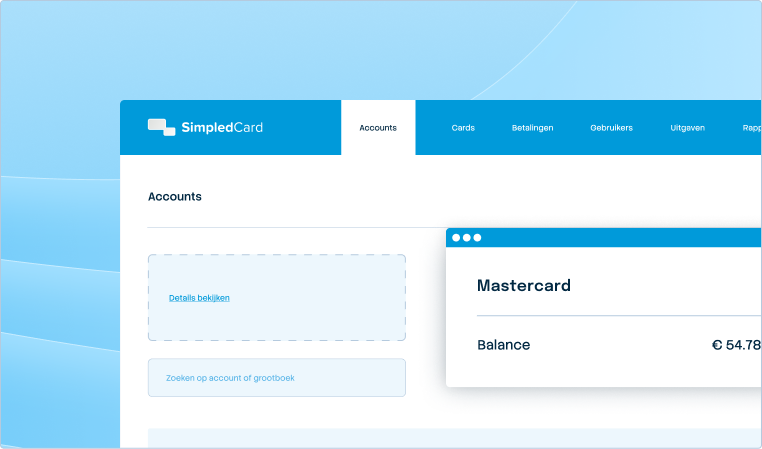



Your central platform for card and expense management.
The Card Management System is your central workstation. Here you issue cards directly, set limits and get a real-time overview of all transactions. Everything you need to manage your business spend, in one place.
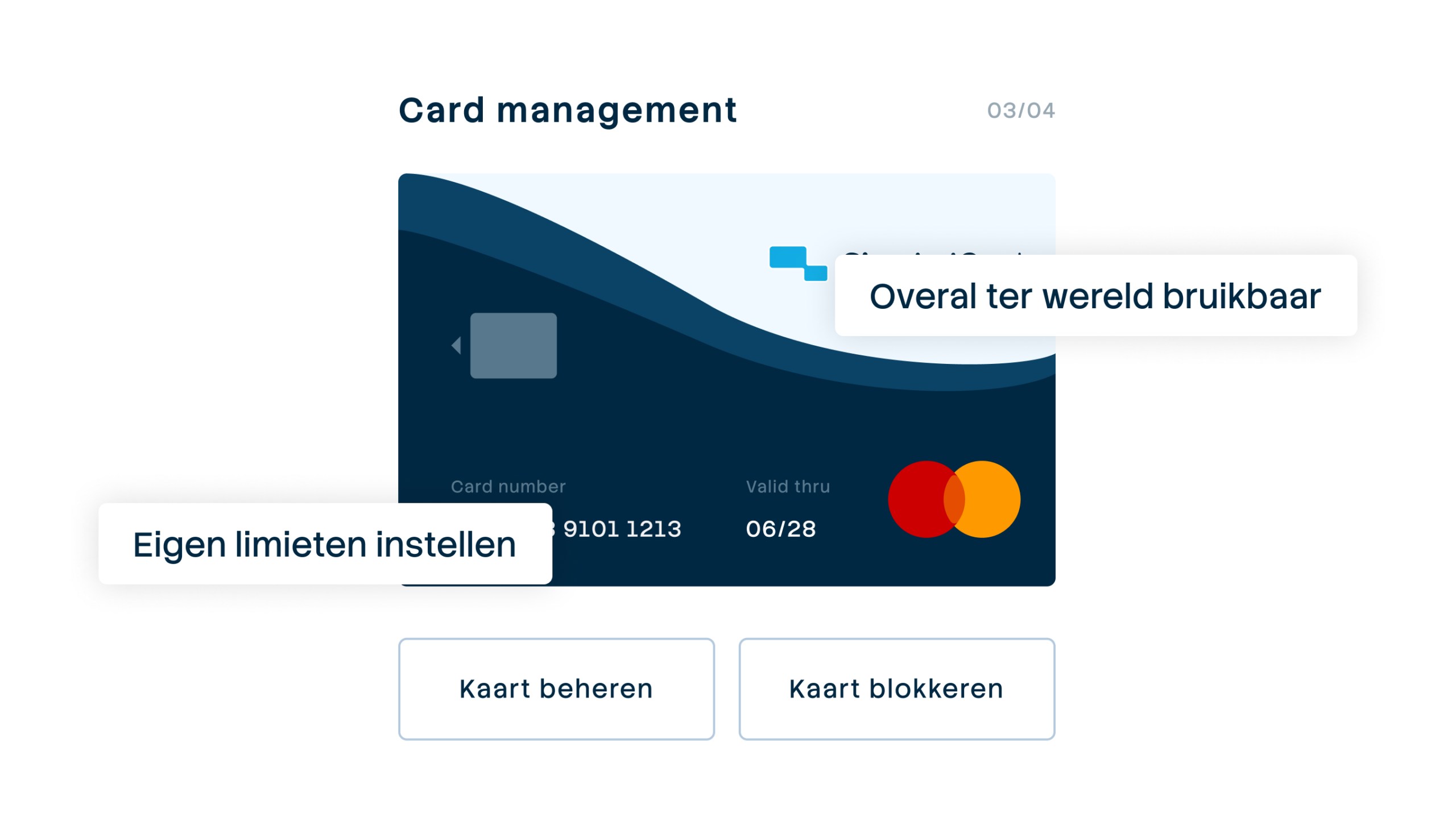







Self-service card management without going through your bank
Through your bank, it may take days to apply for cards or adjust limits. And if something needs to be arranged, you depend on their office hours. With SimpledCard, you take care of it yourself: issue cards within minutes, adjust limits instantly and monitor all transactions in real time. Complete control with a clear audit trail.

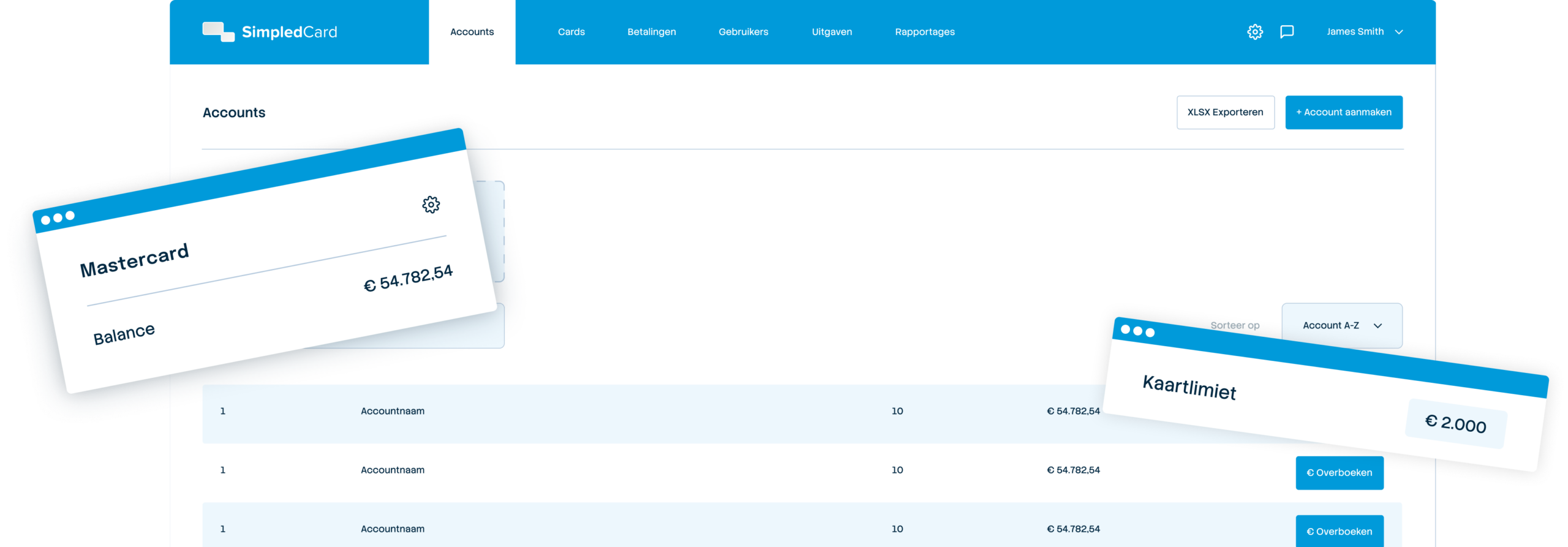
Weekly budget
€ 2000,-

Issue cards directly via the web app
Issue new payment cards to employees, teams or projects within minutes. Self-service, without needing your bank.

Control over budgets and rules
Assign roles, set spending limits, and specify all relevant VAT rates, cost types, and project codes.

Real-time overview and audit trail
See all transactions instantly, receive alerts in case of discrepancies and have access to the audit history. Control without micromanagement.
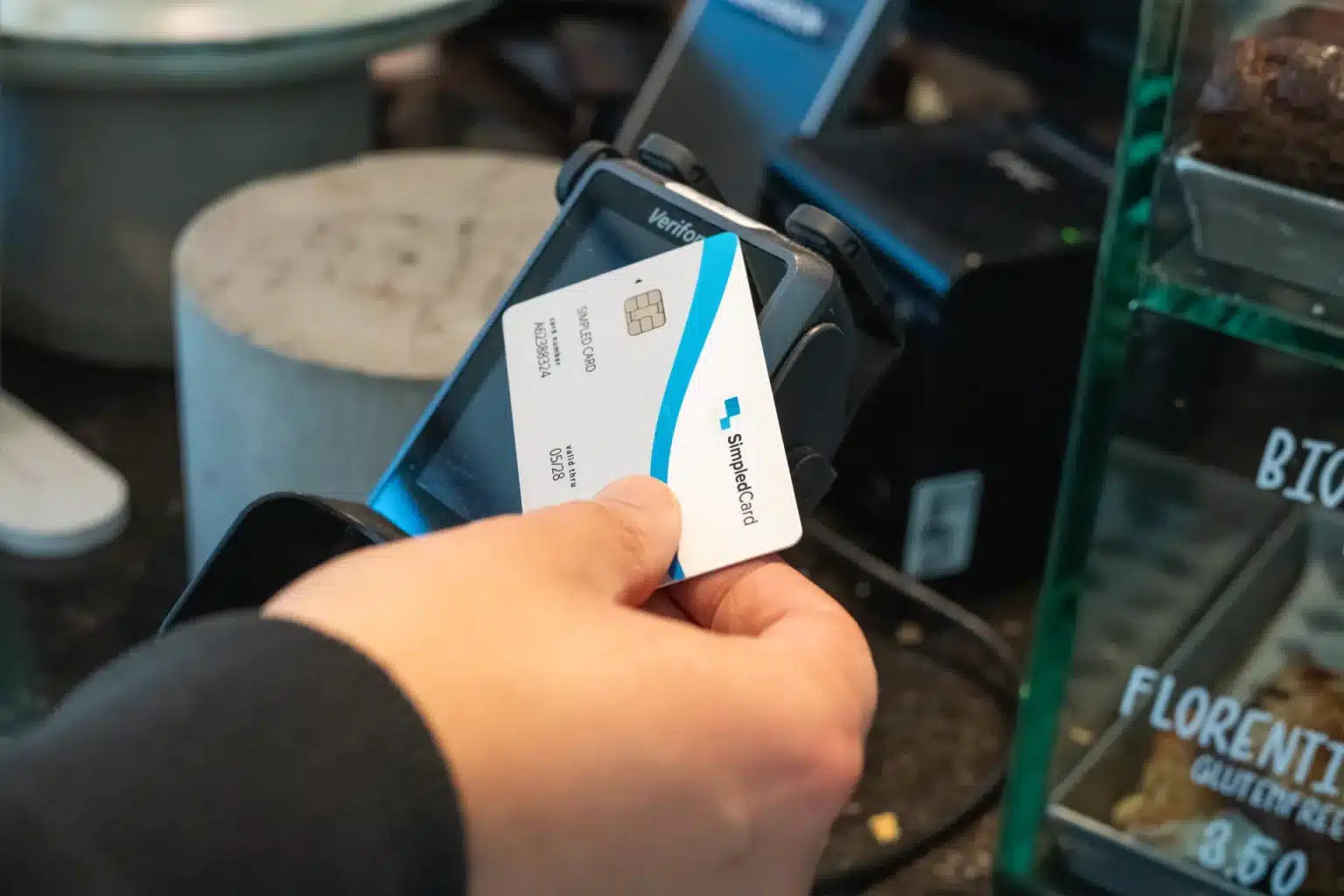
Issue cards directly yourself
No more waiting at banks. Activate a card in the web app and link it to an employee, team or project. Issue physical cards from your stock, virtual cards appear immediately in the app. Always keep an overview of who is using which means of payment, so you always stay in control.
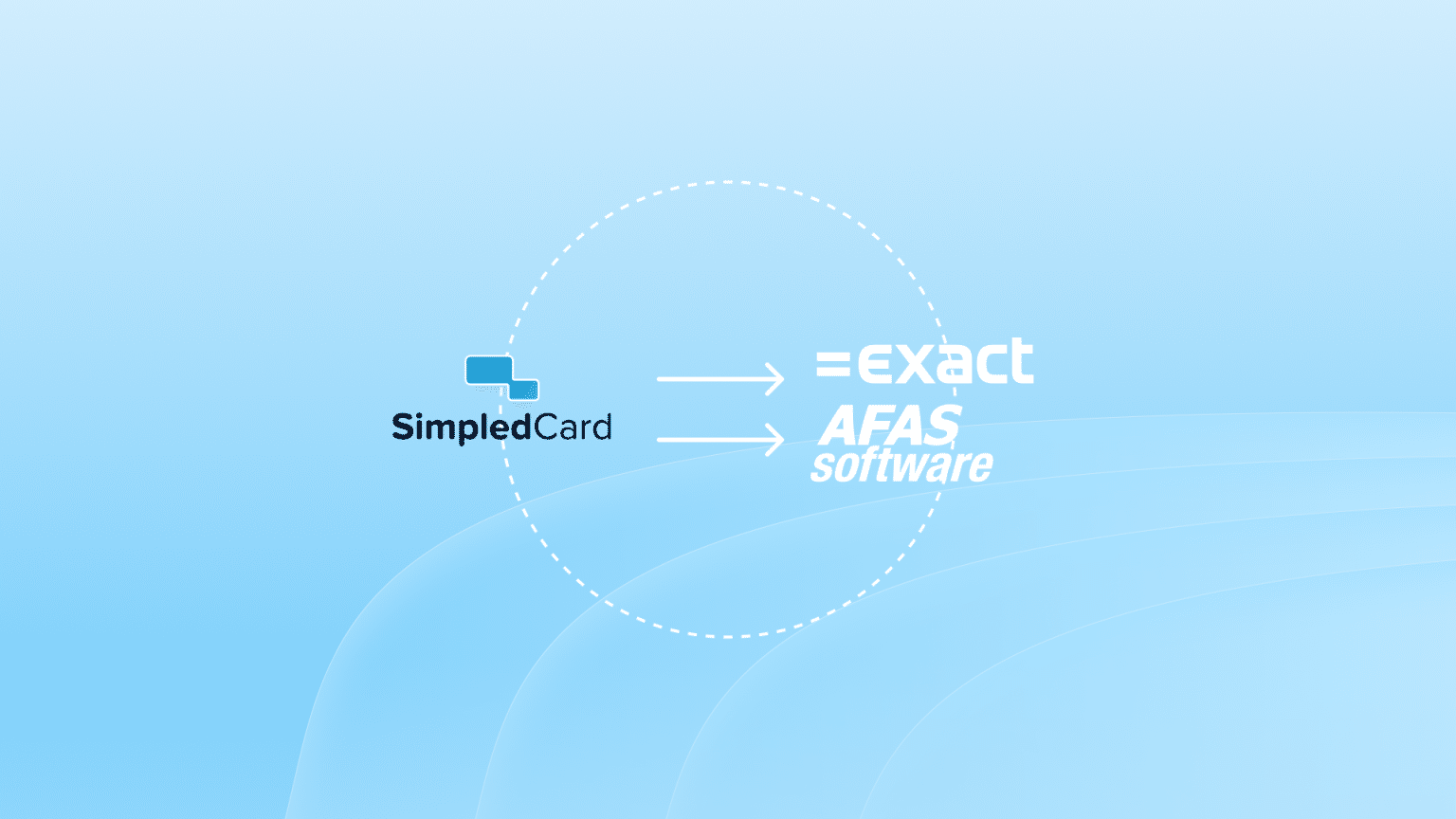
Link directly to your accounting process
Specify all relevant VAT rates, cost types, cost centres and project codes and determine which selection each team can use. This reduces the risk of errors and ensures that expenses are always allocated correctly. In the Card Management System, you determine which rights you assign for each user, based on the role that fits your organization's workflow.
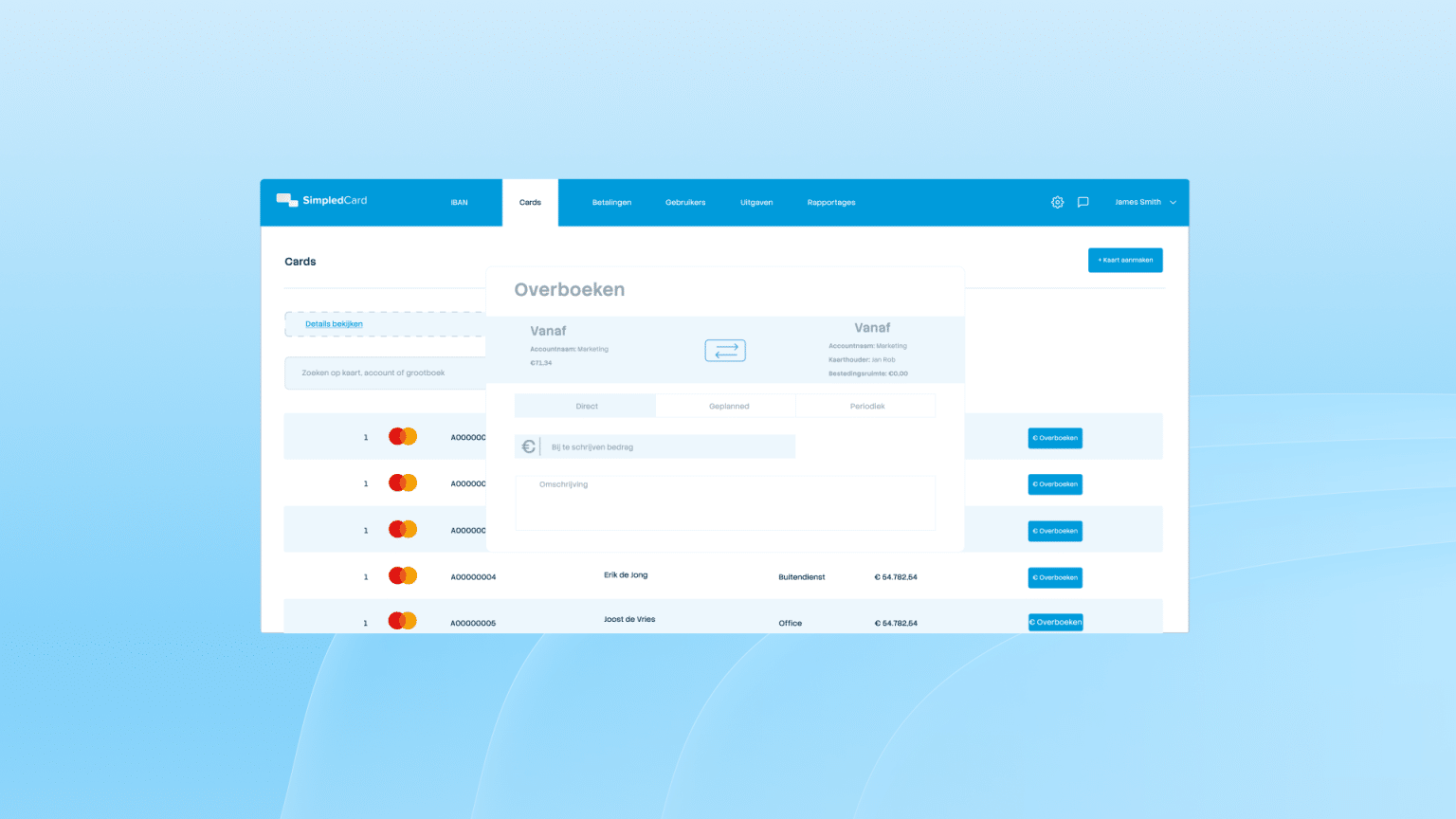
Manage limits and monitor spending in real time
Set limits per card, team or location and block unwanted categories such as ATMs or casinos. Monitor all transactions in real time. Receive push notifications when expenses are incurred and block suspicious cards immediately. Filter by period or category and export data with one click to your accounting package.
What our customers say
Thanks to SimpledCard, we have taken full control of our expenditure management. The real-time insights and automatic approvals save us a lot of time every day and ensure transparency within our team.
All teams now have payment cards to incur expenses. Budgets can be adjusted if required. All cash has now disappeared from the floor. Self-managed teams can effortlessly manage with SimpledCard.
The care teams account for expenses through the app, eliminating the need for us to manually enter hundreds of excel sheets. We can monitor expenditure in real time and intervene if necessary.
Claims are now always made digitally. We are up to date with processing expenses at project level a day later. The reservoir of advances and receipts has dried up thanks to SimpledCard.
How it works.
- 1. Create a user
Log in to the web app and click on “New user”. Choose which role the employee gets and which payment methods he or she can use. You set the budget (per day, week or month) and decide where the card can be used. If necessary, you block categories such as petrol stations or ATMs. If you don't want to issue the employee a card, you can also give him or her only expense claim rights.
- 2. Distribute the means of payment to the employee
Once you have linked the card in the web app, hand it out to the employee. Physical cards you give out from your stock, virtual cards immediately appear in the mobile app. The employee activates the card himself and receives the PIN via the app.
- 3. Monitor transactions and receive alerts
Each expense appears in your dashboard, where you can filter by employee, team, period or category. You receive push notifications for transactions above a certain amount or budget overruns, and check via the web app that all expenses have the correct receipt and explanation. You always have a full audit trail.
- 4. Adjust budgets and entitlements directly
When a big project needs more budget, increase your limit with one click. During holidays, you temporarily block cards, and when someone leaves their job, you revoke the card and divide the budget among other cards. Cards can easily be reused for new employees. You make all changes yourself, without a ticket or phone call.
Ready to manage your means of payment yourself?
In a demo, see how you issue cards within minutes, set limits and monitor all business spend in real time. Without depending on your bank.
Finance teams about SimpledCard
Frequently asked questions
- Who can use the Card Management System?
The Card Management System is designed for finance teams, controllers and managers responsible for expenditure management. You decide who gets access and what role someone has. Employees can also log in to the web app to upload receipts or view their expenses. The mobile app also offers additional convenience on the go.
- What roles can I set and what do they mean?
You assign roles to users based on what they are allowed to do in the platform. Think of roles such as administrator, approver or user. Each role has specific rights, such as issuing cards, adjusting budgets or only viewing transactions. This way, you determine exactly who can do what in the system.
- How do I adjust limits when necessary?
You adjust limits with a few clicks in the web app. Select the card, change the daily, weekly or monthly budget and confirm. The new limit is active immediately. You do this when projects need more budget or when you want to temporarily lower limits.
- Can I temporarily block cards without deactivating them?
Yes, you temporarily block cards via the web app or mobile app. This is useful during holidays or when an employee temporarily does not need to spend. You unblock the card again when needed. The balance and all settings are retained.
- How do I set VAT rates, cost types and project codes?
You configure your entire accounting structure once in the web app. Add your VAT rates, cost types and project codes as you use them in your accounting. Decide which selection is available per team. Employees then choose from the correct options, which prevents errors and ensures correct cost allocation.
- Can I filter transactions by team or period?
Yes, you filter transactions by employee, team, period, category or project. Select the filters you need and the system shows only relevant transactions. Then export the filtered data to Excel or your accounting package with a single click.
- Can I reuse cards for new employees?
Yes, when an employee leaves, you uncouple the card and assign it to a new employee. You adjust the balance and settings to the new position. There is no need to replace the card. This saves time and prevents you from stocking unused cards.
- How do I access the full audit trail?
The audit trail is automatically available in the web app. You can see who used which card when, who approved it and what changes were made. Filter by period or user to find specific information. This history is essential for audits and compliance.
Your platform for
simple spend management
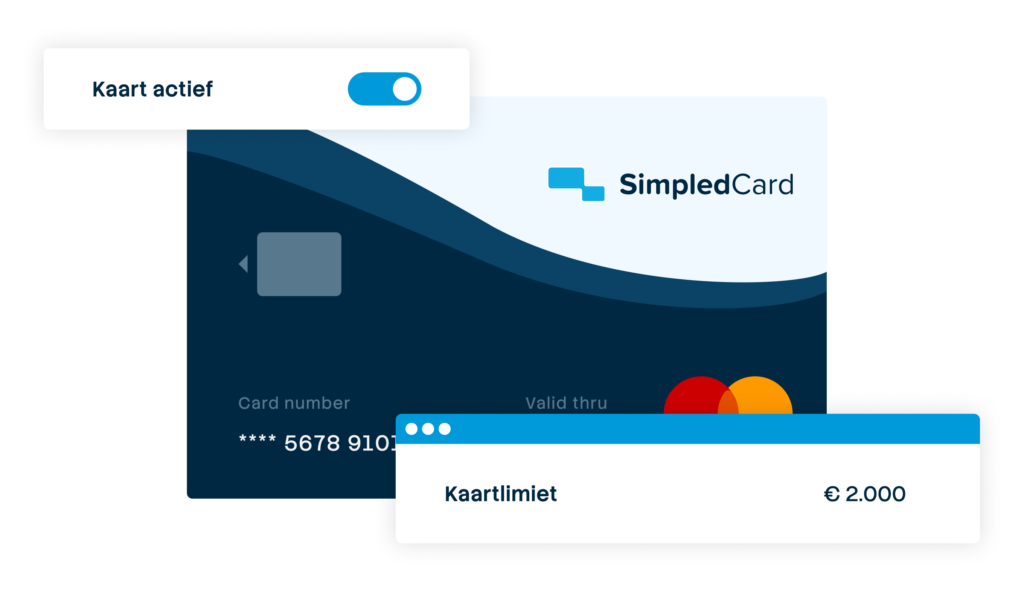

Give your team payment cards you manage yourself
Physical and virtual cards that you issue directly to employees or teams. Replace advances, cash and loose credit cards with one integrated solution.
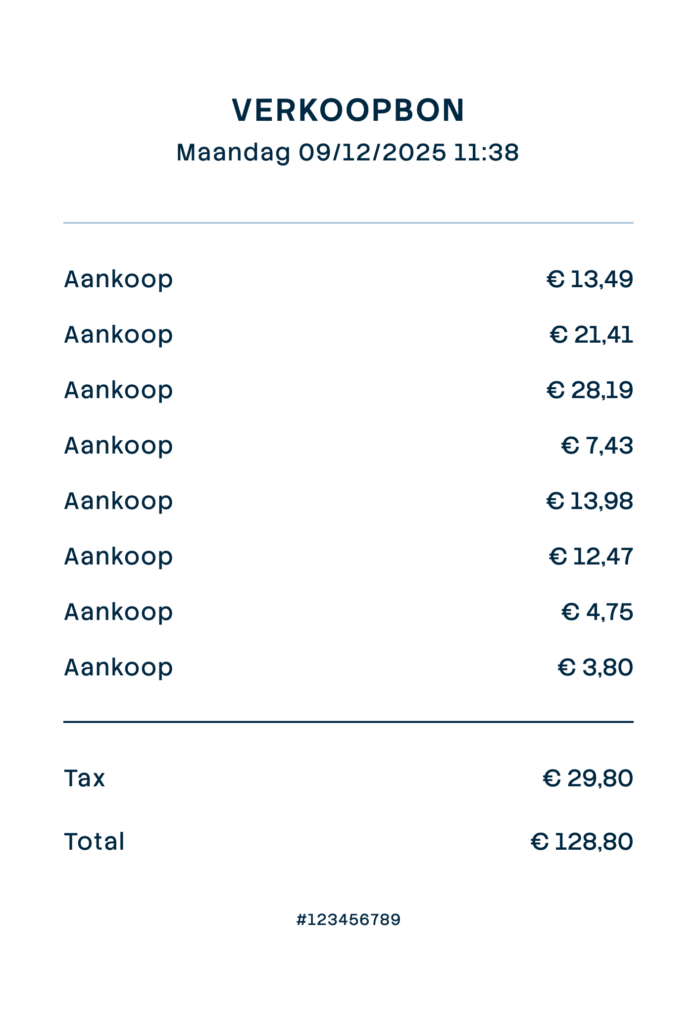

Settling expense claims in minutes
Employees photograph the receipt and add a short explanation. Process claims in one minute, without paperwork or red tape.
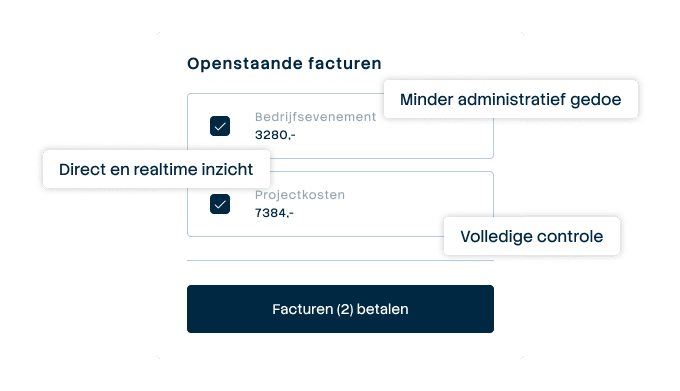

Pay suppliers without hassle, with full control
Upload the invoice, approve it according to your workflow and initiate payment through one transparent flow.
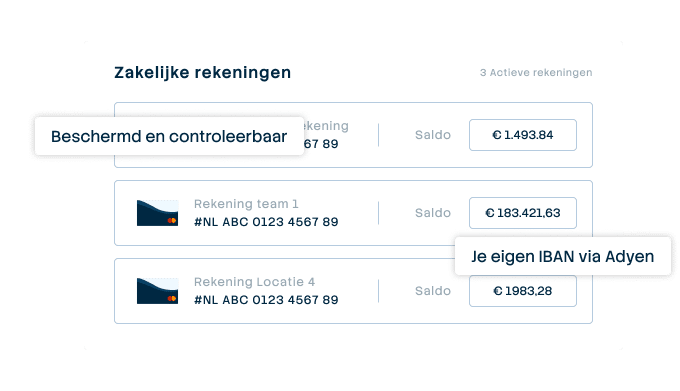

A business account that just works
Choose one or more Dutch IBANs provided by Adyen, linked to all your cards and payment flows. Easy to manage and Adyen's business account is covered by the deposit guarantee scheme.
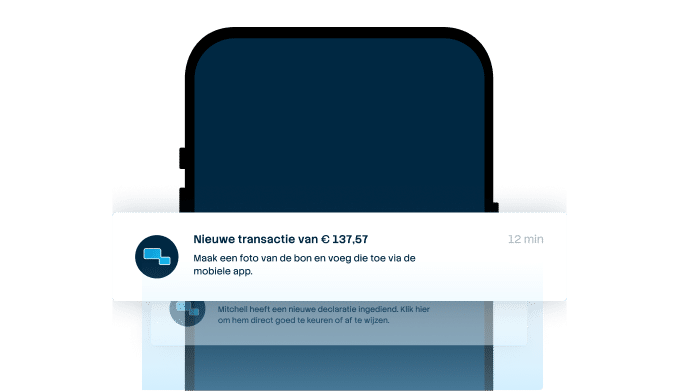

From receipt to claim. Wherever you are
Employees arrange their expenses on the go, while the finance team manages everything centrally. For iOS and Android.
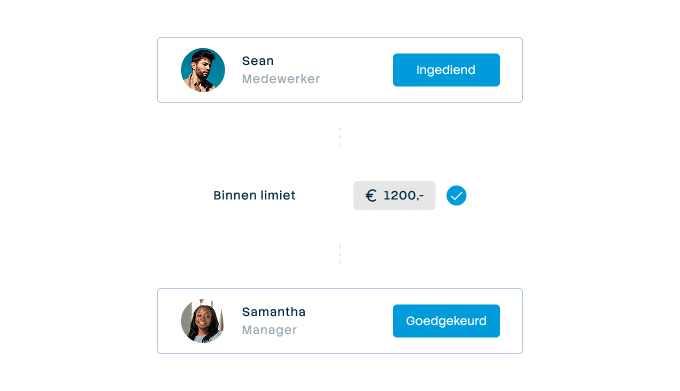

Approval rules that suit your organization
From simple one-step approval to multi-step approval with as many controllers as your organisation needs. Configure it once and let the system do the rest.
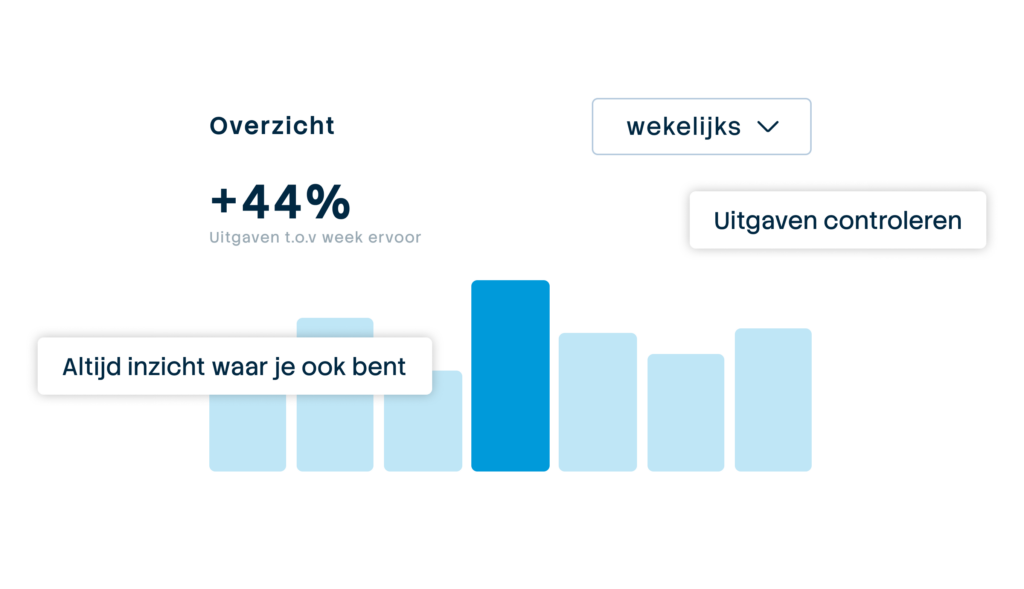

Always up-to-date insight into your business spend
See immediately where budgets are and which expenses are still outstanding. No more surprises at the month-end, but complete transparency.
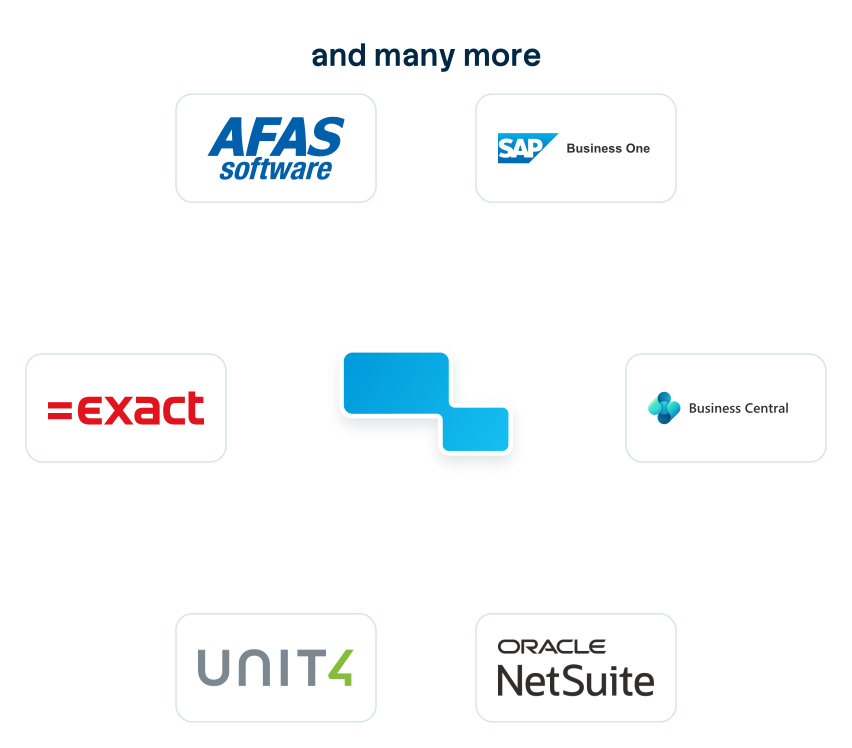

Connect to the systems you already use
Accounting, ERP or invoice processing: SimpledCard connects to virtually any system organizations here use. From the big names to the packages only we seem to know.