




Settling expense claims in minutes.
Employees who don't have a card with them simply advance the expense and claim it easily via the app. This way, you have a uniform process for all your spend and no longer need separate systems. Stop chasing receipts and save hours of administrative work.







From receipt to reimbursement in a few steps
Claims take time, lead to errors and frustration for employees and finance alike. Claims, card statements and payments often go through different systems. With SimpledCard, you bring automation and uniformity to the entire process; from receipt to reimbursement. Everything linked to the right budget, directly from one platform.
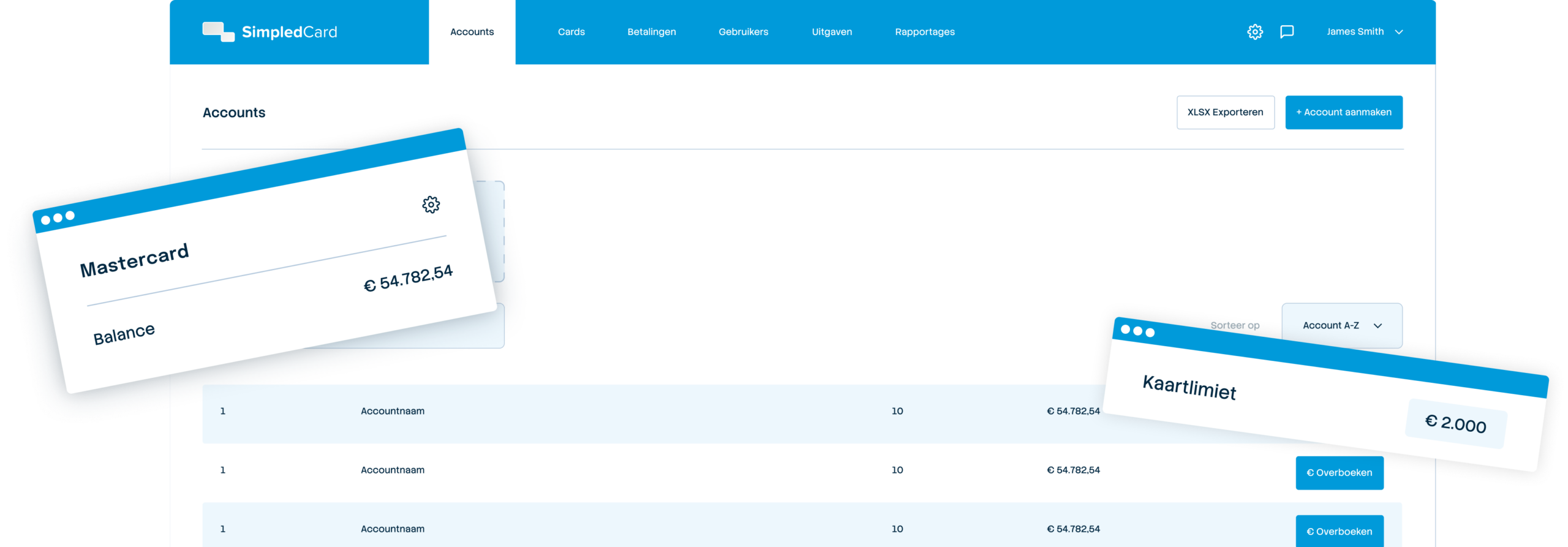
Weekly budget
€ 2000,-

Easy submission
Employees use the mobile app to easily submit a claim and immediately fill in the justification.

Uniform approval process
Claims follow the same flow as card transactions. The amount is linked to the correct budget and cost type and approved according to your own rules.

Direct payment
If you opt for a business account* then you initiate expense reimbursement payments directly from within the SimpledCard platform. No more hassle with SEPA files.
Flexible payment options for your team
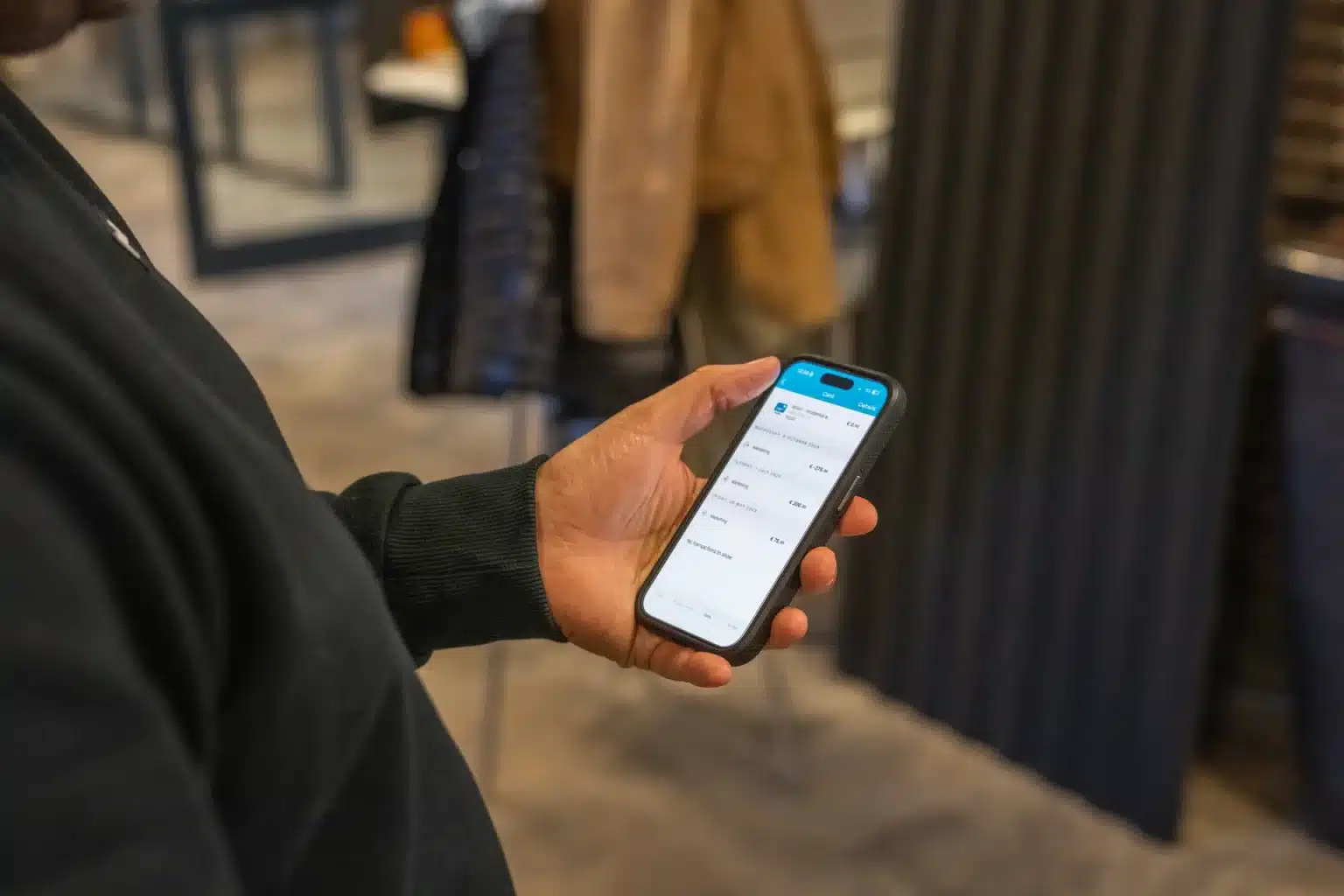
Not every employee always has a card with them. With SimpledCard's claims module, employees can advance small expenses and claim them easily. This is all done from a single platform. That way, you get a uniform process for all expenses and your employees always have suitable payment options at hand.

Fast reimbursements with full control
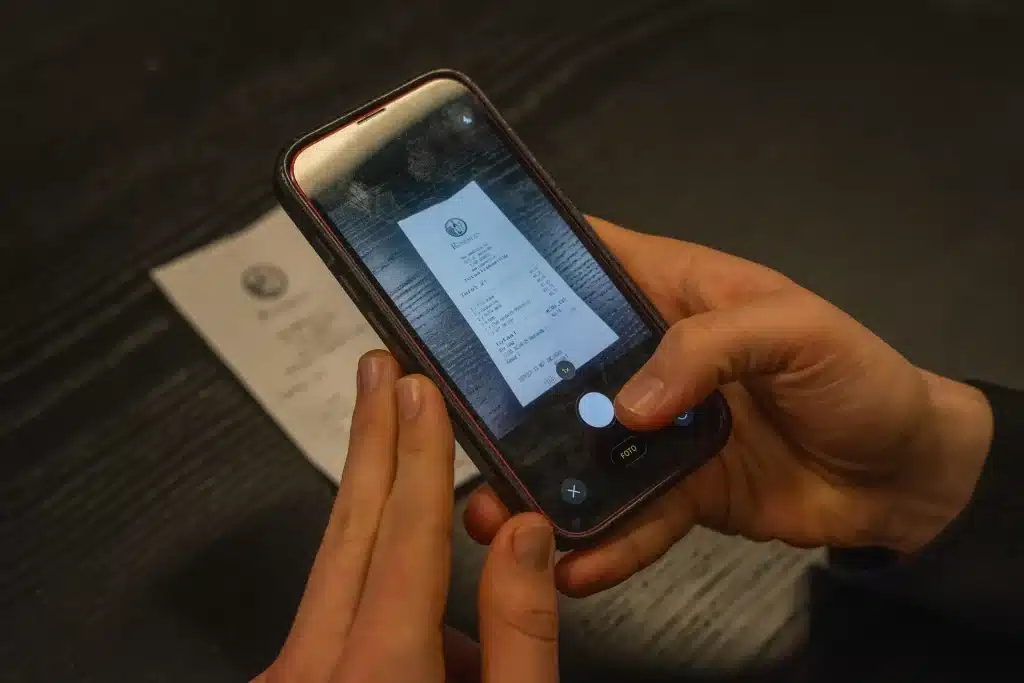
Receipts left lying around for weeks create incomplete records at the end of the month. With SimpledCard, your employee photographs the receipt immediately after purchase and submits the claim. This is immediately forwarded to managers for approval, according to the rules you set. If you choose a business bank account via Adyen, you can have the payment made immediately from the appropriate balance in SimpledCard after approval and IBAN verification.No more hassle with SEPA files or extra work in your accounts payable administration.
What our customers say
Thanks to SimpledCard, we have taken full control of our expenditure management. The real-time insights and automatic approvals save us a lot of time every day and ensure transparency within our team.
All teams now have payment cards to incur expenses. Budgets can be adjusted if required. All cash has now disappeared from the floor. Self-managed teams can effortlessly manage with SimpledCard.
The care teams account for expenses through the app, eliminating the need for us to manually enter hundreds of excel sheets. We can monitor expenditure in real time and intervene if necessary.
Claims are now always made digitally. We are up to date with processing expenses at project level a day later. The reservoir of advances and receipts has dried up thanks to SimpledCard.
How it works.
- 1. Take a photo of the receipt
Photograph the receipt immediately after purchase via the SimpledCard app. With the app, simply add amount, date, VAT and a description. Confirm the details, add your IBAN for refund if necessary, and done in 30 seconds.
- 2. Link to project or department
Assign the expense to a project, department or cost centre via a clear dropdown. The system often fills in categories automatically based on previous choices. One tap and the expense is in the right place for reporting.
- 3. Approval is automatic
The claim automatically goes to the right approver according to your set workflow. The approver receives a push notification and approves or rejects via the app. No e-mails, no manual forwarding. As an employee, you always see which step your request is at.
- 4. Easy payout
After approval, expenses and payments are automatically booked into your accounting programme via synchronization. Outstanding payments enter your Accounts Payable, from where you can process them further. If you choose your own business account via Adyen, you can even have the payment initiated immediately from the appropriate balance in SimpledCard after approval and IBAN verification. So you no longer have to fuss with SEPA files and save your team a lot of work.
- 5. Export to your accounts
You automatically export approved and paid claims to your accounting package such as AFAS or Exact Online. Including the picture of the receipt, VAT splitting and all allocations to projects or cost centres. One click and everything is correct in your accounts.
Get started with SimpledCard today
Book a demo and we'll discuss your claims process. You'll see the app in action, get answers to all your questions about reimbursements and integrations, and then know exactly how much time SimpledCard will save you.
Finance teams about SimpledCard
Frequently asked questions
- Can employees submit claims without a SimpledCard card?
Yes, the expense claim module is designed for situations where employees do not have a card with them. They photograph the receipt via the app, enter the amount and a short explanation and send the claim. This way, you handle all expenses through one platform.
- How does direct payment of expense claims work?
For the reimbursement module, you need a business account via Adyen. After approval and IBAN verification, you initiate the payment directly from within SimpledCard. The amount is transferred to the employee's bank account. This way, you no longer have the hassle of SEPA files. Everything happens from the platform without any additional systems.
- How long does it take for a claim to be paid?
This depends on your approval workflow. Once the claim is approved and the IBAN is verified, you can initiate payment directly from the SimpledCard platform. With instant payment in the SEPA area, the employee will receive the money in their account in seconds. No more waiting times due to administrative delays or periodic payment batches.
- Can employees provide their own IBAN for reimbursement?
Yes, employees add their IBAN when submitting the claim. This is verified and stored for future claims. So they don't have to fill in their account number over and over again. As administrator, you always see which account number has been paid to.
- What happens if a claim is rejected?
The employee immediately receives a notification via the app with the reason for rejection. He or she can amend the claim and resubmit it if necessary. The full history is kept in the system. This makes it clear to everyone why a claim has or has not been approved.
- Can I set limits or rules for expense claims?
Yes, you set the maximum claim amount per employee or team. You also determine who approves or requires multi-step approval. Claims that fall outside the rules are automatically flagged. So you maintain control without having to check each claim manually.
Your platform for
simple spend management
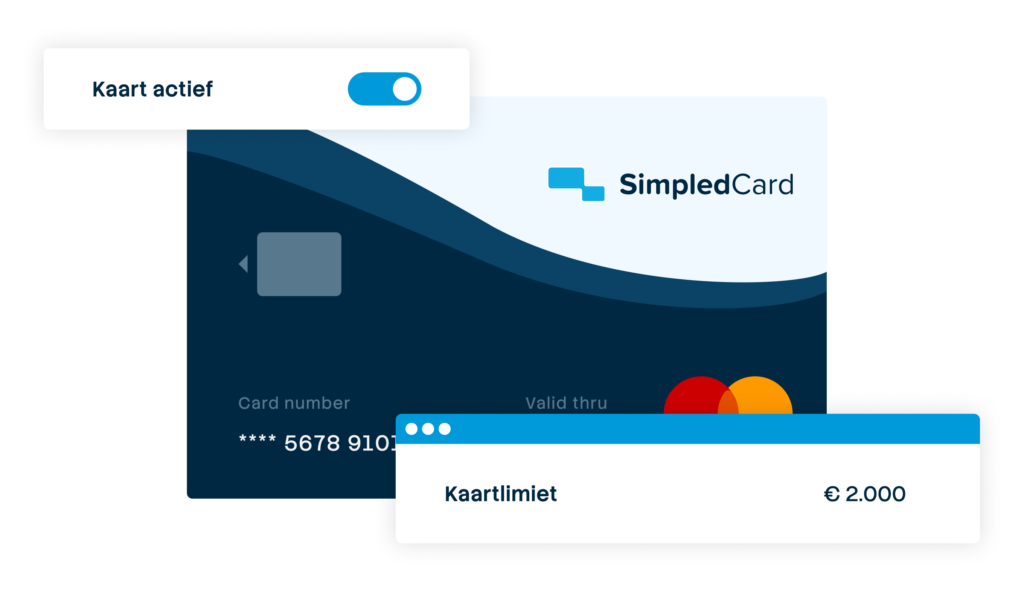

Give your team payment cards you manage yourself
Physical and virtual cards that you issue directly to employees or teams. Replace advances, cash and loose credit cards with one integrated solution.
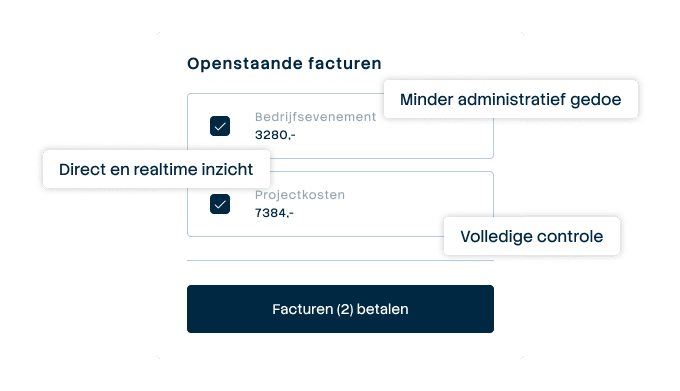

Pay suppliers without hassle, with full control
Upload the invoice, approve it according to your workflow and initiate payment through one transparent flow.
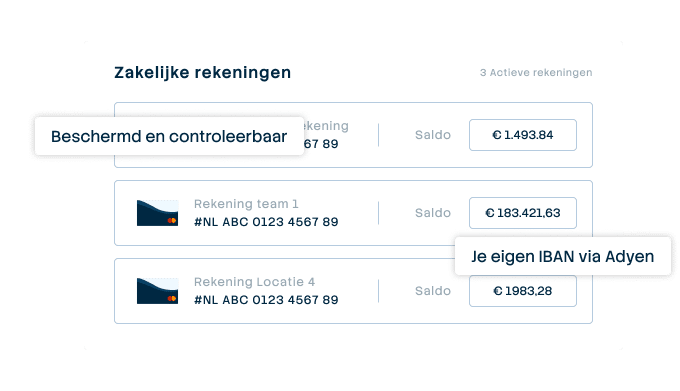

A business account that just works
Choose one or more Dutch IBANs provided by Adyen, linked to all your cards and payment flows. Easy to manage and Adyen's business account is covered by the deposit guarantee scheme.
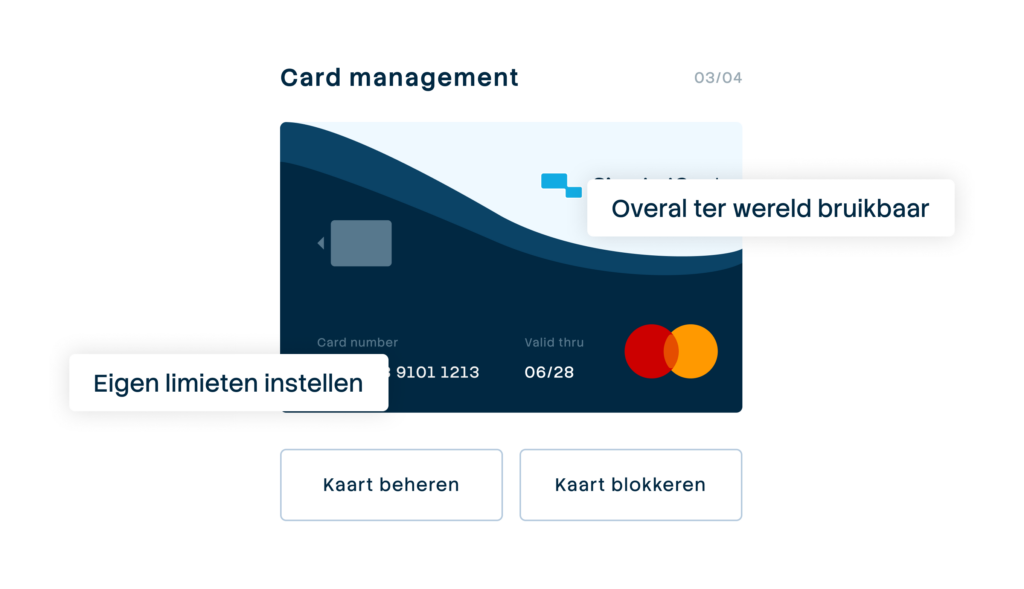

Your central platform for card and expense management
Full control over limits, allowed categories and budgets per employee, team or project. Set rules and let the system enforce them.
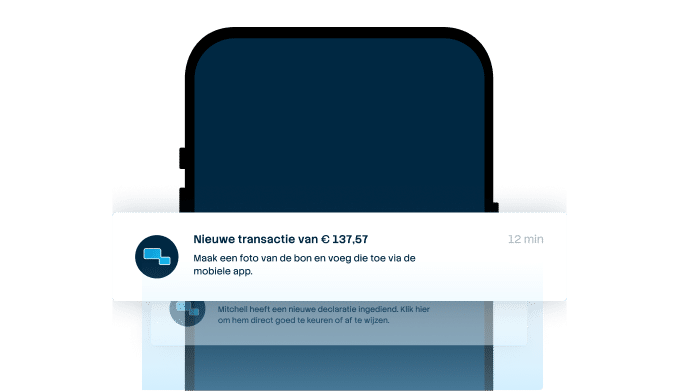

From receipt to claim. Wherever you are
Employees arrange their expenses on the go, while the finance team manages everything centrally. For iOS and Android.
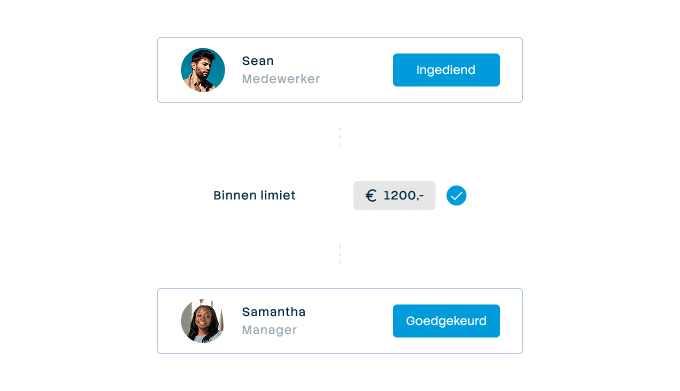

Approval rules that suit your organization
From simple one-step approval to multi-step approval with as many controllers as your organisation needs. Configure it once and let the system do the rest.
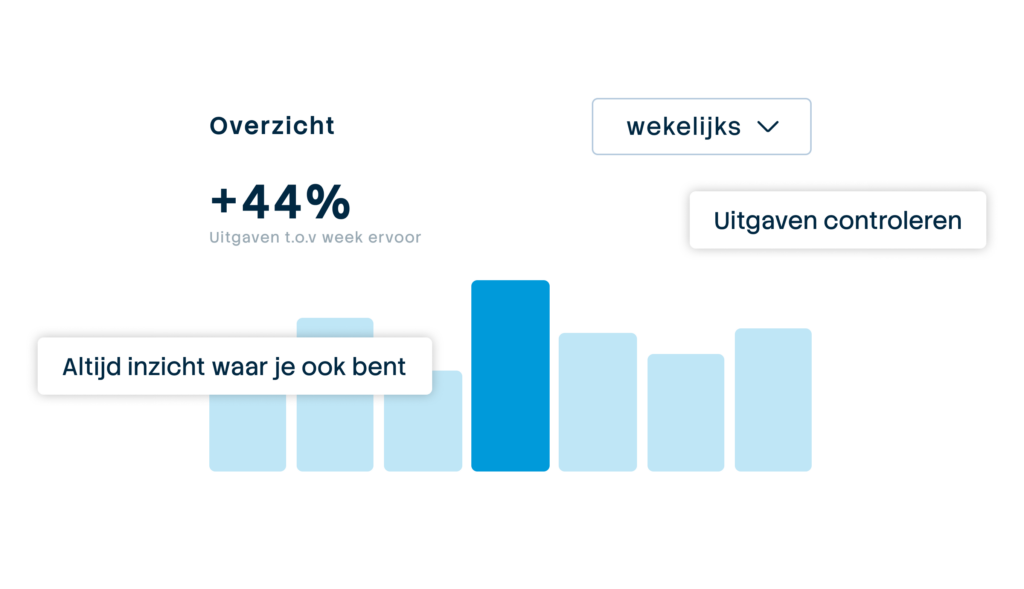

Always up-to-date insight into your business spend
See immediately where budgets are and which expenses are still outstanding. No more surprises at the month-end, but complete transparency.

Connect to the systems you already use
Accounting, ERP or invoice processing: SimpledCard connects to virtually any system organizations here use. From the big names to the packages only we seem to know.