




Blog overview
Start using SimpledCard immediately?
Check out our packages or contact one of our experts directly!
The tax authorities require you to keep all invoices you send or receive in your financial records. Just like employee receipts. A lot of administrative work. But nowadays, these invoices and receipts can also be stored digitally. You save a lot of time by digitising your administration.
Scanning receipts and tax authority retention period
Your receipts should be saved as you sent or received them. So digital invoices do not need to be printed, but saved digitally.
You may scan physical receipts and digital preservation. There must then be an accurate and complete reproduction of the original. If you meet the conditions, you do not need to keep the original receipts.
This allows you to fully digitise and maintain your financial records digitally and it is always at your fingertips.
Here's what you need to comply with:
❯ Transfer all data content correctly;
❯ Ensure that the new data carrier is available throughout the retention period;
❯ Check, reproduce and make converted data readable within a reasonable time;
❯ Keep the results of the internal audit.
Record-keeping obligations
By law, you are obliged to keep records and keep them for a certain period of time. This is also known as the tax retention obligation. All information about your organisation that you record on paper or digitally is part of the administration. These records in turn form the basis for the tax return you have to file.
It is important that you keep basic data for at least 7 years. This is the minimum retention period for organisations.
The basic data of an administration consists of:
- stock data;
- the general ledger;
- payroll administration;
- purchasing and sales data;
- accounts receivable and accounts payable.
Easily digitise your administration
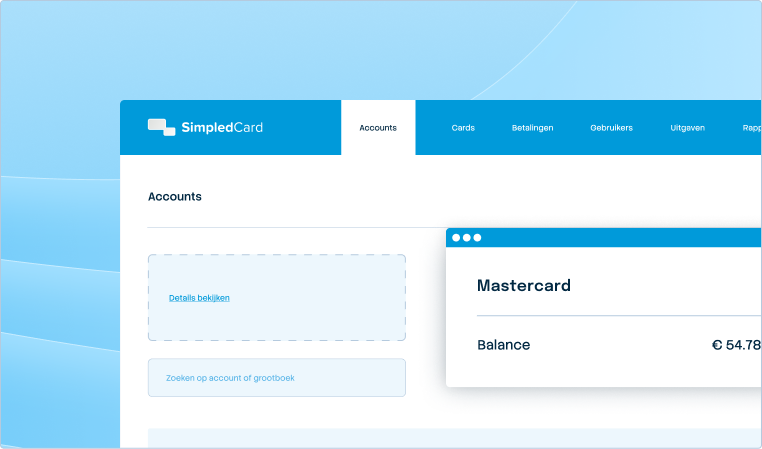
You can easily digitise your entire administration by using SimpledCard. Executed transactions are immediately visible in the transaction overview of the Card Management System and the mobile claim app.
Any questions about this article related to digitising receipts? Feel free to contact our team to find out how to digitise your payment and claims process.


Published on: October 6, 2015