

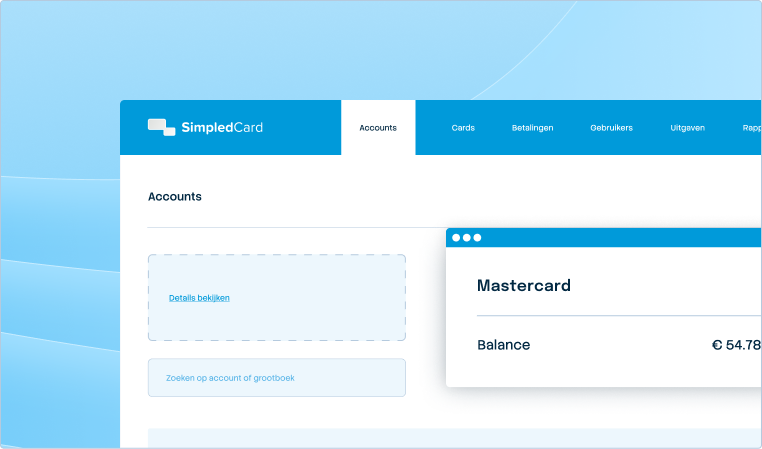



Integrate with your systems and automate your administration.
Connect SimpledCard to your accounting package and OCR software. From receipt to ledger, fully automated.







From expense to cost booking without manual work
Scanning receipts, retyping data and entering transactions manually costs your finance team a lot of time that could be better spent. With SimpledCard, you link expense management directly to your invoice processing software and accounting package so that everything is processed effortlessly.
Weekly budget
€ 2000,-

Accounting integrations
Link with AFAS, Exact Online, Twinfield and other Dutch accounting packages. Transactions and costs synchronise automatically with the correct codes.

Link with your invoice processing
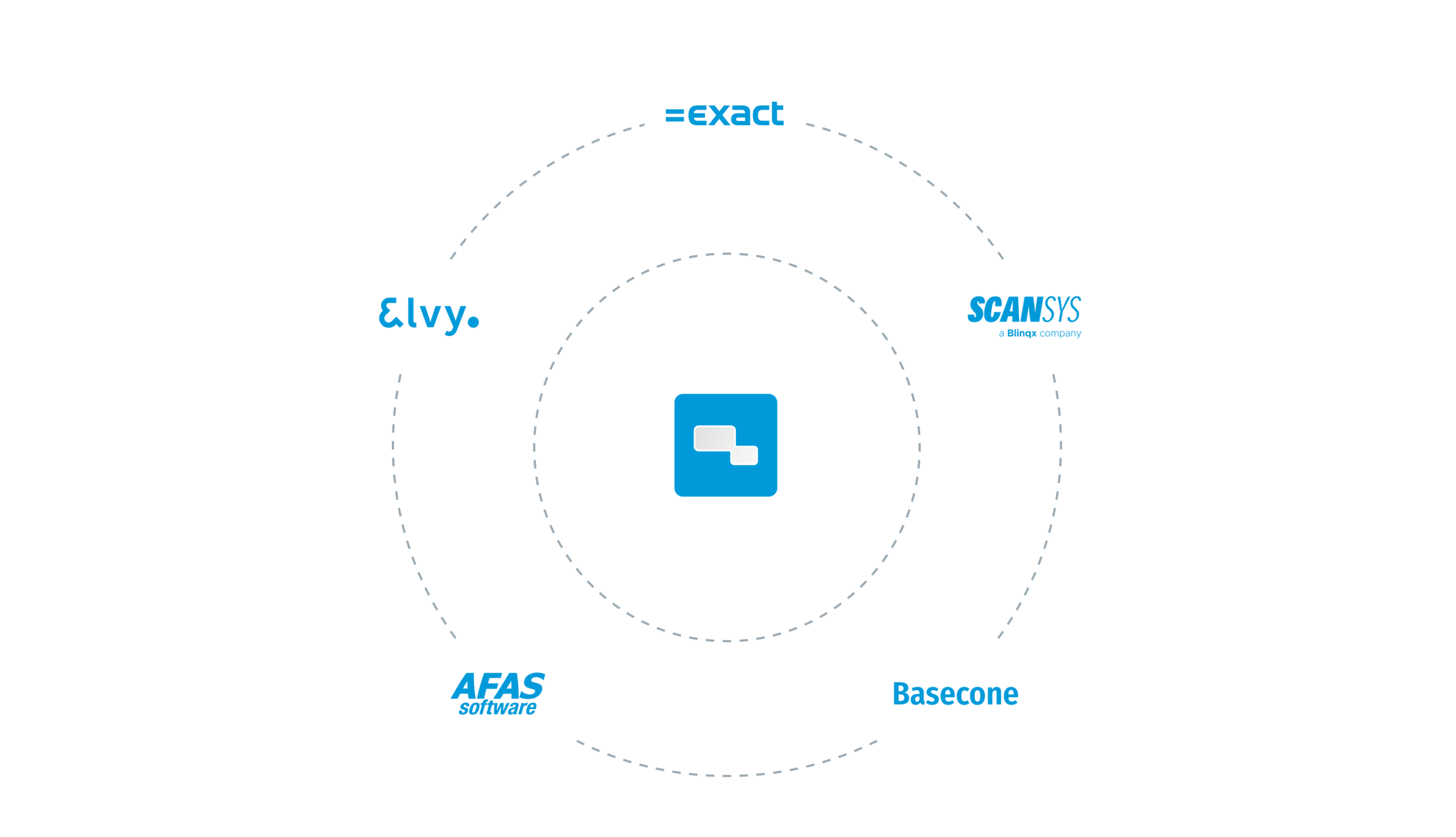
Connect to document software like Scan Sys. Receipts are automatically read and processed in your administration according to one uniform flow.

Always up to date
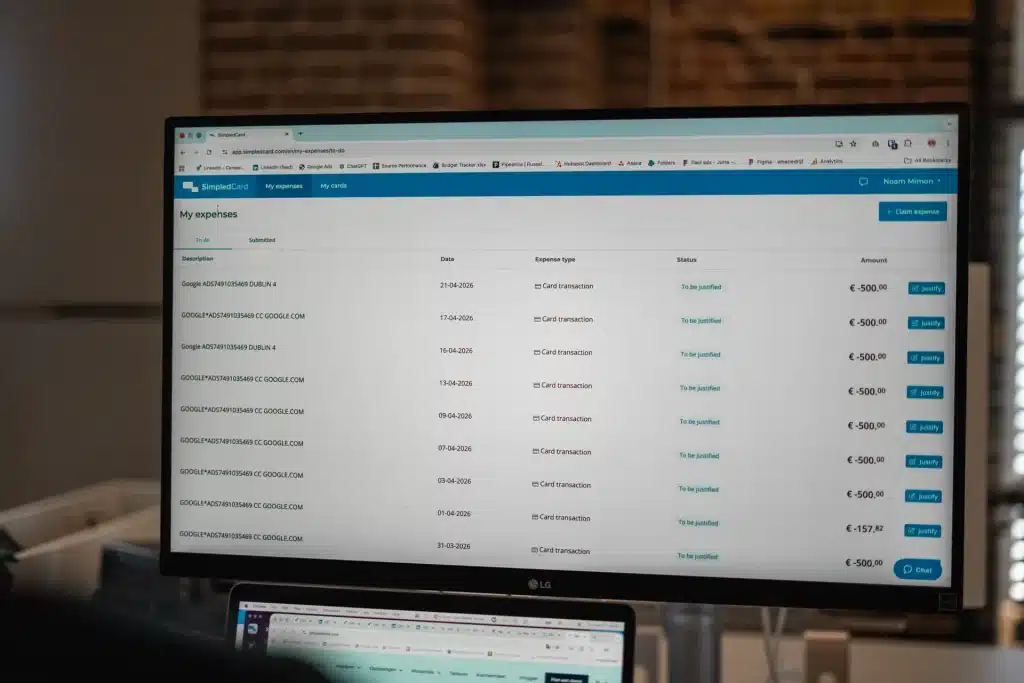
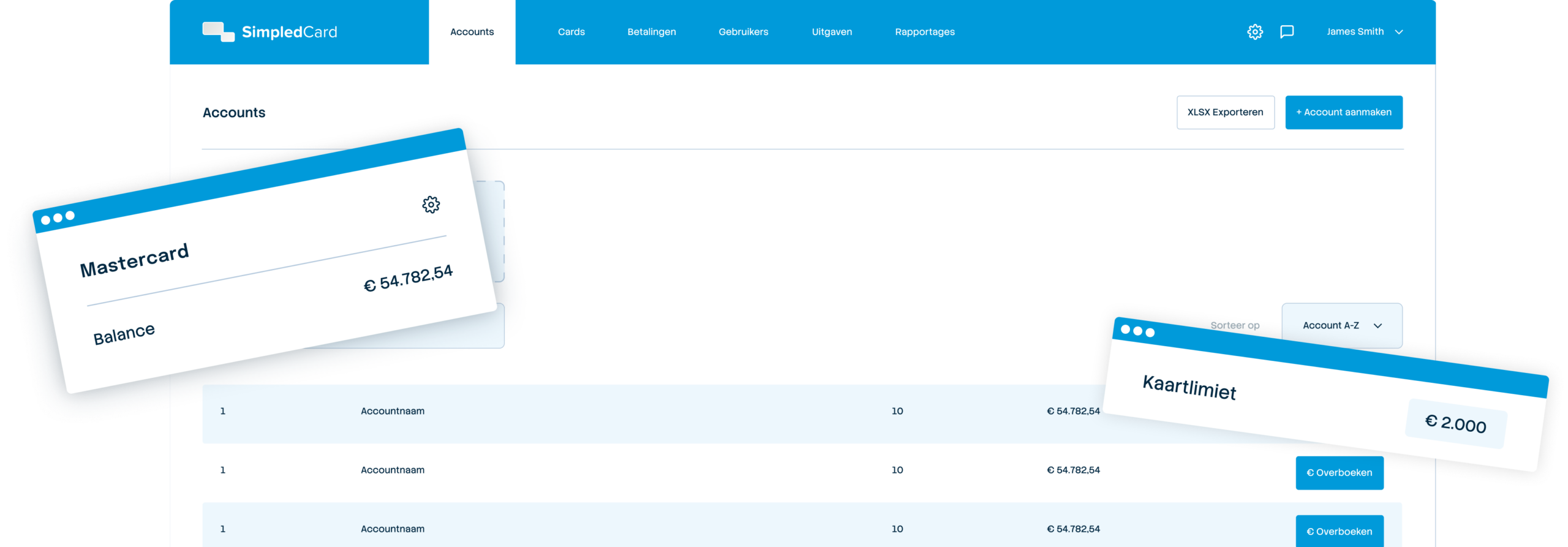
Access all movements in real time. Run a report on transactions, justifications and balances at any time.
From transaction to ledger, fully automated
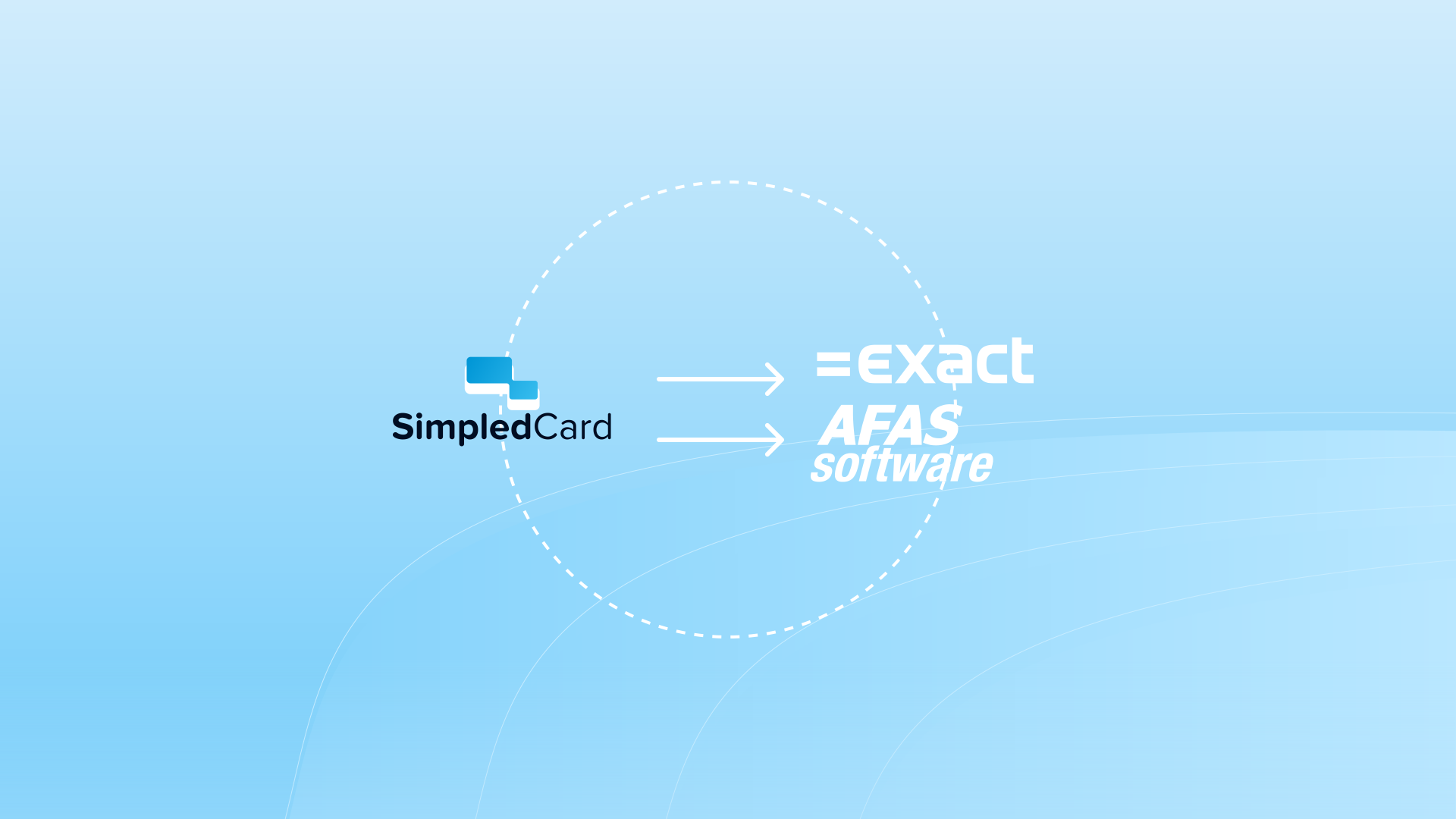
You set once which expenses go to which general ledger account. SimpledCard recognises the type of transaction and applies the appropriate rule. Refuelling? Automatically to fleet. Lunch with a customer? Directly to entertainment expenses. Every transaction and justification goes automatically to AFAS, Exact Online, Twinfield or another Dutch accounting package. Your finance team only has to check instead of enter. No double work, no typing errors and faster monthly closures.
Reading and processing invoices automatically
Link SimpledCard with document software like Scan Sys, Elvy or Basecone and invoices are automatically read. Amounts, VAT and supplier data are recognized and put directly into the correct fields. Employees only need to take a picture, the system does the rest. No manual retyping, no forgotten receipts and no errors due to poorly legible handwriting. The OCR software reads out, SimpledCard processes and your accounting package receives the complete information.
What our customers say
Thanks to SimpledCard, we have taken full control of our expenditure management. The real-time insights and automatic approvals save us a lot of time every day and ensure transparency within our team.
All teams now have payment cards to incur expenses. Budgets can be adjusted if required. All cash has now disappeared from the floor. Self-managed teams can effortlessly manage with SimpledCard.
The care teams account for expenses through the app, eliminating the need for us to manually enter hundreds of excel sheets. We can monitor expenditure in real time and intervene if necessary.
Claims are now always made digitally. We are up to date with processing expenses at project level a day later. The reservoir of advances and receipts has dried up thanks to SimpledCard.
How it works.
- 1. Link your systems
From the many accounting integrations, choose the package your organization uses and our Customer Success team will help you connect SimpledCard. If you already use an invoice processing system like Scan Sys, Elvy, Basecone, you can also connect to it.
- 2. Set your rules
Determine which expenses go to which general ledger accounts. SimpledCard automatically applies the correct posting rules once the justification is complete.
- 3. Receipts are processed automatically
Employees take a picture of the receipts. Cost types can be automatically assigned, and via SimpledCard, expenses are checked according to your own workflow.
- 3. Everything syncs automatically
With SimpledCard's API, transactions, receipts and claims go directly to your accounting package. With general ledger account, VAT splitting, cost centre and all required information.
Automate the administration of your business spend
Find out how SimpledCard connects your systems and saves your finance team hours a month.
Finance teams about SimpledCard
Frequently asked questions
- Which accounting systems does SimpledCard integrate with?
SimpledCard integrates directly with Exact Online, AFAS and Twinfield. These are the most widely used accounting systems in the Netherlands. The API links are ready-made and require no technical knowledge to set up. You activate the integration with just a few clicks in the platform. In addition, SimpledCard offers tailor-made reports for all known ERP and accounting packages, which you easily import yourself at the end of the month.
- How does integration with my accounting system work?
You link SimpledCard once to your accounting system. Our customer support team helps you set up this link. You set up your accounting structure and determine which cost centres and general ledger accounts are used. Then everything is ready to synchronise all your employee expenses directly with your accounting system.
- What is automatically synchronized?
With the APIs, all transaction data, receipts, VAT information and cost type allocations synchronise automatically. Approval status and any notes on transactions are also included. You get a complete dataset in your accounts without manual input.
- Do I still need to manually enter data after integration?
No, manual entry is no longer necessary. Transactions, expense entries and VAT information appear automatically in your accounts. You only need to perform occasional control steps. This saves your team considerable time normally spent on expense processing.
- Does SimpledCard also support integrations other than accounting packages?
Yes, SimpledCard also links with scan and recognition software such as Scan Sys, Elvy and Basecone. In addition, you export data to Excel through CSV or other formats for use in BI tools or reporting systems. This gives you flexibility to create analyses in the tools you already use.
- How do I export data from SimpledCard?
You generate exports directly from the dashboard with one click. Choose your desired period, filters and export format. The export is ready to download within seconds. You can do this daily, weekly or monthly, depending on your reporting needs.
- Are general ledger accounts allocated automatically?
Yes, you set once which general ledger accounts and expense types are linked to which categories. SimpledCard uses these rules to automatically assign each transaction the correct general ledger account. This ensures consistent and correct entries without human intervention.
- How often does SimpledCard synchronize with my accounts?
Depending on your needs, you can perform the synchronisations daily, weekly or monthly. You decide when to activate the exports. All transactions, expense entries, VAT information and balances are then transferred to your accounting system. With the APIs, you also get the receipts immediately.
Your platform for
simple spend management

Give your team payment cards you manage yourself
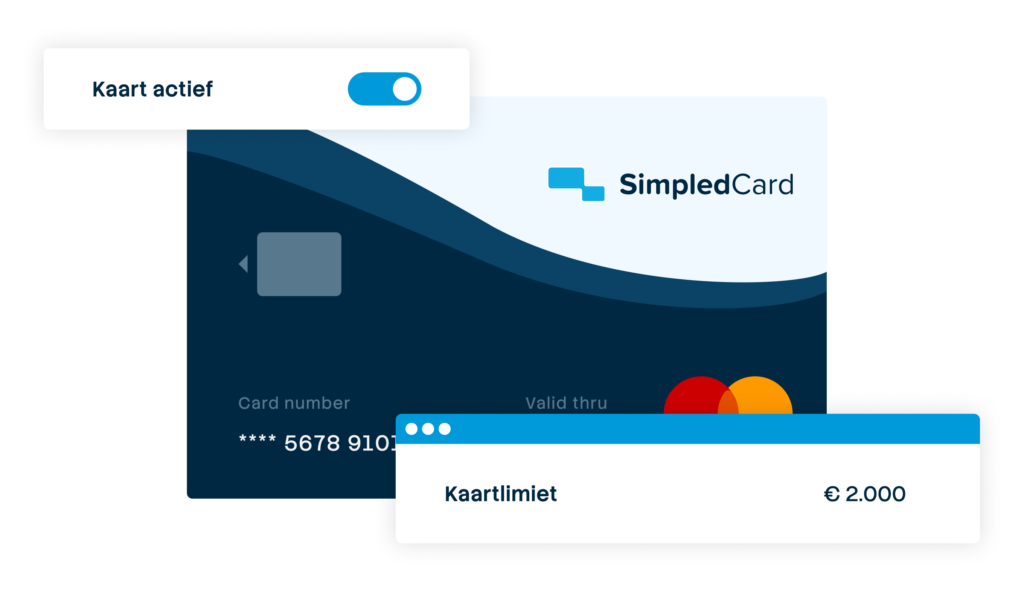
Physical and virtual cards that you issue directly to employees or teams. Replace advances, cash and loose credit cards with one integrated solution.

Settling expense claims in minutes
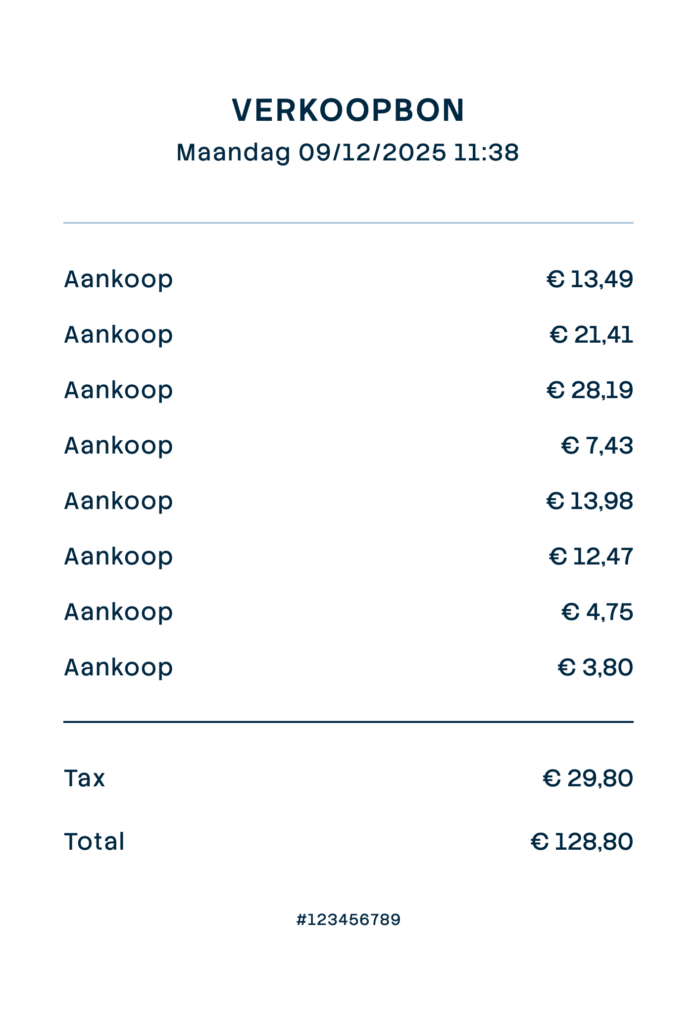
Employees photograph the receipt and add a short explanation. Process claims in one minute, without paperwork or red tape.
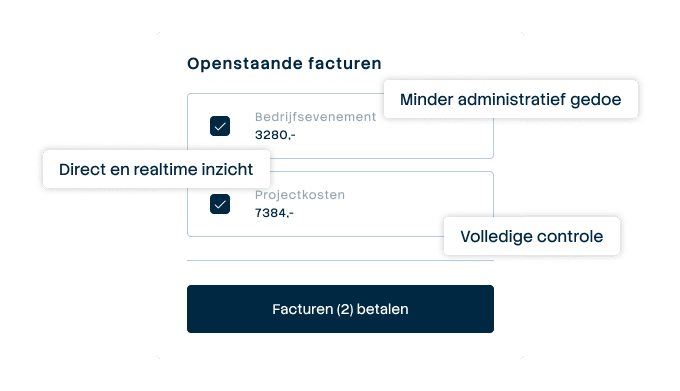
Pay suppliers without hassle, with full control
Upload the invoice, approve it according to your workflow and initiate payment through one transparent flow.
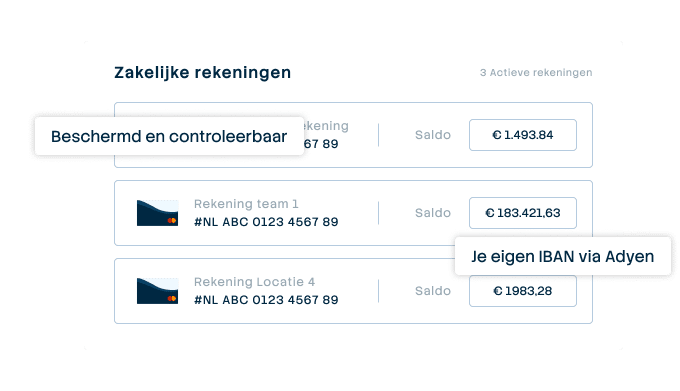

A business account that just works
Choose one or more Dutch IBANs provided by Adyen, linked to all your cards and payment flows. Easy to manage and Adyen's business account is covered by the deposit guarantee scheme.
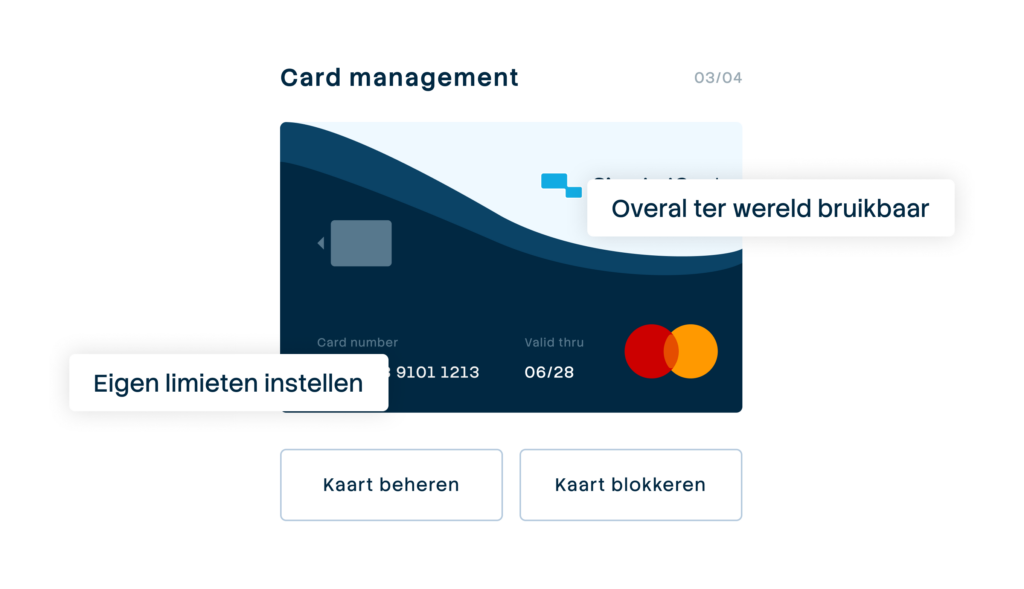

Your central platform for card and expense management
Full control over limits, allowed categories and budgets per employee, team or project. Set rules and let the system enforce them.
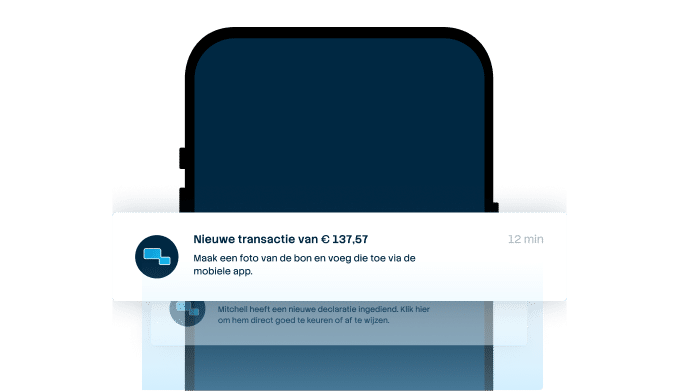

From receipt to claim. Wherever you are
Employees arrange their expenses on the go, while the finance team manages everything centrally. For iOS and Android.
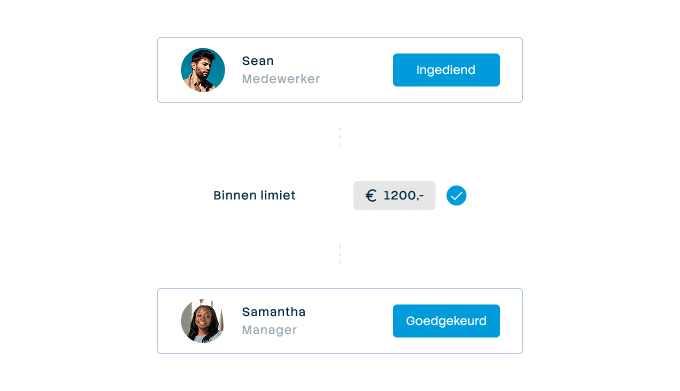

Approval rules that suit your organization
From simple one-step approval to multi-step approval with as many controllers as your organisation needs. Configure it once and let the system do the rest.
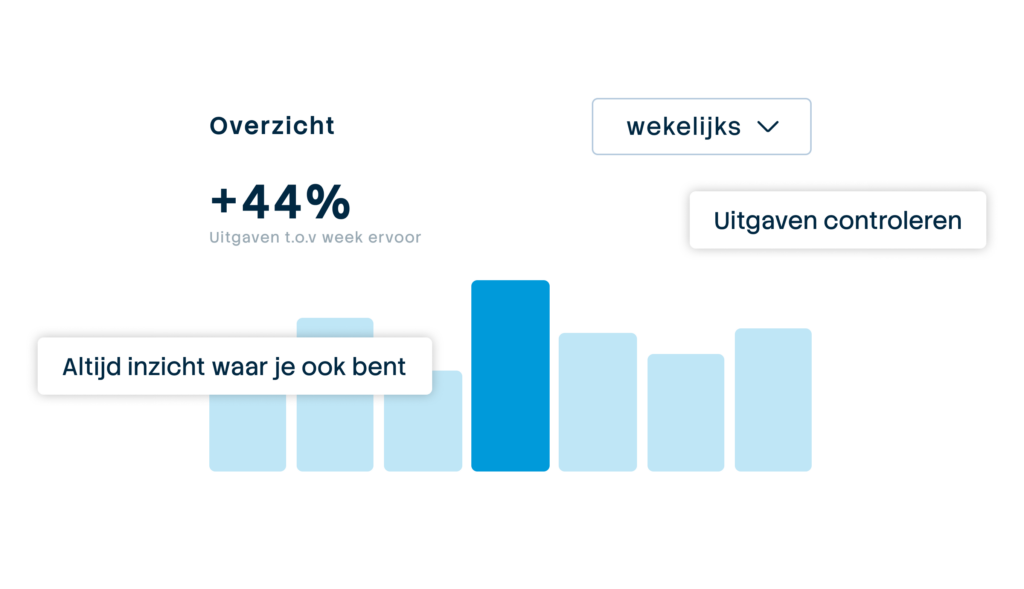

Always up-to-date insight into your business spend
See immediately where budgets are and which expenses are still outstanding. No more surprises at the month-end, but complete transparency.